


Let Me Eat :Big fish eat small
Play on PC with BlueStacks – the Android Gaming Platform, trusted by 500M+ gamers.

Page Modified on: Nov 16, 2025
Main Let Me Eat :Big fish eat small on PC
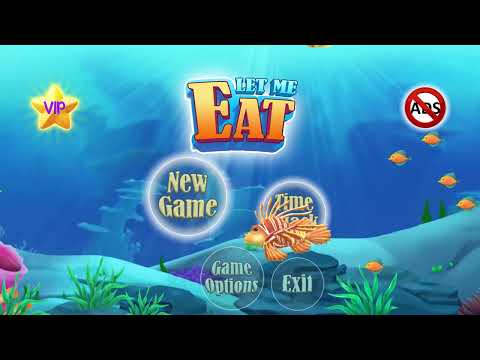
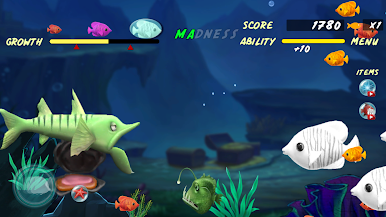
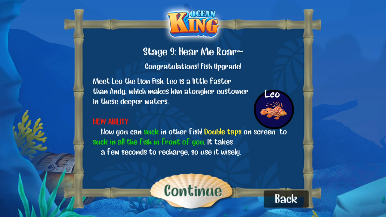
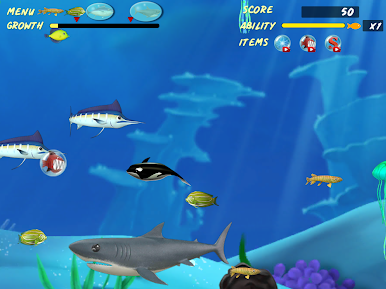
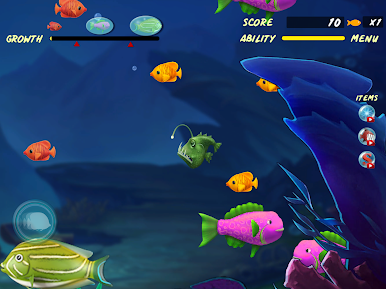
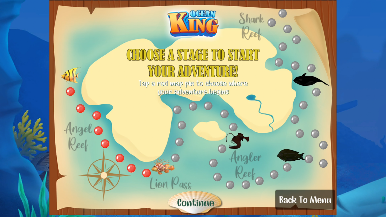
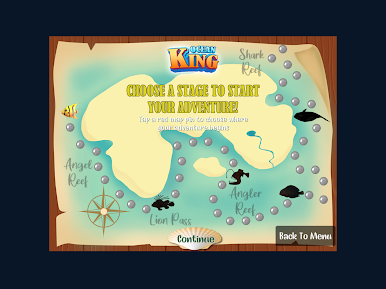
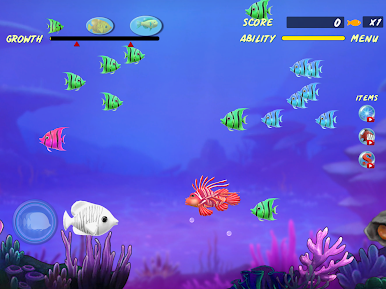
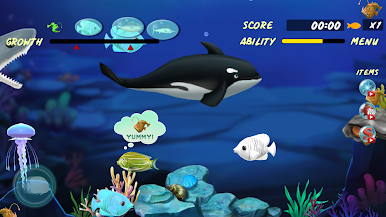
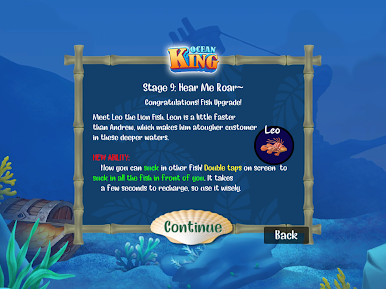
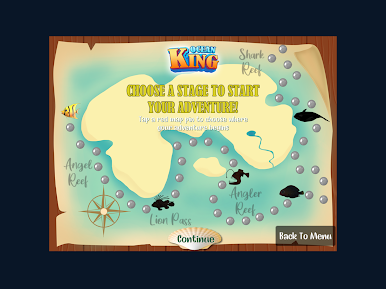
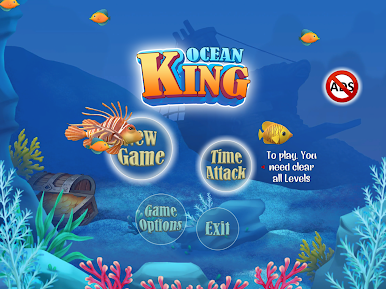
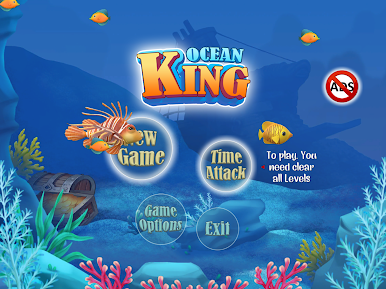
In Let Me Eat: Big fish eat small, you control a hungry marine predator intent on munching as many other fish as possible. During the course of the game's 40 levels, you will switch off between 5 marine animals. The last level is where they attempt to dethrone a large shark, the "Ocean King", using Orcinus the Orca.
Explore underwater worlds filled with delicious and exotic creatures!
Collect and evolve the fish to become new powerful Predator!!!
FEATURES:
• Many Ocean secrets, items, skills of player to try.
• Free to play
• Amazing graphics
• Very excited gameplay
• Easy and smooth controls included 2 type : JoyStick & Swipe.
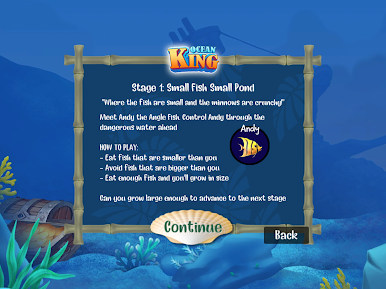
HOW TO PLAY:
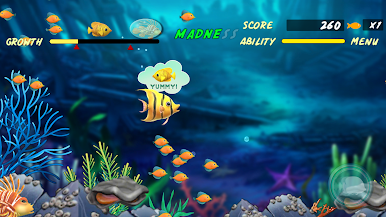
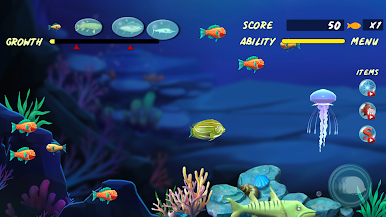
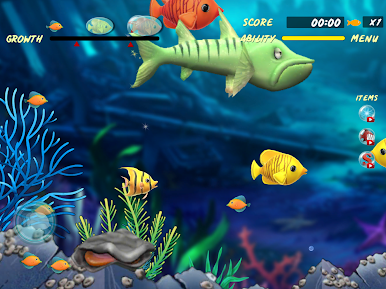
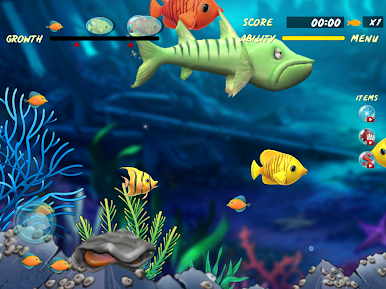
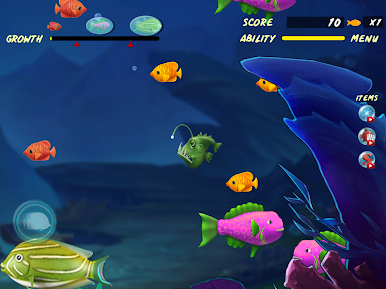
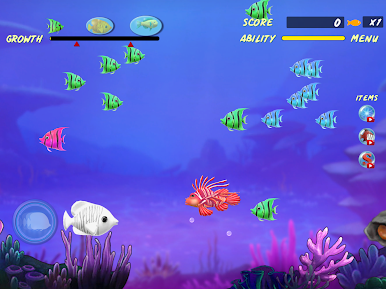
• Control a player intent on munching as many other fish as possible.
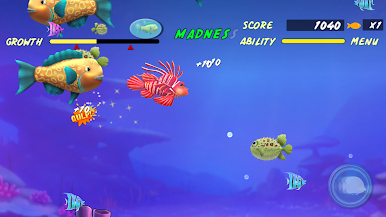
• As smaller fish are eaten, the player's own fish grows in size and becomes capable of eating somewhat larger fish.
privacy:
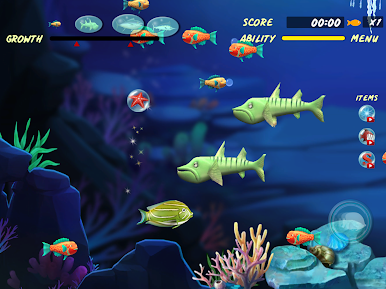
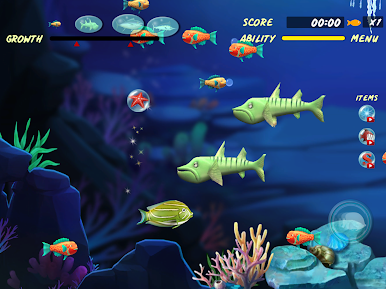
•By the end of each level, the player fish is sufficiently large enough that it can eat almost anything on-screen. You must be vigilant for hazards which include depth charges, larger predators, naval mines, radiation-poisoned fish, and jellyfish.
*Thank you everyone who played Feeding Frenzy : Big fish eat small from us!
Play Let Me Eat :Big fish eat small on PC. It’s easy to get started.
-
Download and install BlueStacks on your PC
-
Complete Google sign-in to access the Play Store, or do it later
-
Look for Let Me Eat :Big fish eat small in the search bar at the top right corner
-
Click to install Let Me Eat :Big fish eat small from the search results
-
Complete Google sign-in (if you skipped step 2) to install Let Me Eat :Big fish eat small
-
Click the Let Me Eat :Big fish eat small icon on the home screen to start playing

