


Ragnarok: Rebirth
Play on PC with BlueStacks – the Android Gaming Platform, trusted by 500M+ gamers.

Page Modified on: Jul 8, 2026
Main Ragnarok: Rebirth on PC
Midgard is back — rebuilt from the ground up, and it feels exactly like you remember.
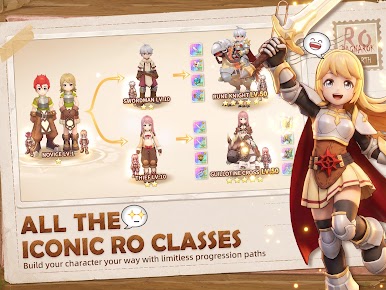
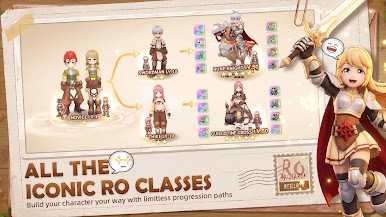
Six Classes
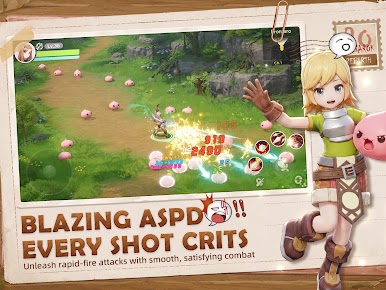
Relive the maps, the monsters, the madness. Six iconic classes return, and this time there are no locked paths. Customize your skills, switch jobs freely, and build the character you always wanted to play.
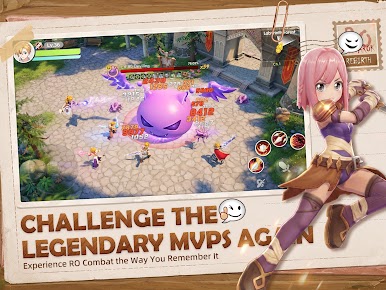
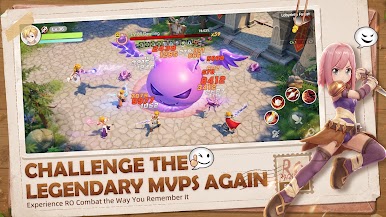
MVP Hunt
MVPs aren't just bosses here — they're your hunting grounds. Take them down and walk away with rare cards, exclusive headgear, and loot that actually means something on the server.
Serverwide Auctions
Rare gear enters Diamond Auctions, with open bidding, secret bids, and final PK rounds. Watch intense serverwide auctions, send gifts to cheer bidders on, and see who claims the legendary loot.
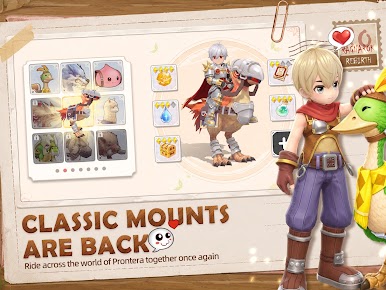
Pet Dispatch EXP
Send your pets on dispatch, close the app, and come back to EXP for your character. No monster grinding for levels — your pet squad does the leveling work for you.
Play Your Way
Portrait or landscape — switch in one second. Whether you have five minutes or five hours, the game fits around you.
The legend you grew up with. Reborn.
Your guild is waiting.



Play Ragnarok: Rebirth on PC. It’s easy to get started.
-
Download and install BlueStacks on your PC
-
Complete Google sign-in to access the Play Store, or do it later
-
Look for Ragnarok: Rebirth in the search bar at the top right corner
-
Click to install Ragnarok: Rebirth from the search results
-
Complete Google sign-in (if you skipped step 2) to install Ragnarok: Rebirth
-
Click the Ragnarok: Rebirth icon on the home screen to start playing

