


Ghostly Halloween Jigsaw
Play on PC with BlueStacks – the Android Gaming Platform, trusted by 500M+ gamers.

Page Modified on: Sep 9, 2026
Play Ghostly Halloween Jigsaw on PC or Mac
Explore a whole new adventure with Ghostly Halloween Jigsaw, a Puzzle game created by LoveColoring Game. Experience great gameplay with BlueStacks, the most popular gaming platform to play Android games on your PC or Mac.
About the Game
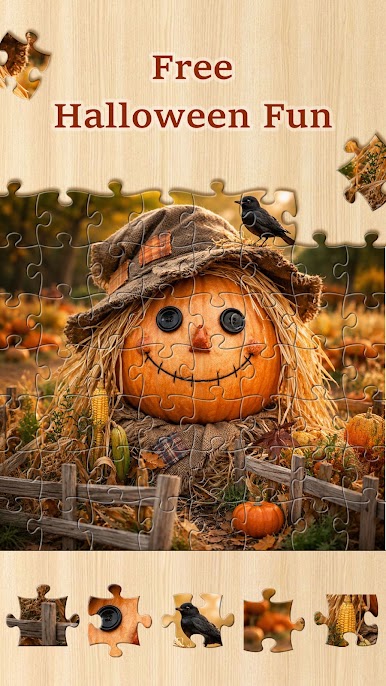
Ghostly Halloween Jigsaw is a cozy-scary Puzzle fix where you piece together moody, moonlit scenes packed with ghosts, pumpkins, and creaky castles. It’s perfect for quick breaks or long, late-night sessions—the kind where you tell yourself “just one more” as each image slowly reveals its secrets. Prefer a larger view? You can also play it comfortably on PC with BlueStacks.
Game Features
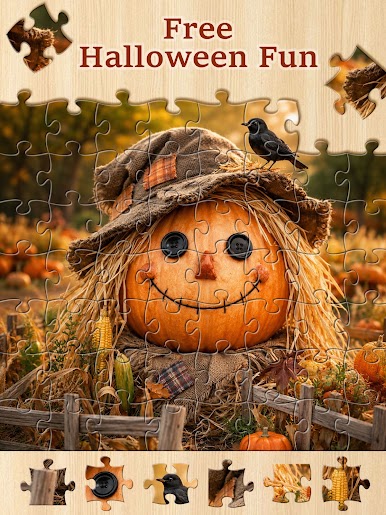
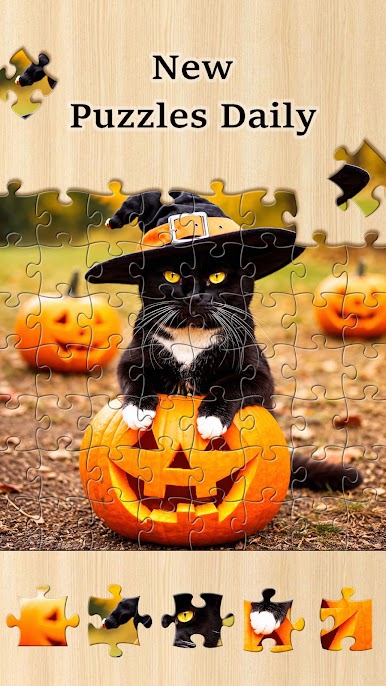
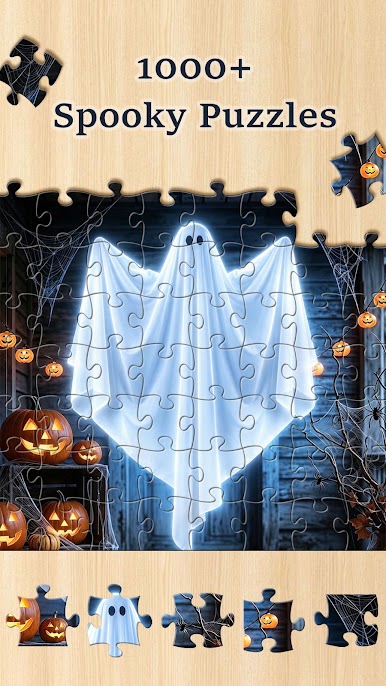
- Massive Haunted Gallery: Work through more than a thousand Halloween images, from glowing apparitions and crooked scarecrows to witchy cats and brooding castles.
- Smooth Drag-and-Drop: Move pieces with simple, satisfying controls that make it easy to frame edges, group by color, and click together those odd shapes.
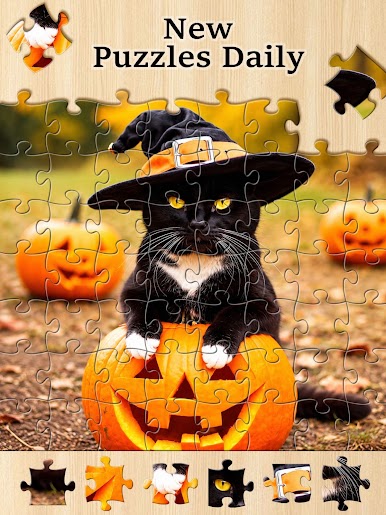
- Daily Fresh Scenes: New art lands every day, so there’s always another eerie tableau waiting when you return.
- From Cute to Creepy: Swap between lighthearted pumpkins and darker, gothic vibes—play to match whatever mood you’re in.
- Visual Clues That Click: Follow color gradients, silhouettes, and small details hidden in the artwork to find the right spot faster.
- Play at Your Own Pace: Unwind with soothing, full-screen artwork and that crisp snap when a piece locks—no rush, just a steady rhythm.
- Quick Sessions or Long Sits: Knock out a small scene before bed or settle in for a longer build when you’ve got the time.
- Big-Screen Friendly with BlueStacks: Want a larger canvas and mouse control? Put the pieces together on your PC using BlueStacks.
Get ready for a buttery smooth, high-performance gaming action only on BlueStacks.





Play Ghostly Halloween Jigsaw on PC. It’s easy to get started.
-
Download and install BlueStacks on your PC
-
Complete Google sign-in to access the Play Store, or do it later
-
Look for Ghostly Halloween Jigsaw in the search bar at the top right corner
-
Click to install Ghostly Halloween Jigsaw from the search results
-
Complete Google sign-in (if you skipped step 2) to install Ghostly Halloween Jigsaw
-
Click the Ghostly Halloween Jigsaw icon on the home screen to start playing

