


giffgaff
Play on PC with BlueStacks – the Android Gaming Platform, trusted by 500M+ gamers.

Page Modified on: Sep 9, 2026
Play giffgaff on PC
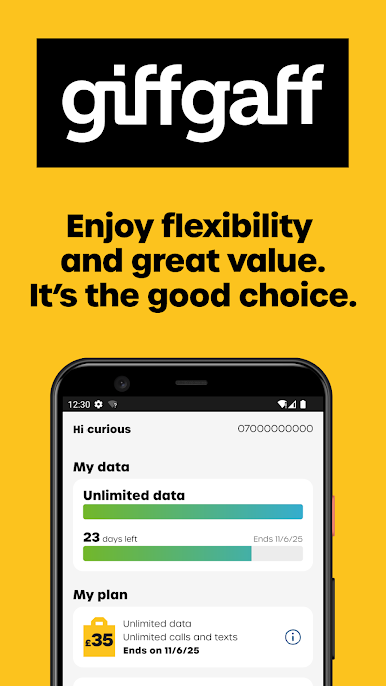
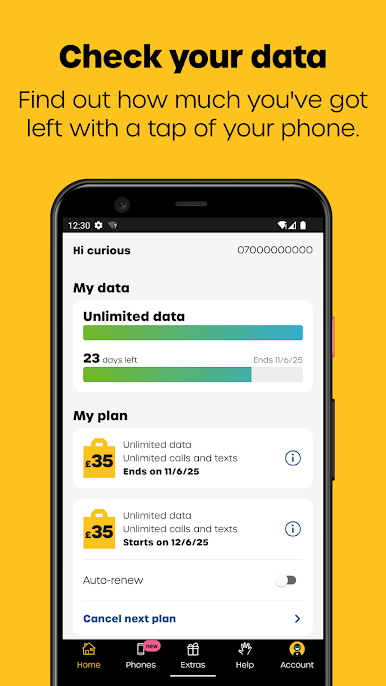
- Check how much data you have left
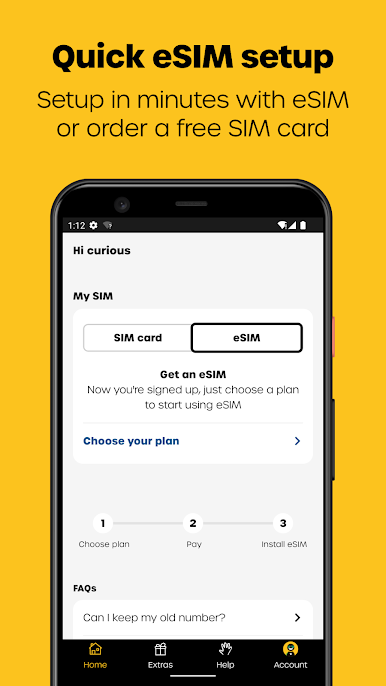
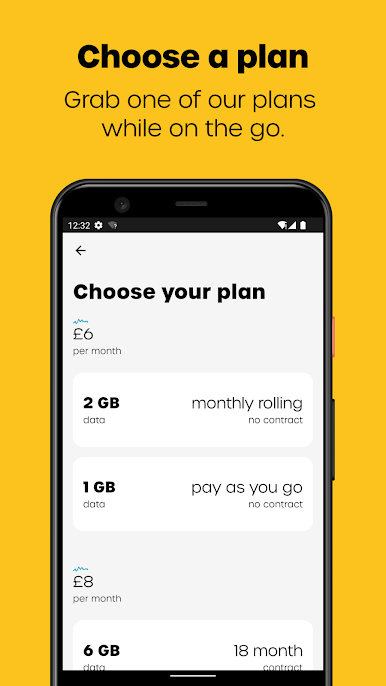
- Buy or recur a plan
- Keep an eye on when your plan expires
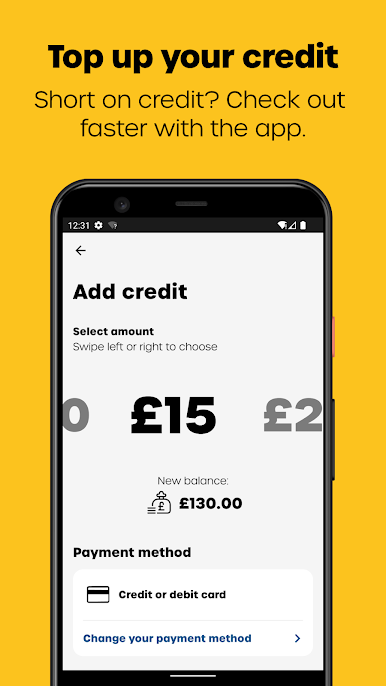
- Add credit or turn on auto top up
- Pay with a saved card or PayPal
- Redeem a voucher
- Access the community
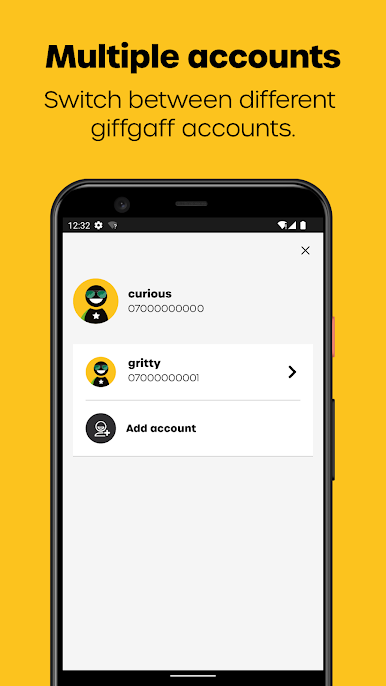
- Add multiple giffgaff accounts
- Access thousands of WiFi hotspots across the UK with WiFi Extra
You'll need your giffgaff member name and password to log in. If you're new to giffgaff, order your free SIM card now: https://www.giffgaff.com/orders/free-sim
Play giffgaff on PC. It’s easy to get started.
-
Download and install BlueStacks on your PC
-
Complete Google sign-in to access the Play Store, or do it later
-
Look for giffgaff in the search bar at the top right corner
-
Click to install giffgaff from the search results
-
Complete Google sign-in (if you skipped step 2) to install giffgaff
-
Click the giffgaff icon on the home screen to start playing

