


Lootmare Hunt
Play on PC with BlueStacks – the Android Gaming Platform, trusted by 500M+ gamers.

Page Modified on: Sep 18, 2026
Play Lootmare Hunt on PC
Scavenge:
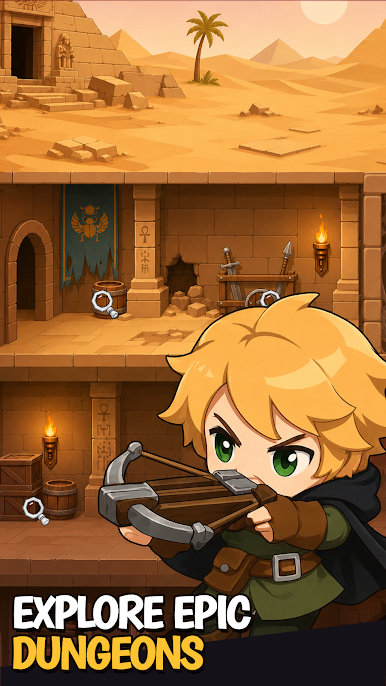
Venture into corrupted cathedrals, demon-infested dungeons, or crumbling wizard towers to search for legendary weapons, enchanted armor, health potions, and forbidden artifacts. Every expedition is fraught with unknowns and risks—the deeper you go, the darker the horrors that await.
Fight:
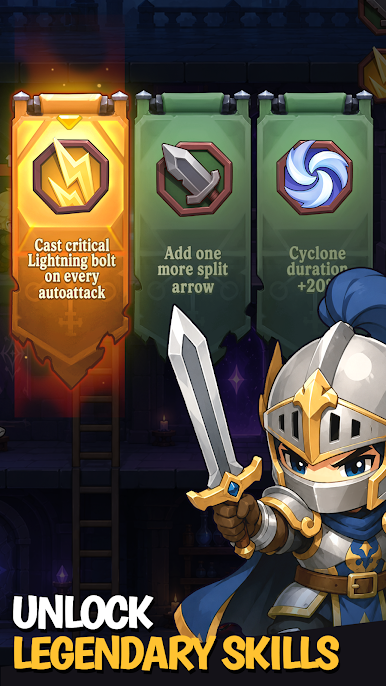
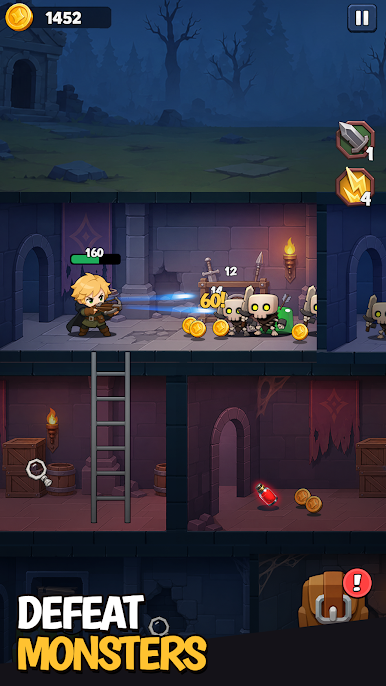
When ambushed by demonic swarms, unleash the power of your found weapons and spells. Master brutal melee combos, devastating ranged attacks, and arcane magic to carve a path through the underworld. Every enemy slain drops a choice—will you take their dark power or destroy it?
Extract:
Carry your loot to the ancient extraction portal before the dimensional rift closes. This is the ultimate test of your strategy and judgment—do you greedily delve deeper for greater treasures, or know when to cut your losses and escape with your soul intact?
Play Lootmare Hunt on PC. It’s easy to get started.
-
Download and install BlueStacks on your PC
-
Complete Google sign-in to access the Play Store, or do it later
-
Look for Lootmare Hunt in the search bar at the top right corner
-
Click to install Lootmare Hunt from the search results
-
Complete Google sign-in (if you skipped step 2) to install Lootmare Hunt
-
Click the Lootmare Hunt icon on the home screen to start playing

