

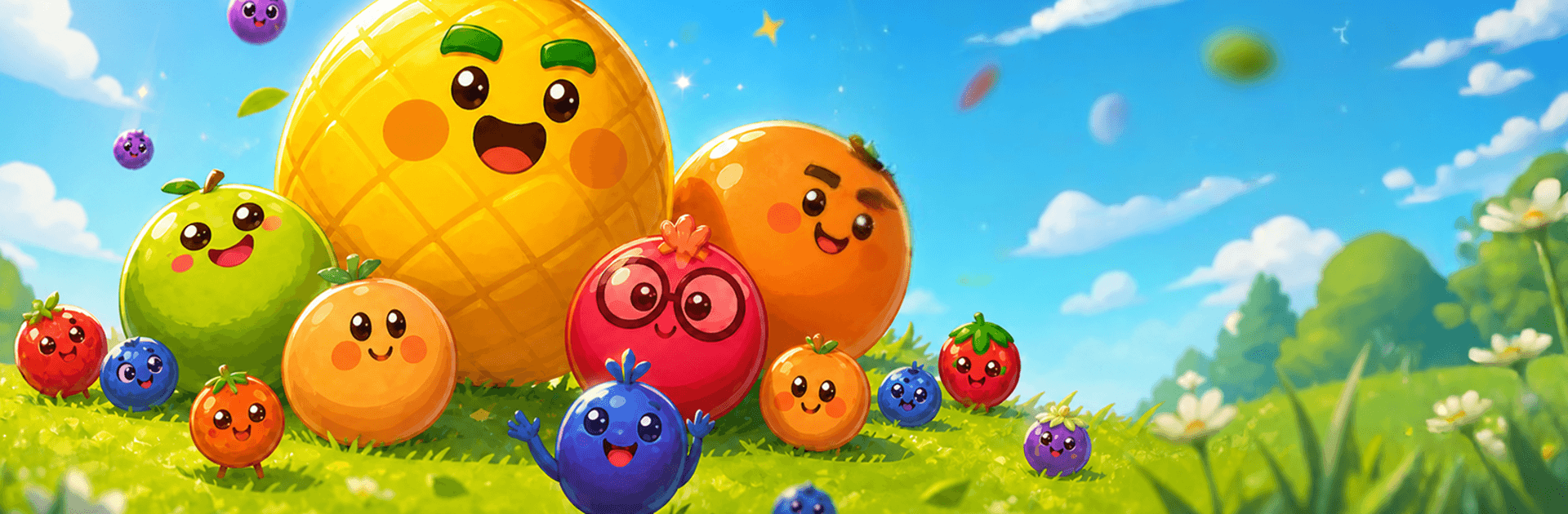
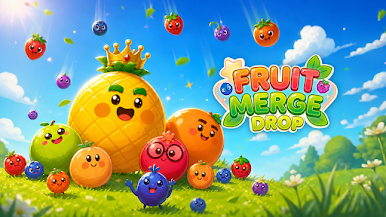
Fruit Merge Drop
Play on PC with BlueStacks – the Android Gaming Platform, trusted by 500M+ gamers.

Page Modified on: Aug 25, 2026
Play Fruit Merge Drop on PC or Mac
Step into the World of Fruit Merge Drop, a thrilling Puzzle game from the house of Gimica GmbH. Play this Android game on BlueStacks App Player and experience immersive gaming on PC or Mac.
About the Game
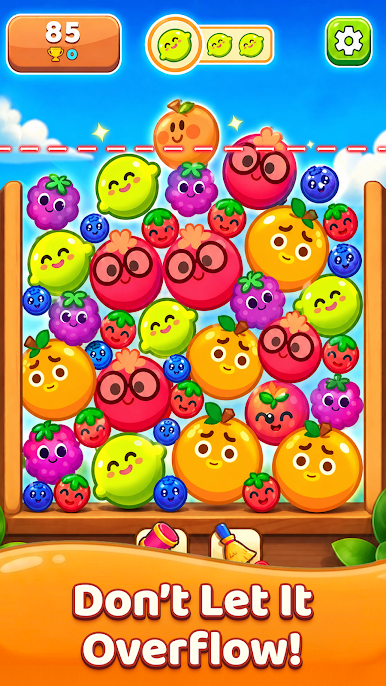
Fruit Merge Drop is a laid-back Puzzle that’s all about smart drops and oddly satisfying merges. You’re guiding bouncy pieces of fruit into a box, nudging them into place so matching ones touch and evolve into something bigger—and juicier. It’s quick to learn, but the board fills up fast, so every drop matters. Prefer a bigger screen? It plays nicely on BlueStacks too.
Game Features
- Easy drop controls: Pick a spot, release the fruit, and watch it tumble—clean, responsive inputs make each move feel precise.
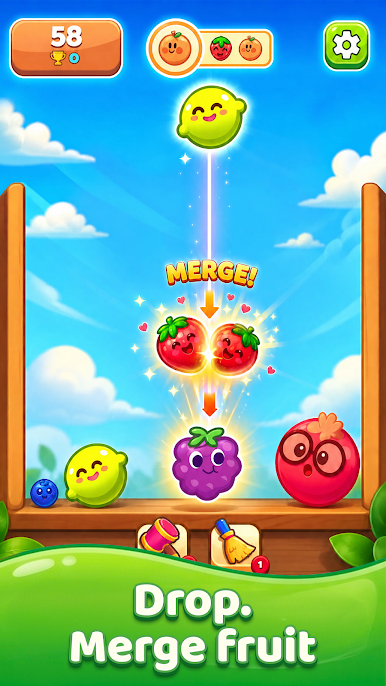
- Satisfying merges: Match two of the same fruit to create a larger variety and rack up more points with each upgrade.
- Playful physics: Fruits bounce, roll, and settle in surprising ways, so angle and timing can turn a near-miss into a perfect fit.
- Combo chains: Set up clever placements that trigger back-to-back merges for big score bursts and awesome cascades.
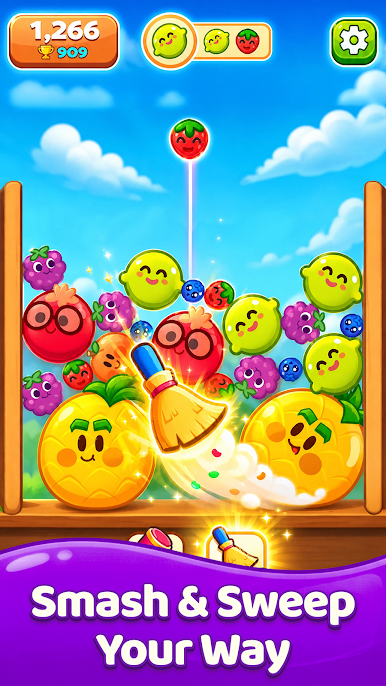
- Space-saving tools: When the box gets crowded, pop helpful items to clear room and rescue a run that’s on the brink.
- Big-fruit chase: Keep merging your way up the fruit ladder and aim for the biggest showstopper on the board.
- Bright, cheerful vibe: Colorful art and expressive fruit faces keep the mood light, even when the stack is inches from the line.
- Short hops or long hauls: Squeeze in a quick round or settle in for a high-score push—both styles feel great.
BlueStacks gives you more room to focus on the game and less time adjusting around mobile limitations.
Play Fruit Merge Drop on PC. It’s easy to get started.
-
Download and install BlueStacks on your PC
-
Complete Google sign-in to access the Play Store, or do it later
-
Look for Fruit Merge Drop in the search bar at the top right corner
-
Click to install Fruit Merge Drop from the search results
-
Complete Google sign-in (if you skipped step 2) to install Fruit Merge Drop
-
Click the Fruit Merge Drop icon on the home screen to start playing

