


Hop In One
Play on PC with BlueStacks – the Android Gaming Platform, trusted by 500M+ gamers.

Page Modified on: Nov 3, 2026
Play Hop In One on PC
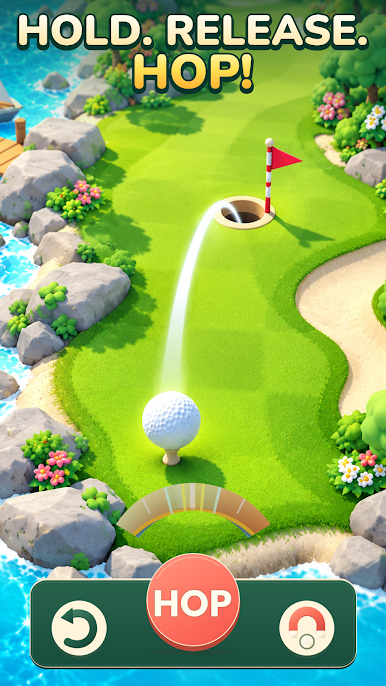
Take a fresh approach to golf in Hop In One. Hold to prepare your shot, release to send the ball hopping, and aim for the hole across colorful courses. A little patience and a well-timed release can make all the difference.
HOLD. RELEASE. HOP.
Get a feel for each shot and find the right moment to let go. Clear the gap, land on the green, and chase the satisfaction of a hole in one.
FIND YOUR WAY TO THE FLAG
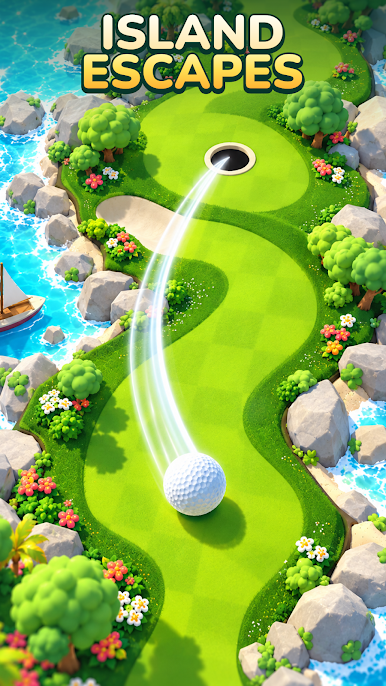
Read the course before you hop. Winding fairways, sandy bunkers, and water crossings give you plenty to think about as you work toward a lower score. Will you play it carefully or go straight for the hole?
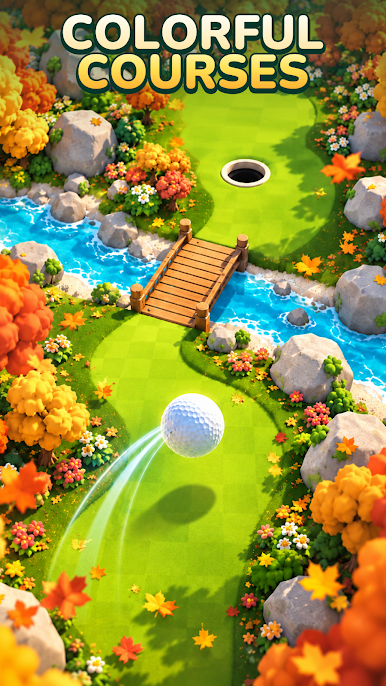
EXPLORE COLORFUL COURSES
Hop through sunny island greens, autumn landscapes, and rocky highland fairways. Each setting brings a new backdrop to your next shot, from bright coastal waters to paths lined with golden leaves.
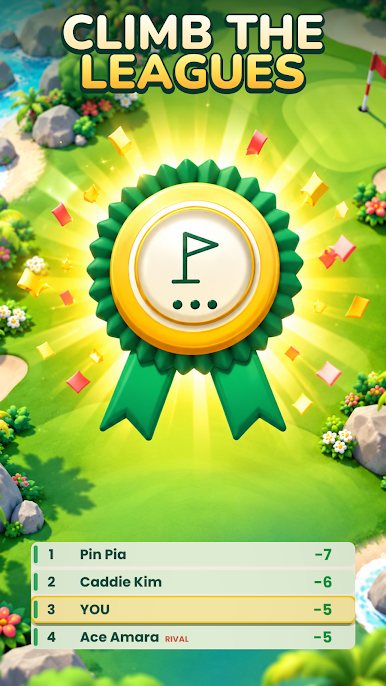
CLIMB THE LEAGUES
Put your precision to the test, move up the standings, and work toward promotion. Keep an eye on your rivals as you try to finish each round with fewer shots.
MAKE THE NEXT HOP COUNT
Enjoy simple hold-and-release controls, sharpen your timing, and turn a promising shot into a satisfying finish.
The flag is waiting. Can you hop it in one?




Play Hop In One on PC. It’s easy to get started.
-
Download and install BlueStacks on your PC
-
Complete Google sign-in to access the Play Store, or do it later
-
Look for Hop In One in the search bar at the top right corner
-
Click to install Hop In One from the search results
-
Complete Google sign-in (if you skipped step 2) to install Hop In One
-
Click the Hop In One icon on the home screen to start playing

