


Mahjong Master Path to Harmony
Play on PC with BlueStacks – the Android Gaming Platform, trusted by 500M+ gamers.

Page Modified on: Jun 9, 2026
Play Mahjong Master Path to Harmony on PC
Step into a peaceful Mahjong journey where strategy meets relaxation. Match beautiful tiles, clear the board, and progress through thousands of handcrafted levels in a tranquil world inspired by traditional Mahjong.
Whether you want a quick brain break or a longer relaxing session, Mahjong Master offers the perfect puzzle experience.
Features
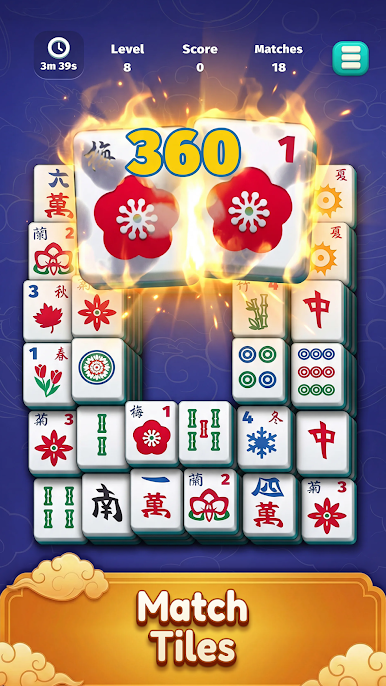
Classic Mahjong Gameplay
Match identical tiles and clear the board.
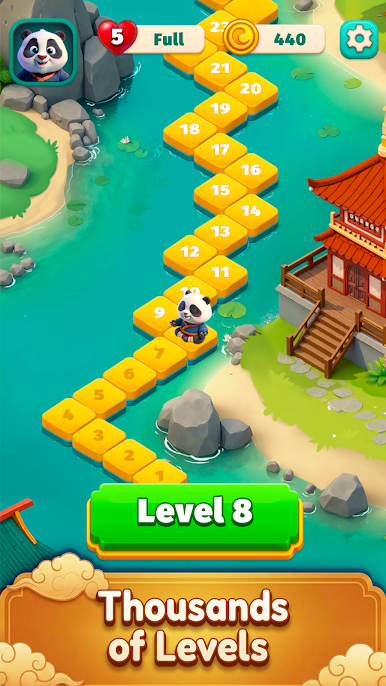
Thousands of Challenging Levels
Progress along the path to harmony through an ever-growing collection of puzzles.
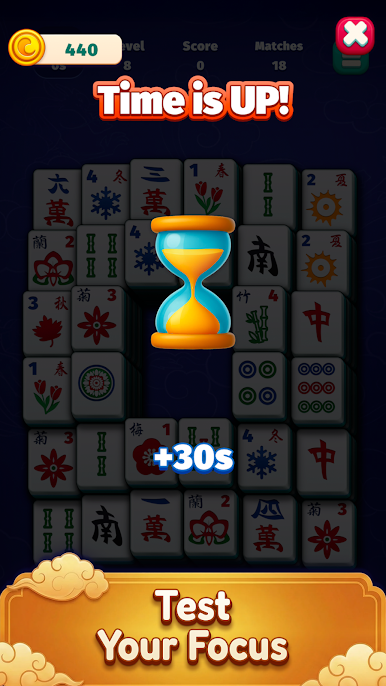
Test Your Focus
Race against the clock and challenge your concentration skills.
Relaxing Zen Experience
Enjoy soothing visuals and calming environments designed for relaxation.
Charming World Map
Travel through beautiful locations and unlock new stages along your Mahjong journey.
Helpful Boosters
Use hints and time bonuses to overcome tricky boards.
Daily Brain Training
Play daily and keep your mind sharp with engaging tile puzzles.
Why You'll Love Mahjong Master
• Easy to learn, challenging to master
• Perfect for short breaks or long relaxing sessions
• Beautiful Mahjong tiles and smooth gameplay
• Great for fans of puzzle, matching, and brain games
Take a deep breath, clear the tiles, and follow the Path to Harmony.
Download Mahjong Master: Path to Harmony today.
Play Mahjong Master Path to Harmony on PC. It’s easy to get started.
-
Download and install BlueStacks on your PC
-
Complete Google sign-in to access the Play Store, or do it later
-
Look for Mahjong Master Path to Harmony in the search bar at the top right corner
-
Click to install Mahjong Master Path to Harmony from the search results
-
Complete Google sign-in (if you skipped step 2) to install Mahjong Master Path to Harmony
-
Click the Mahjong Master Path to Harmony icon on the home screen to start playing

