


Astro Merge
Play on PC with BlueStacks – the Android Gaming Platform, trusted by 500M+ gamers.

Page Modified on: Jul 31, 2026
Play Astro Merge on PC
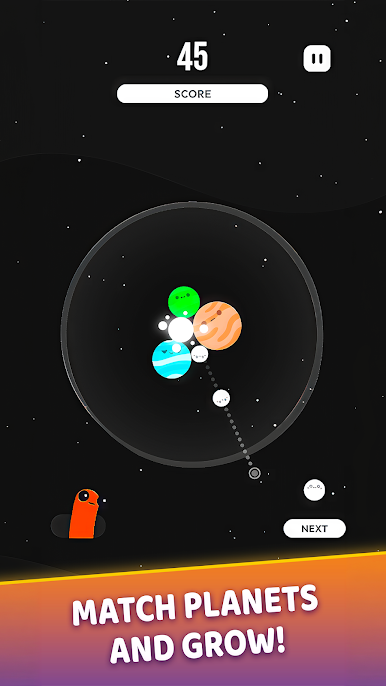
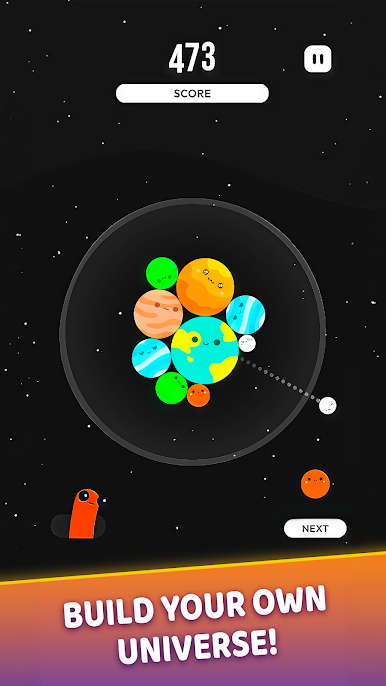
Aim and release planets into the gravity field, then bring matching planets together to create larger worlds. Each successful merge opens more space, increases your score, and brings you closer to forming the biggest planets in the universe.
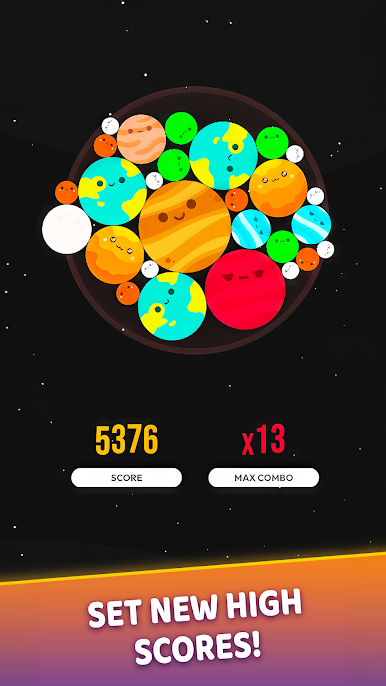
Plan each launch carefully as the play area fills. Use collisions and gravity to guide planets into position, create consecutive matches, and build up powerful combos. The longer you keep your universe under control, the higher your score can climb.
Features
• Launch planets into a dynamic gravity field
• Match identical planets to create larger worlds
• Plan around collisions, movement, and limited space
• Chain merges together to build your combo
• Discover colourful planets with unique designs
• Challenge yourself to achieve a new high score
• Enjoy simple controls and satisfying merge gameplay
How large can your universe become? Take aim, combine the planets, and reach for a new record in Astro Merge.
Play Astro Merge on PC. It’s easy to get started.
-
Download and install BlueStacks on your PC
-
Complete Google sign-in to access the Play Store, or do it later
-
Look for Astro Merge in the search bar at the top right corner
-
Click to install Astro Merge from the search results
-
Complete Google sign-in (if you skipped step 2) to install Astro Merge
-
Click the Astro Merge icon on the home screen to start playing

