


Treasure Master
Play on PC with BlueStacks – the Android Gaming Platform, trusted by 500M+ gamers.

Page Modified on: Mar 24, 2026
Main Treasure Master on PC
YOU THROW THE WEAPONS
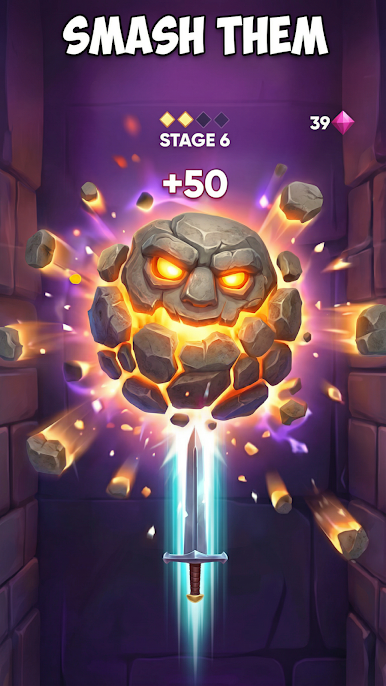
Forget wooden logs and static targets. In Treasure Master, you attack fierce enemies, fling knives, swords, darts, and spears straight into the monster until it surrenders all its treasures to you. Land clean hits, watch the creature react, and keep your streak alive.
AIM, TIME, SURVIVE
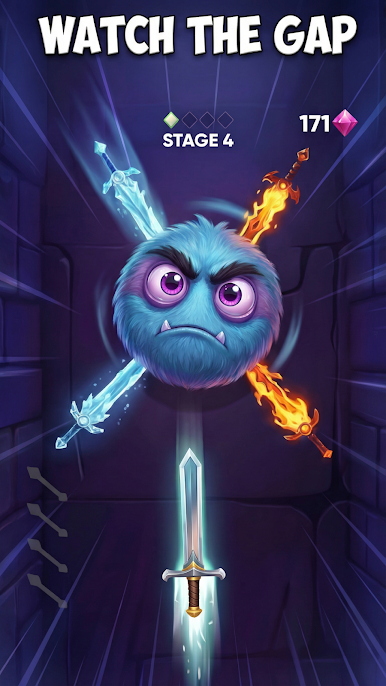
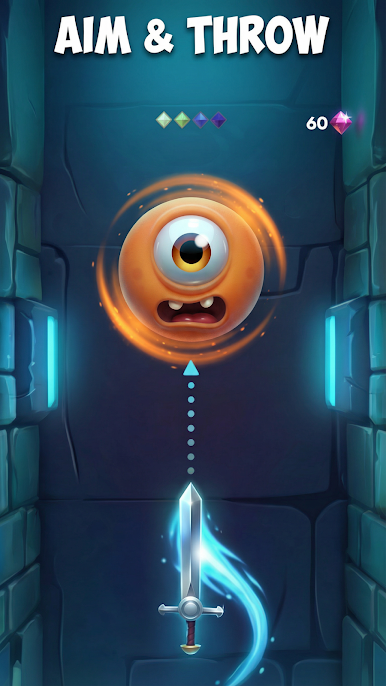
Enemies spin and change rhythm, so every throw is a small decision. Wait too long and you’ll lose your chance; throw too early and you may miss. Keep a cool head, learn the patterns, and turn tight moments into perfect hits.
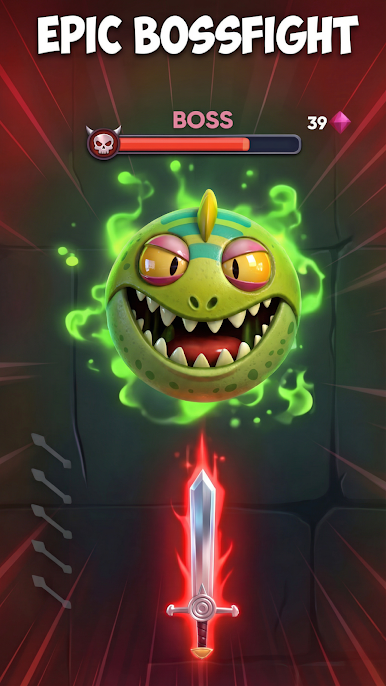
MONSTERS & BOSS BATTLES
Each stage brings new opponents and tougher patterns. Survive the waves, then face a boss that demands true precision. Read the motion, pick your moment, and strike!
BUILD YOUR ARSENAL
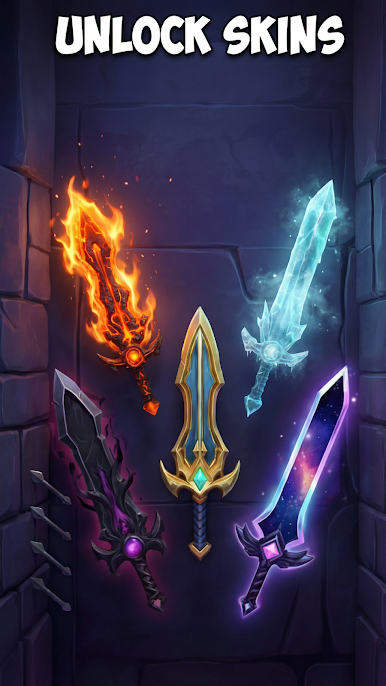
Unlock a growing collection of weapons and enjoy the feel of each one. Swap between quick knives, heavy swords, pinpoint darts, and sharp spears to match your style. The more you play, the more skins you’ll have to tackle epic monsters.
COLLECT & PROGRESS
Earn gems as you play and push further to unlock more stages and stronger runs. Chase your best performance, rack up clean streaks, and climb through level after level as the difficulty ramps up. The deeper you go, the faster the action gets - and the more satisfying your victories feel.
EASY TO PLAY, HARD TO MASTER
- Simple controls: tap/aim and throw
- Different weapon skins for your excitement
- Quick sessions for breaks, long sessions for high-score chasing
- Endless challenge that keeps getting harder
Ready to prove your skill as a Treasure Master and become the ultimate monster-slaying knife-thrower?
Play Treasure Master on PC. It’s easy to get started.
-
Download and install BlueStacks on your PC
-
Complete Google sign-in to access the Play Store, or do it later
-
Look for Treasure Master in the search bar at the top right corner
-
Click to install Treasure Master from the search results
-
Complete Google sign-in (if you skipped step 2) to install Treasure Master
-
Click the Treasure Master icon on the home screen to start playing

