

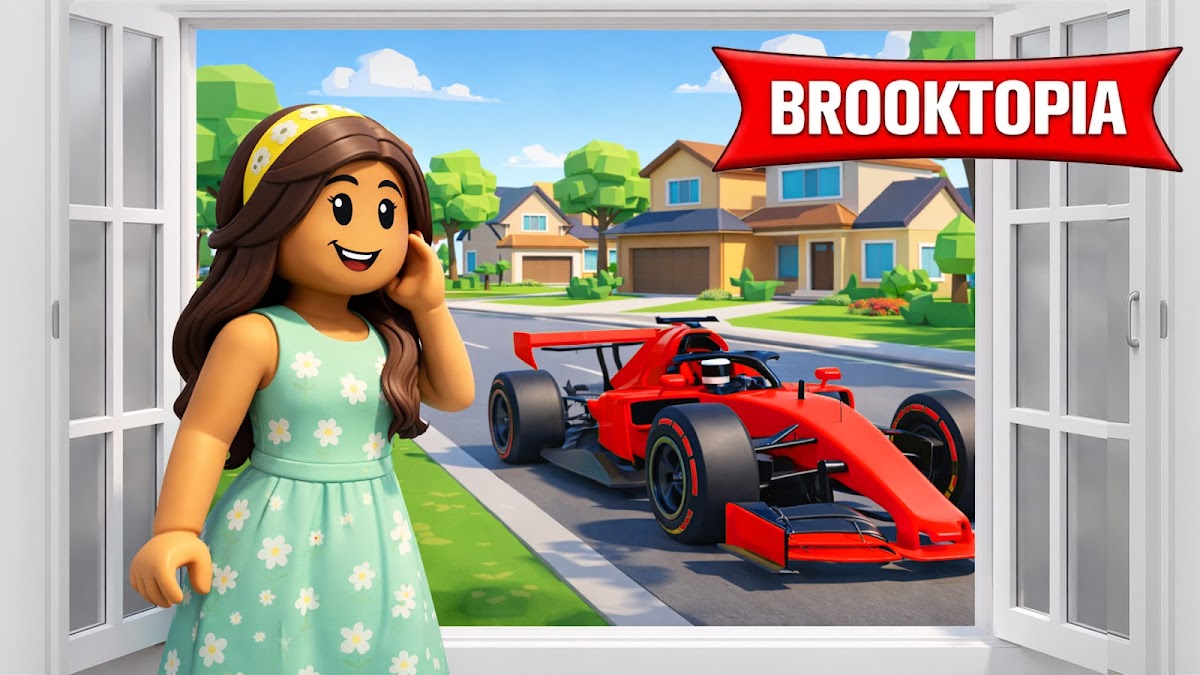
BrookTopia RP: Haven City Life
Play on PC with BlueStacks – the Android Gaming Platform, trusted by 500M+ gamers.

Page Modified on: Dec 31, 2025
Main BrookTopia RP: Haven City Life on PC
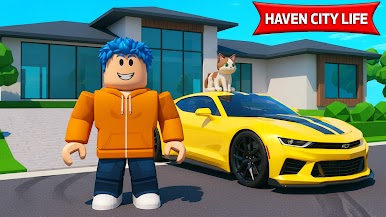
Step into BrookTopia RP: Haven City Life, an immersive open-world city where freedom, creativity, and roleplay come together. Build your dream life, explore a lively city, and play your own story in this RP world.
🏙️ Build Your Dream Home & City Life
Design your dream home in BrookTopia Haven City RP, decorate interiors, and shape your surroundings in this vibrant BrookTopia Game.
🌦️ Dynamic Open-World City
Experience realistic weather and a living open sandbox city full of adventures, surprises, and interactive NPCs in BrookTopia RP: Haven City Life.
🐾 Adopt Pets & Explore
Bring adorable animals along as you roam BrookTopia Haven, enjoy your City Life, and unlock new areas in this RP Simulator.
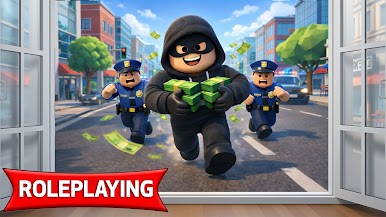
🎯 Missions & Sandbox Freedom
Complete exciting missions, socialize, or relax freely in BrookTopia RP: Haven City Life – the perfect Haven Game for building, roleplay, and living your dream life.
👉 Download BrookTopia RP: Haven City Life today and start your ultimate BrookTopia Haven City adventure!
Play BrookTopia RP: Haven City Life on PC. It’s easy to get started.
-
Download and install BlueStacks on your PC
-
Complete Google sign-in to access the Play Store, or do it later
-
Look for BrookTopia RP: Haven City Life in the search bar at the top right corner
-
Click to install BrookTopia RP: Haven City Life from the search results
-
Complete Google sign-in (if you skipped step 2) to install BrookTopia RP: Haven City Life
-
Click the BrookTopia RP: Haven City Life icon on the home screen to start playing

