


Bubble Dreams
Play on PC with BlueStacks – the Android Gaming Platform, trusted by 500M+ gamers.

Page Modified on: Mar 16, 2026
Play Bubble Dreams on PC
Core Gameplay
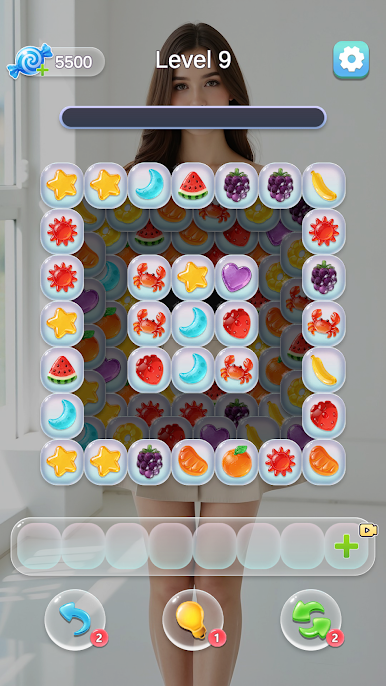
Classic stack puzzle mechanics
Simple and easy to play
Clear level progression with increasing difficulty
Clear all items to complete a level
Level Selection
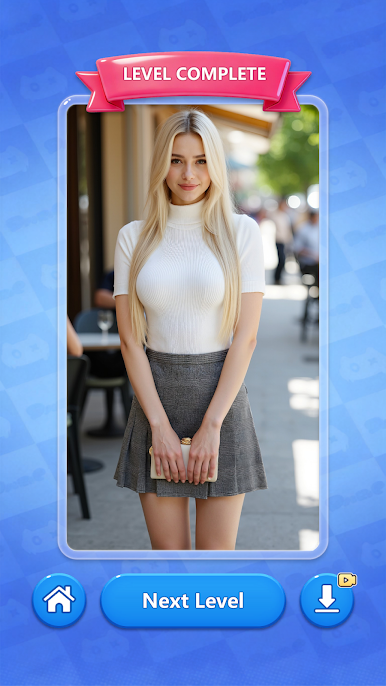
At the beginning of each level, players can choose one of three characters as the theme for the current level. As the level progresses, content related to the chosen character is gradually unlocked. After completing the level, players can experience a new choice.
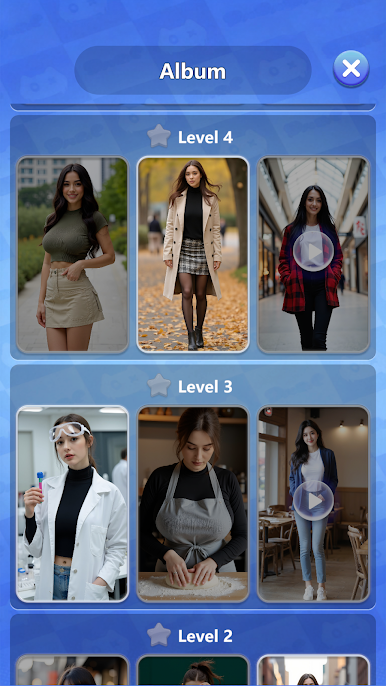
Album System
View unlocked and locked characters
Locked characters can be unlocked by completing specific levels
Unlocked content can be viewed repeatedly
Images can be saved
Video content can be played in full
Membership Benefits
The game offers different membership options to improve gameplay efficiency and provide extra privileges.
Visual Style
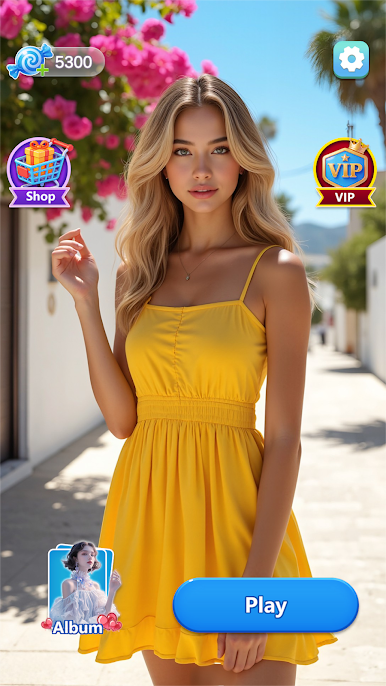
Clean layout design
Relaxed and casual game pace
Bubble Dreams is suitable for players who want to enjoy casual puzzle gameplay during their spare time. Continuously challenge levels, gradually complete character collections, and enjoy a stable and rewarding growth experience.

Play Bubble Dreams on PC. It’s easy to get started.
-
Download and install BlueStacks on your PC
-
Complete Google sign-in to access the Play Store, or do it later
-
Look for Bubble Dreams in the search bar at the top right corner
-
Click to install Bubble Dreams from the search results
-
Complete Google sign-in (if you skipped step 2) to install Bubble Dreams
-
Click the Bubble Dreams icon on the home screen to start playing

