


Clash for Android
Play on PC with BlueStacks – the Android Gaming Platform, trusted by 500M+ gamers.

Page Modified on: Sep 16, 2026
Overview
Feature:
* Local HTTP/HTTPS/SOCKS server with/without authentication
* VMess, Shadowsocks, Trojan (experimental), Snell protocol support for remote connections. UDP is supported.
* Built-in DNS server that aims to minimize DNS pollution attacks, supports DoH/DoT upstream. Fake IP is also supported.
* Rules based off domains, GEOIP, IP CIDR or ports to forward packets to different proxy
* Remote groups allow users to implement powerful rules. Supports automatic fallback, load balancing or auto select proxy based off latency
* Remote providers, allowing users to get proxy/rule lists remotely instead of hardcoding in config
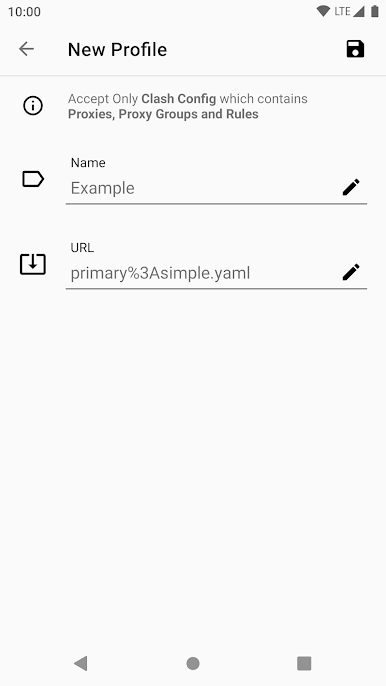
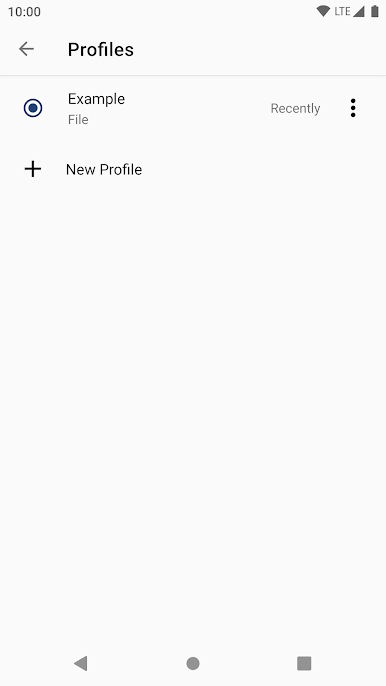
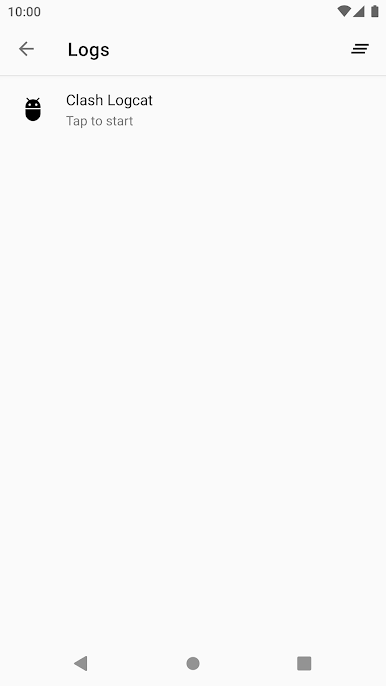
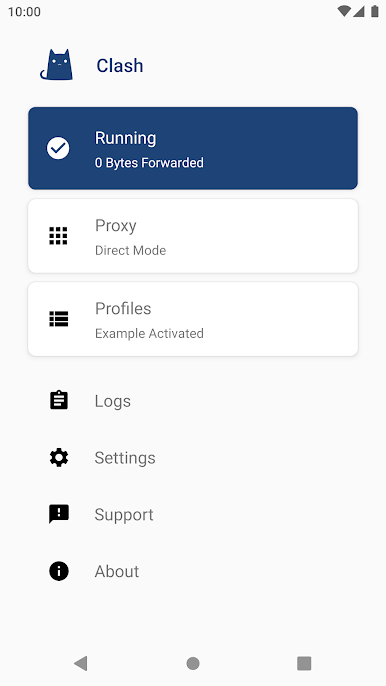
Play Clash for Android on PC. It’s easy to get started.
-
Download and install BlueStacks on your PC
-
Complete Google sign-in to access the Play Store, or do it later
-
Look for Clash for Android in the search bar at the top right corner
-
Click to install Clash for Android from the search results
-
Complete Google sign-in (if you skipped step 2) to install Clash for Android
-
Click the Clash for Android icon on the home screen to start playing

