


Cavokator
Play on PC with BlueStacks – the Android Gaming Platform, trusted by 500M+ gamers.

Page Modified on: Nov 4, 2025
Play Cavokator on PC
## All features ##
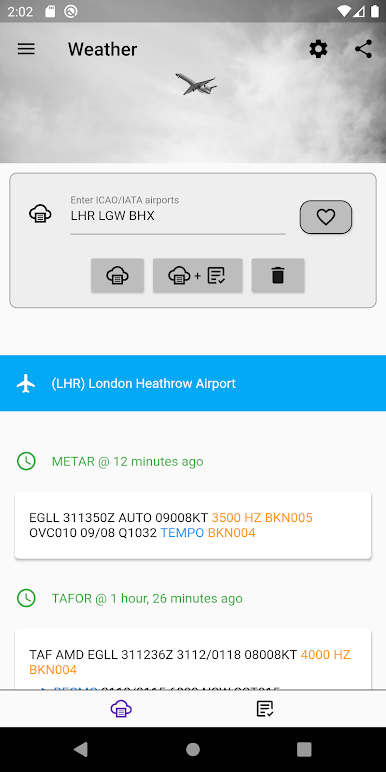
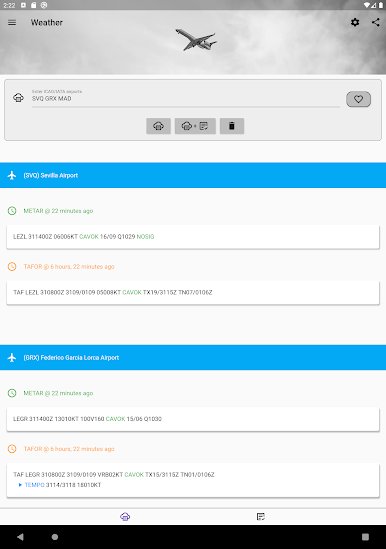
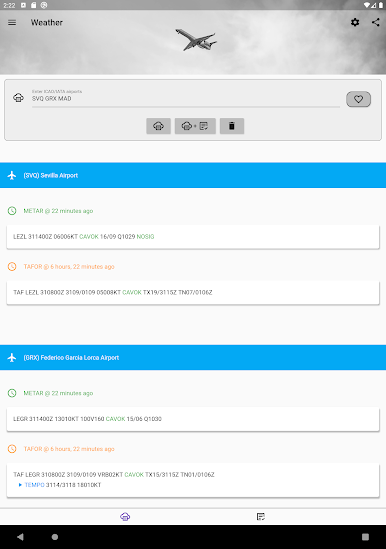
# Show weather information (METARS and TAFORS) efficiently:
- Accept IATA or ICAO codes
- Show the elapsed time since publication
- Show up to 24 hours worth of METARS
- Highlight good/poor weather conditions
- Expand TAFORS for better readability
- Share weather information with other applications
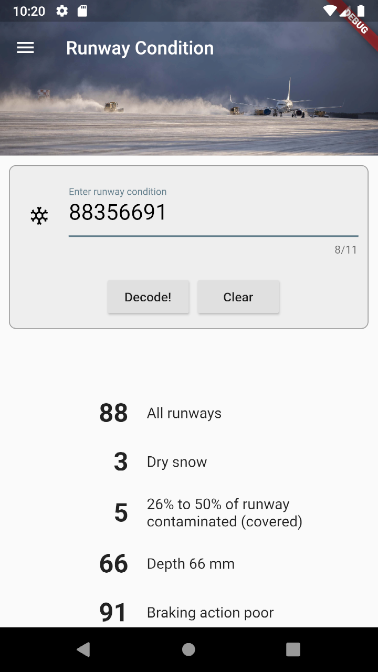
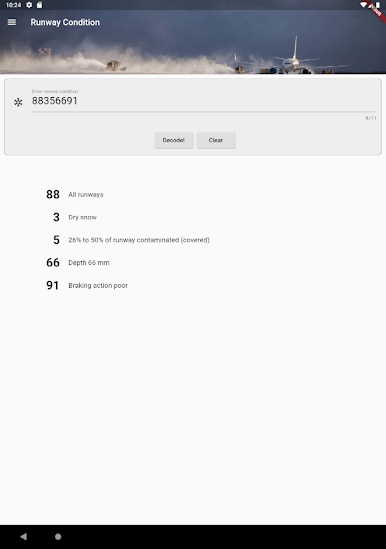
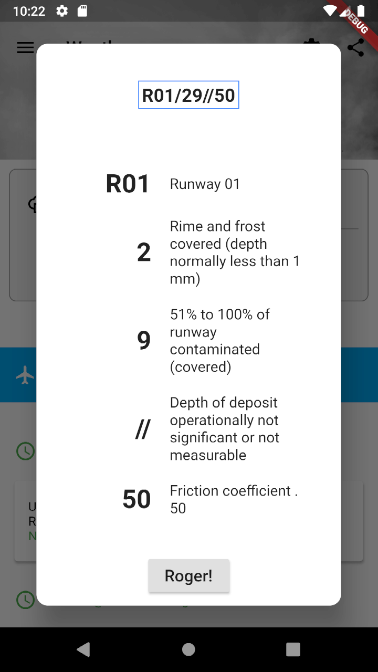
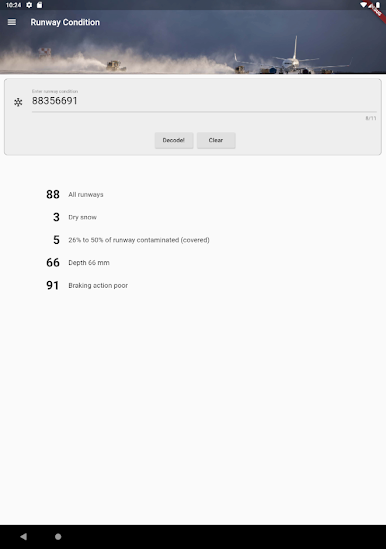
# Decode runway condition (MOTNE)
- Accept several decoding formats
- Click directly on the METAR string to begin decoding
- Dedicated app section for runway condition decoding
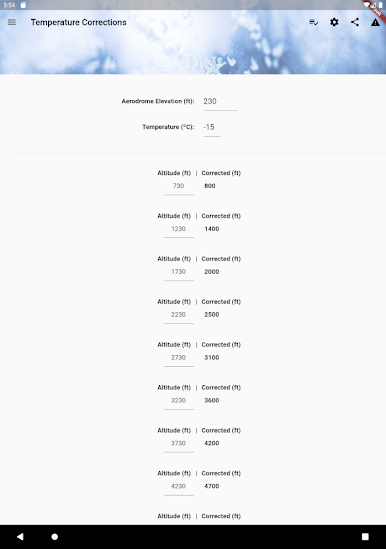
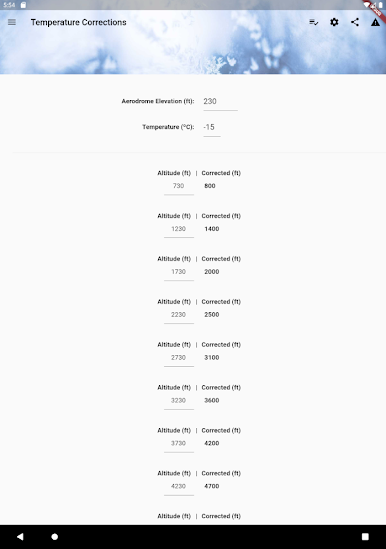
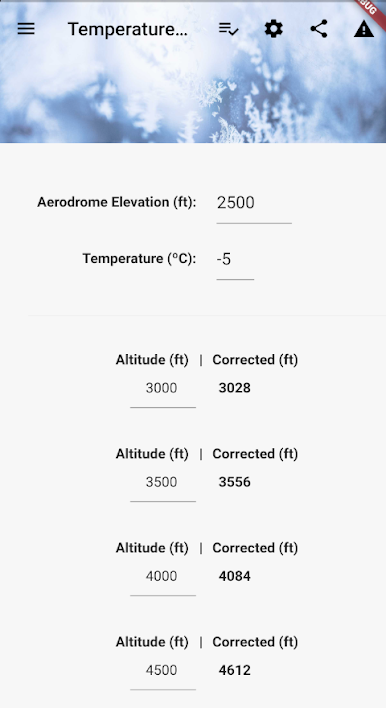
# Low temperature corrections
- Based on ICAO 8168, even for airports above sea level
- Predefined list of altitudes every 500 feet for better usability
- Correct altitudes directly, instead of heights
- Round low temperature corrections in increments of 10, 50 and 100 feet!
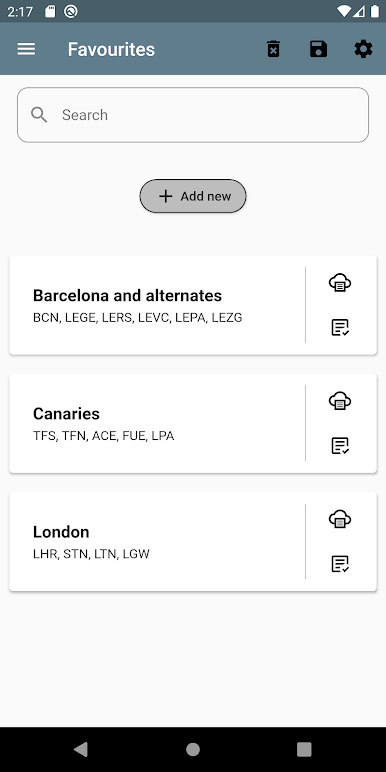
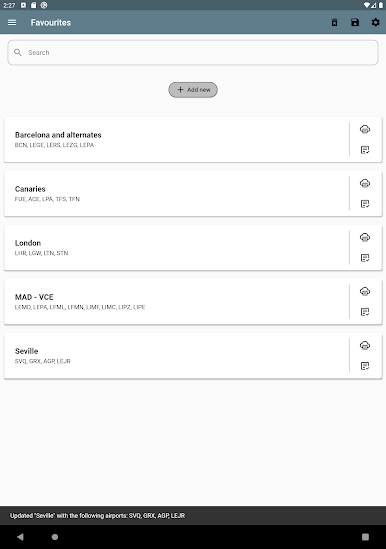
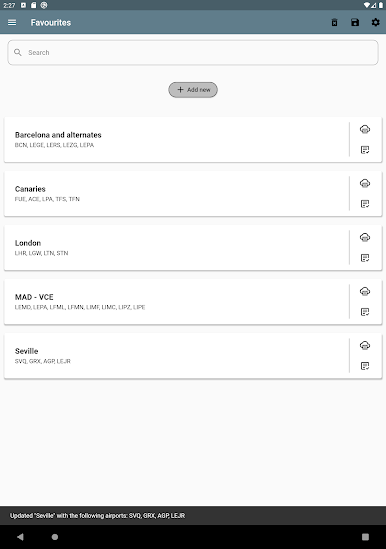
# Favourites list
- Create a favourites list, so that it's easier to group your destinations, alternates, areas or routes and get the information without typing again all of them. Also, you can backup and share your list with a friend or import one!
# App themes
- Dark and light themes for better visualization
Play Cavokator on PC. It’s easy to get started.
-
Download and install BlueStacks on your PC
-
Complete Google sign-in to access the Play Store, or do it later
-
Look for Cavokator in the search bar at the top right corner
-
Click to install Cavokator from the search results
-
Complete Google sign-in (if you skipped step 2) to install Cavokator
-
Click the Cavokator icon on the home screen to start playing

