


Cross-Platform streams - Givvy
Play on PC with BlueStacks – the Android Gaming Platform, trusted by 500M+ gamers.

Page Modified on: Dec 11, 2025
Overview
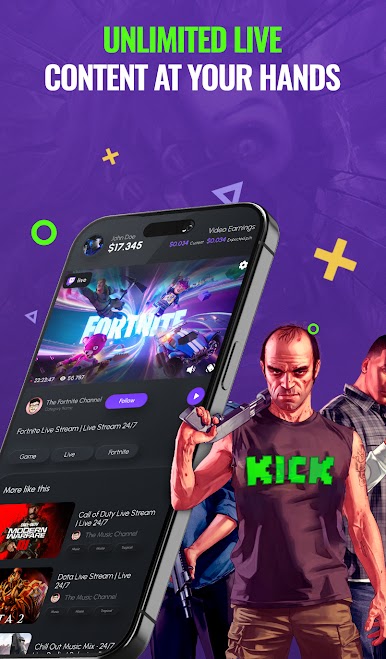
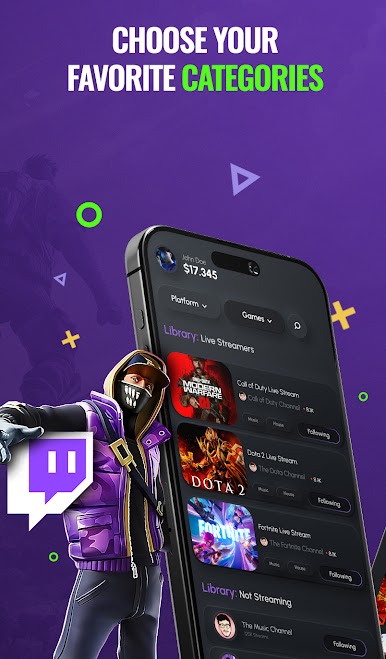
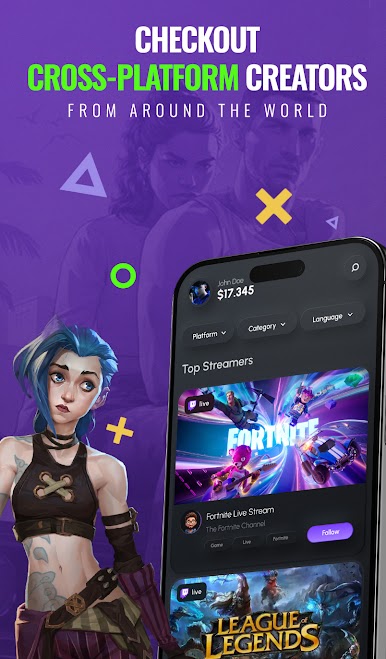
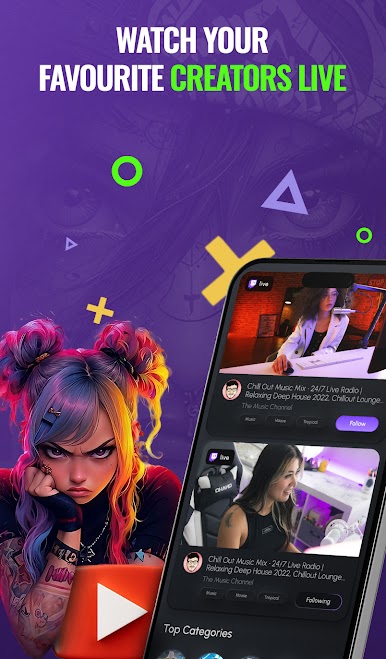
You can watch streams from different platforms as well as creating your own library of your favourite ones.
Most competitive platforms of streaming are available at your hands, don't miss out on the most entertaining, fun and engaging content creators out there.
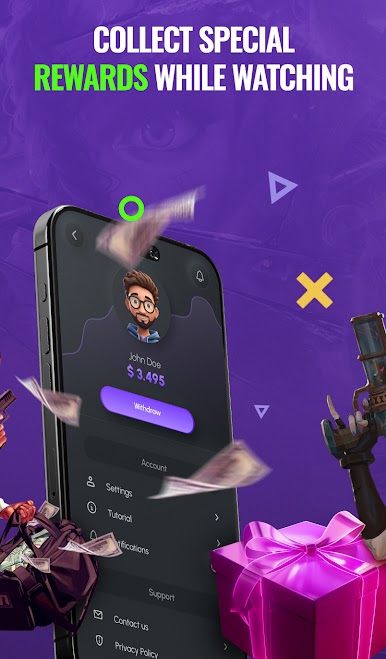
Select your favourite ones and support them by watching them!
New features coming soon!
Play Cross-Platform streams - Givvy on PC. It’s easy to get started.
-
Download and install BlueStacks on your PC
-
Complete Google sign-in to access the Play Store, or do it later
-
Look for Cross-Platform streams - Givvy in the search bar at the top right corner
-
Click to install Cross-Platform streams - Givvy from the search results
-
Complete Google sign-in (if you skipped step 2) to install Cross-Platform streams - Givvy
-
Click the Cross-Platform streams - Givvy icon on the home screen to start playing

