


Game Killer - Speed Booster
Play on PC with BlueStacks – the Android Gaming Platform, trusted by 500M+ gamers.

Page Modified on: Jun 2, 2023
Run Game Killer - Speed Booster on PC or Mac
Let BlueStacks turn your PC, Mac, or laptop into the perfect home for Game Killer – Speed Booster, a fun Tools app from Ace Game Fans.
About the App
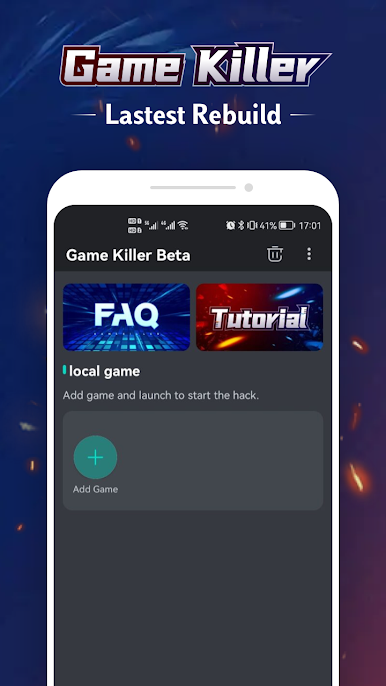
Game Killer – Speed Booster by Ace Game Fans is your go-to tool for tweaking the speed of your favorite apps or games. Whether you want to blaze through levels at lightning speed or slow things down to savor the moment, this tool gives you control. Expect a seamless experience, fine-tuning the pace of apps without any technical fuss.
App Features
Speed Adjustment:
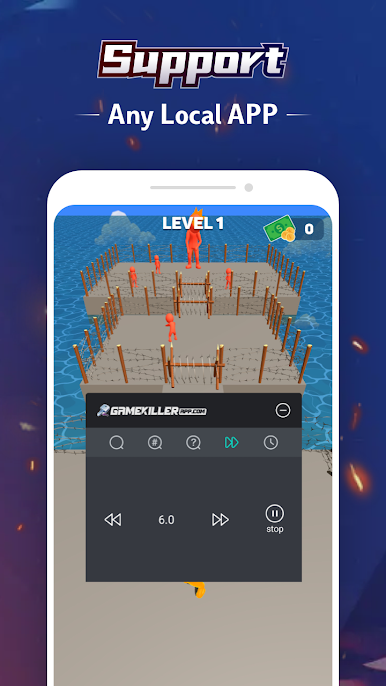
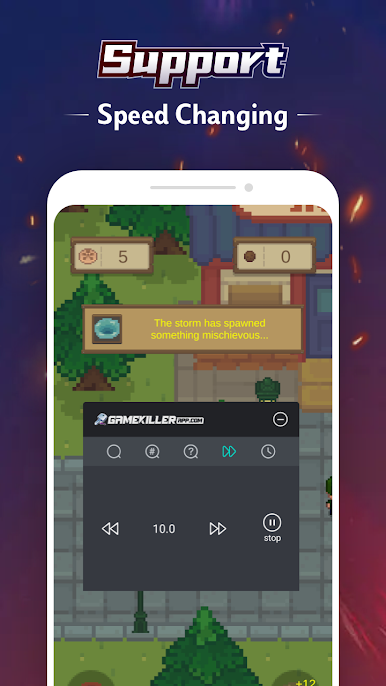
Modify game speed from 1x up to 20x. Whether you’re in for a slow-motion strategy or a quick exit strategy, it’s your call.
No Root Required:
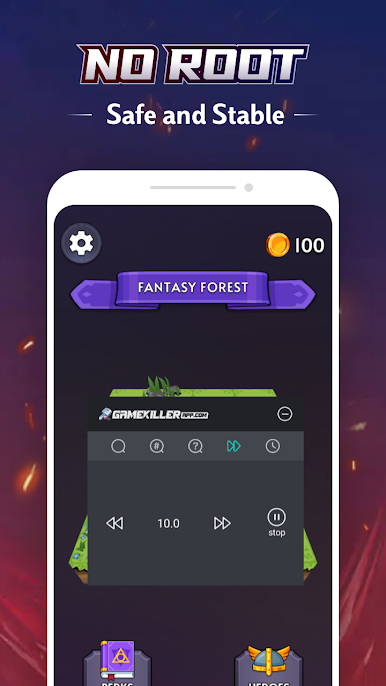
No need to root your device—jump in and start adjusting without extra hassles.
Local App Support:
Compatible with any local app, making it a versatile addition to your toolkit.
Multiple Instances:
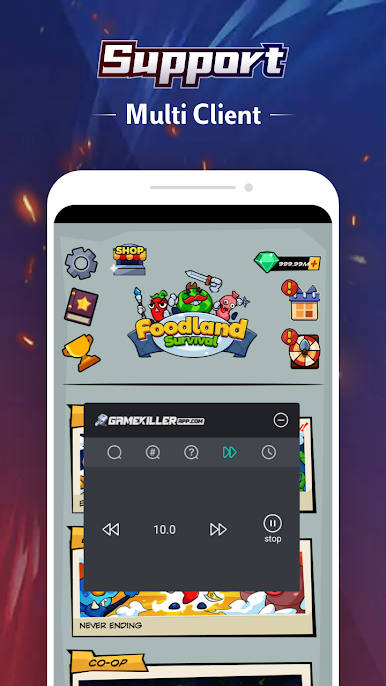
Open multiple windows of the same app to multitask like a pro.
Wide Compatibility:
Works perfectly on versions below Android 13, providing a reliable speed boost for older devices.
For enhanced experience, try Game Killer on BlueStacks.
Eager to take your app experience to the next level? Start right away by downloading BlueStacks on your PC or Mac.
Play Game Killer - Speed Booster on PC. It’s easy to get started.
-
Download and install BlueStacks on your PC
-
Complete Google sign-in to access the Play Store, or do it later
-
Look for Game Killer - Speed Booster in the search bar at the top right corner
-
Click to install Game Killer - Speed Booster from the search results
-
Complete Google sign-in (if you skipped step 2) to install Game Killer - Speed Booster
-
Click the Game Killer - Speed Booster icon on the home screen to start playing

