


Block Pets
Play on PC with BlueStacks – the Android Gaming Platform, trusted by 500M+ gamers.

Page Modified on: Oct 30, 2026
Play Block Pets on PC
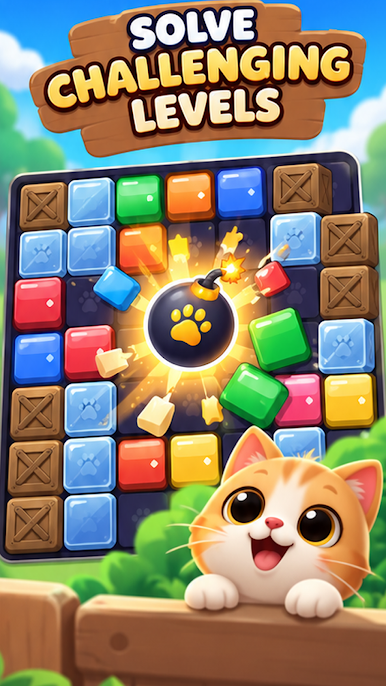
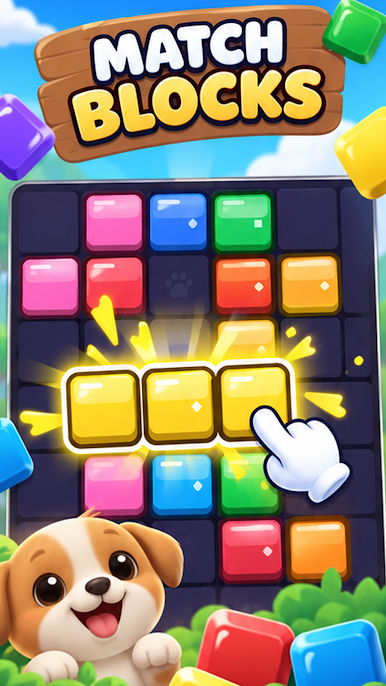
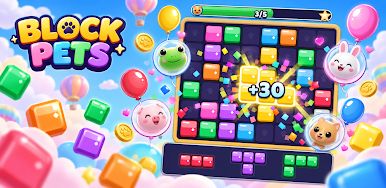
Jump into a colorful casual puzzle adventure where every move can bring a pet closer to safety. Match and clear bright blocks, create satisfying combos, and complete fun objectives across plenty of playful levels.
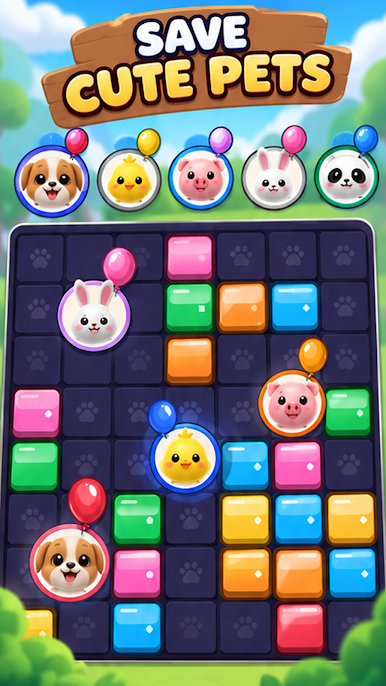
🐶 Rescue adorable pets
🧩 Match and clear colorful blocks
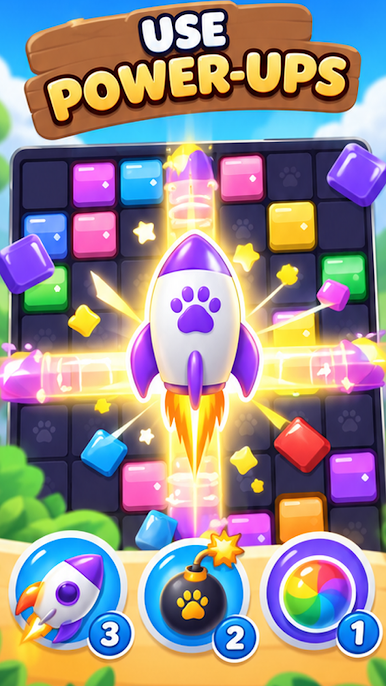
🎈 Discover fun surprises and special challenges
✨ Build bigger combos for satisfying rewards
🏆 Complete levels and keep improving your score
🎮 Easy to learn, fun to master
Plan your moves carefully as the puzzles become more challenging. Clear the right blocks, complete each goal, and enjoy rewarding chain reactions as the board opens up.
Whether you want a quick puzzle break or a longer challenge, Block Pets offers simple, satisfying gameplay you can enjoy at your own pace.
How many pets can you save?
Play Block Pets on PC. It’s easy to get started.
-
Download and install BlueStacks on your PC
-
Complete Google sign-in to access the Play Store, or do it later
-
Look for Block Pets in the search bar at the top right corner
-
Click to install Block Pets from the search results
-
Complete Google sign-in (if you skipped step 2) to install Block Pets
-
Click the Block Pets icon on the home screen to start playing

