


Candy Cannon Sort
Play on PC with BlueStacks – the Android Gaming Platform, trusted by 500M+ gamers.

Page Modified on: Oct 14, 2026
Play Candy Cannon Sort on PC or Mac
Bring your A-game to Candy Cannon Sort, the Arcade game sensation from Loyalty Gaming. Give your gameplay the much-needed boost with precise game controls, high FPS graphics, and top-tier features on your PC or Mac with BlueStacks.
About the Game
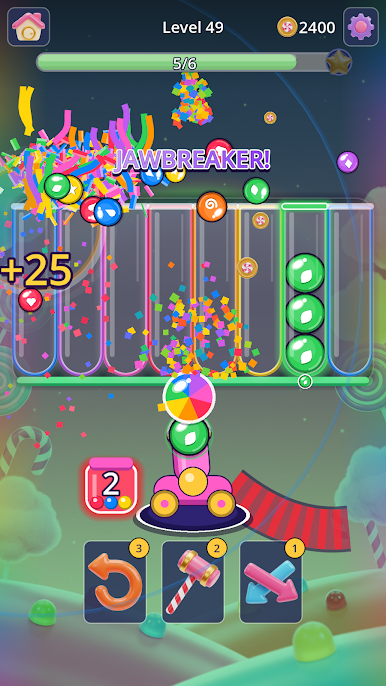
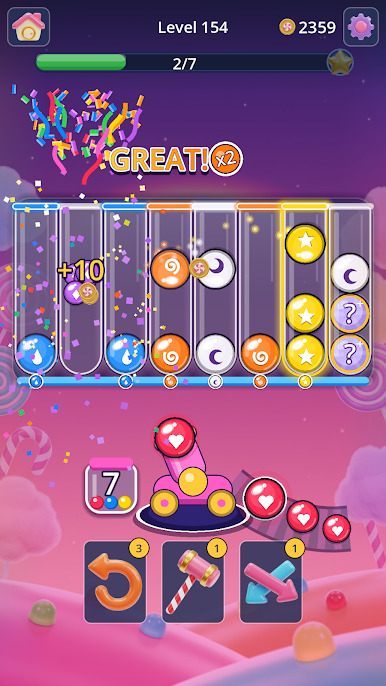
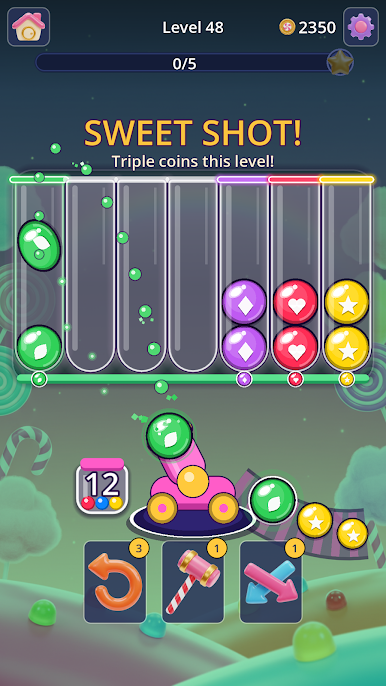
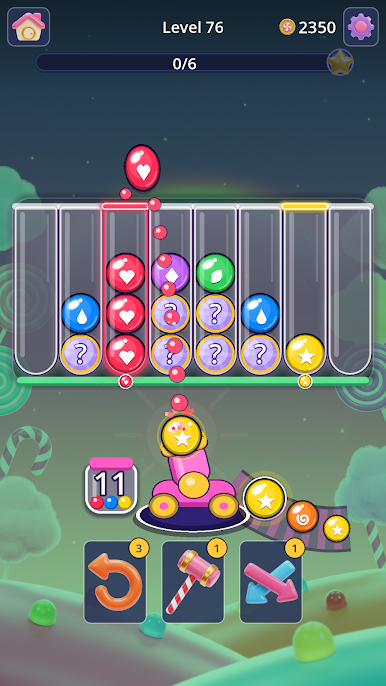
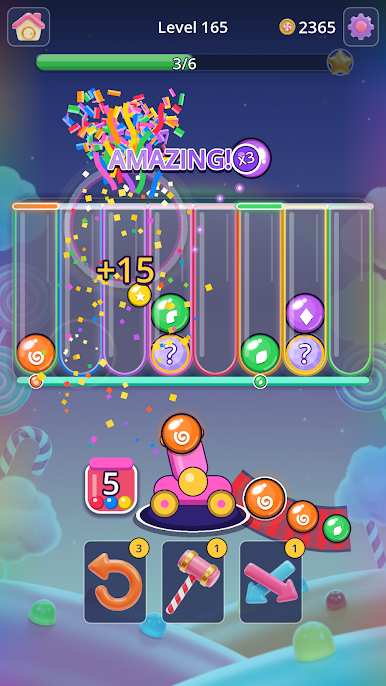
Candy Cannon Sort flips the usual color-sorting idea on its head with a sweet little twist: you’re not moving pieces around—you’re blasting them from a cannon into glass tubes. It’s an Arcade game that’s easy to pick up, quick to play, and sneakily strategic once you start chasing big chain reactions. Want extra precision? It feels great with a mouse on BlueStacks.
Game Features
- Cannon-Flick Aiming: Drag to set power and angle, or tap a tube for a snap shot—the controls are quick and forgiving.
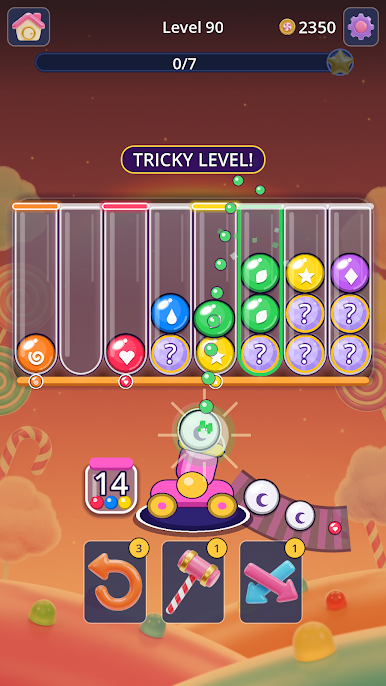
- See-Through Chute: Peek at the upcoming candies before you shoot so you can plan a chain instead of praying for luck.
- Color Eruptions: Slot four of the same color into a tube and it explodes into confetti, clearing space for your next setup.
- Shake-The-Stack Physics: Eruptions rattle nearby tubes, knocking out misplaced candies so they bounce to a match or roll back into your cannon.
- Clear-To-Win Rules: Empty out every color to beat the level; if you run out of space, it’s back to the drawing board.
- Combo Rush: One smart shot can snowball into louder, flashier callouts that keep stacking for massive clears.
- Snappy Stages: Most rounds finish in under a minute, and the next one starts right away—no waiting around.
- Five Candy Worlds, 1000+ Stages: Work your way through Lollipop Lane, Gumdrop Grove, Caramel Canyon, Bubblegum Bay, and Minty Peaks.
- Fresh Twists: Mystery Candy that reveals its color at the top, rainbow Jawbreakers, devious Tricky levels, and Sweet Shot bonuses that pay triple coins.
- Handy Boosters: Use Undo, Hammer, and Shuffle when the layout gets tight or your plan goes sideways.
- Play Offline, No Purchases: Free to play with optional ads for certain rewards, and the puzzles work without Wi‑Fi.
- Toy-Box Sparkle: Glossy sweets, shiny glass, and playful sound effects that make every eruption feel extra satisfying.
- One-Hand Friendly: Designed for simple one-finger play whenever you have a spare minute.
Get ready for a buttery smooth, high-performance gaming action only on BlueStacks.


Play Candy Cannon Sort on PC. It’s easy to get started.
-
Download and install BlueStacks on your PC
-
Complete Google sign-in to access the Play Store, or do it later
-
Look for Candy Cannon Sort in the search bar at the top right corner
-
Click to install Candy Cannon Sort from the search results
-
Complete Google sign-in (if you skipped step 2) to install Candy Cannon Sort
-
Click the Candy Cannon Sort icon on the home screen to start playing

