

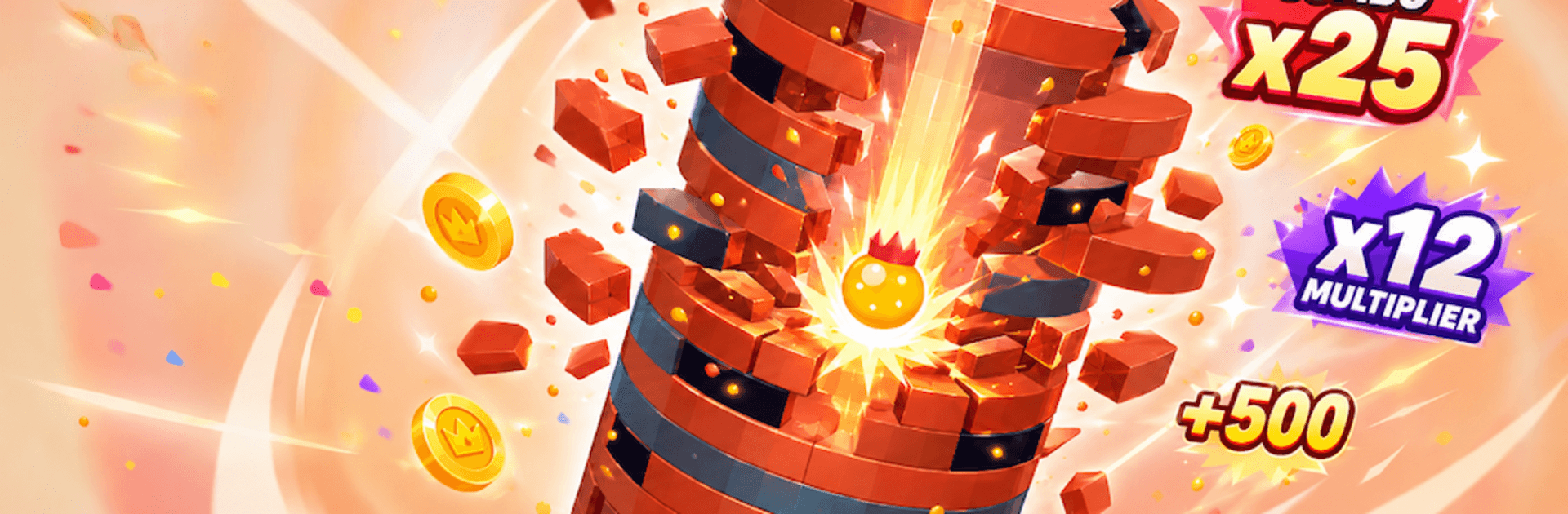
Crown Crush
Play on PC with BlueStacks – the Android Gaming Platform, trusted by 500M+ gamers.

Page Modified on: Oct 14, 2026
Play Crown Crush on PC or Mac
Bring your A-game to Crown Crush, the Puzzle game sensation from Loyalty Gaming. Give your gameplay the much-needed boost with precise game controls, high FPS graphics, and top-tier features on your PC or Mac with BlueStacks.
About the Game
Crown Crush is a fast, timing-first Puzzle experience where you tap at just the right moment to shatter towering stacks and keep your streak alive. It’s easy to pick up, surprisingly tough to master, and it even feels great on PC with BlueStacks if you want a bigger view while you chase ridiculous scores.
Game Features
- Perfect timing, big payoff: Hit the sweet spot to break layers cleanly, keep your flow, and watch your points jump.
- Tower-smashing momentum: Each successful strike sends chunks flying and sets up the next hit for an even juicier impact.
- Combo chains that snowball: String together back-to-back smashes to maintain your streak and push your total higher with every beat.
- Multipliers that go wild: Start small and climb to x2, x5, x10 and beyond—the longer you stay locked in, the faster your score explodes.
- Crowns and coins to snag: Pick up shiny rewards mid-run as you destroy blocks and outpace the stack.
- Simple to start, satisfying to master: One-touch play that rewards sharp reflexes, steady rhythm, and a bit of nerve.
- Reactive challenge as you rise: Tougher layers and tighter timing windows keep you on edge when the tower refuses to go quietly.
- Short runs, endless retries: Quick rounds make it easy to jump in, learn the cadence, and chase a new personal best.
Start your journey now. Download the game on BlueStacks, invite your friends, and march on a new adventure.
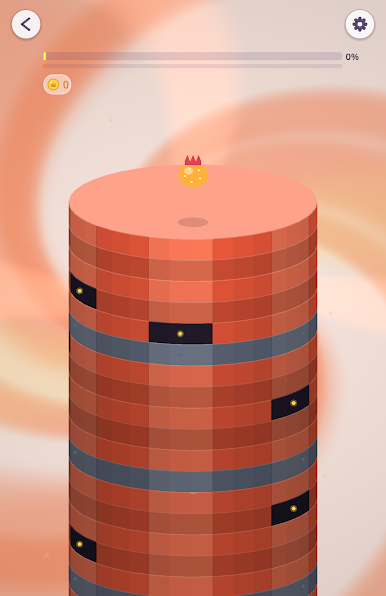
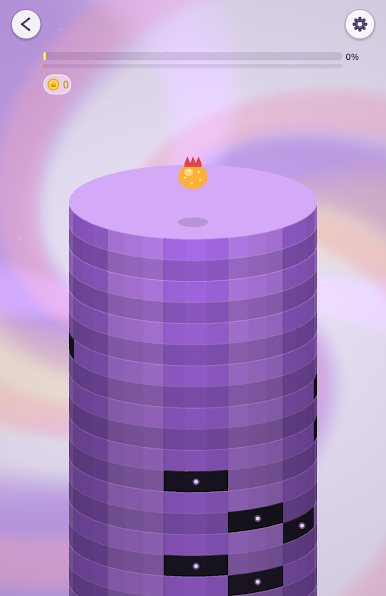
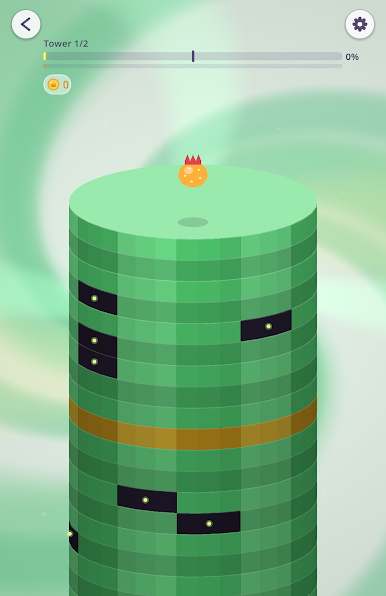
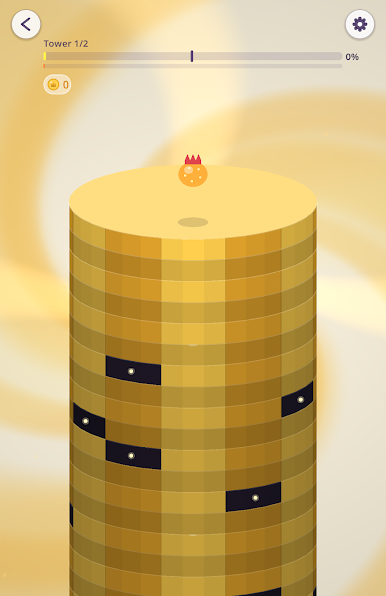
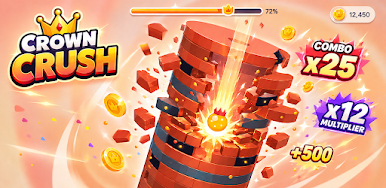
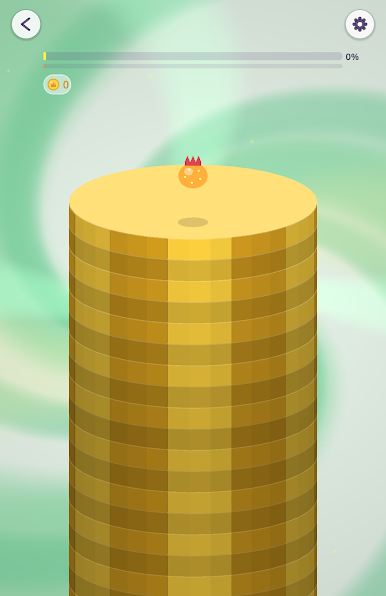
Play Crown Crush on PC. It’s easy to get started.
-
Download and install BlueStacks on your PC
-
Complete Google sign-in to access the Play Store, or do it later
-
Look for Crown Crush in the search bar at the top right corner
-
Click to install Crown Crush from the search results
-
Complete Google sign-in (if you skipped step 2) to install Crown Crush
-
Click the Crown Crush icon on the home screen to start playing

