


Puzzles & Chaos: Frozen Castle
Play on PC with BlueStacks – the Android Gaming Platform, trusted by 500M+ gamers.

Page Modified on: Apr 2, 2026
Play Puzzles & Chaos: Frozen Castle on PC or Mac
Puzzles & Chaos: Frozen Castle is a Role Playing game developed by 37GAMES. BlueStacks app player is the best platform to play this Android game on your PC or Mac for an immersive gaming experience.
About the Game
Puzzles & Chaos: Frozen Castle puts you in the heart of a once prosperous continent that now lies frozen. You are tasked with removing the frozen seal and awakening the dragon to restore balance to the land. Winning requires you to be strategic both on and off the battlefield, as it can help you outsmart the enemies.
Game Features
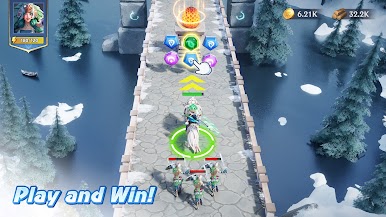
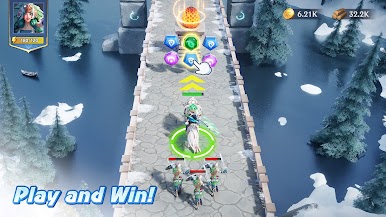
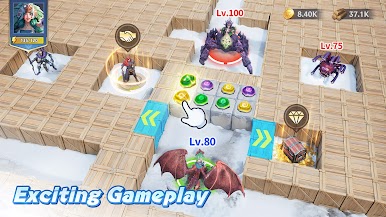
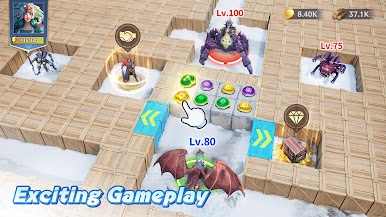
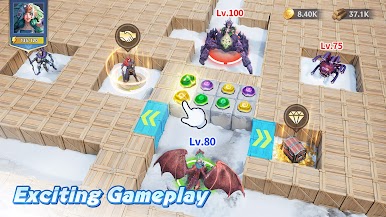
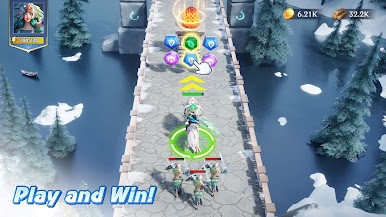
- Match-3 Battles: Puzzles & Chaos features Match-3 gameplay where players have to match magic tiles to defeat enemies. These tiles unlock special skills and boost your hero’s strength in battle.
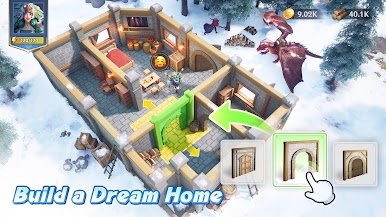
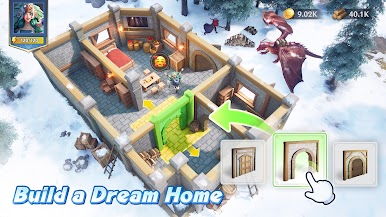
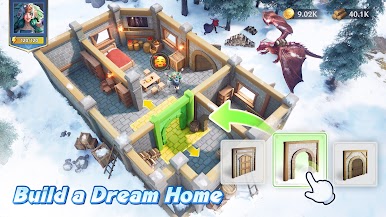
- Free Construction: Bring your idea of a perfect castle to life by customizing the layout on Puzzles & Chaos. You can build it anywhere across the continent and style it however you like.
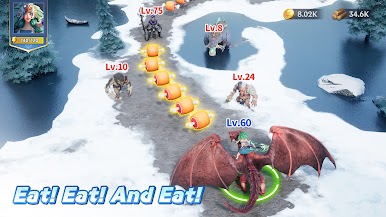
- Alliance System: Team up with several players to rally allies by creating or joining an existing alliance. This aids quicker development as you share resources and go up against foes together.
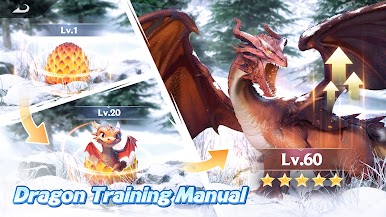
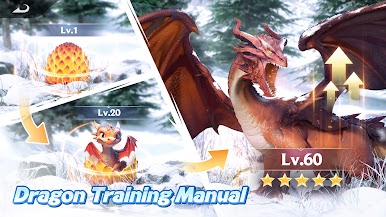
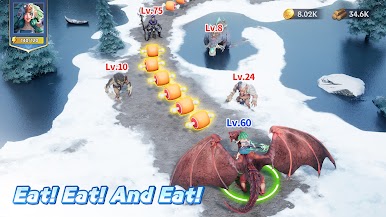
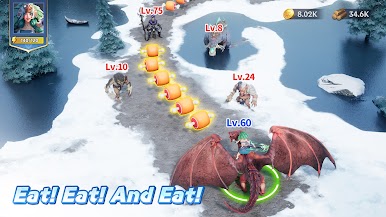
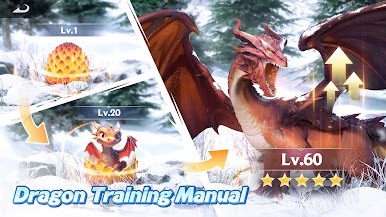
- Collectible Dragons: Dragonfire is the ultimate key to breaking the frozen seal in this magical world. You have to claim a Dragon’s egg and raise it to become a formidable force.
How to Play?
Download Puzzles & Chaos: Frozen Castle for free from the Google Play Store using the BlueStacks app player.

Play Puzzles & Chaos: Frozen Castle on PC. It’s easy to get started.
-
Download and install BlueStacks on your PC
-
Complete Google sign-in to access the Play Store, or do it later
-
Look for Puzzles & Chaos: Frozen Castle in the search bar at the top right corner
-
Click to install Puzzles & Chaos: Frozen Castle from the search results
-
Complete Google sign-in (if you skipped step 2) to install Puzzles & Chaos: Frozen Castle
-
Click the Puzzles & Chaos: Frozen Castle icon on the home screen to start playing

