


Shelter Days: Survival
Play on PC with BlueStacks – the Android Gaming Platform, trusted by 500M+ gamers.

Page Modified on: Jul 16, 2026
Main Shelter Days: Survival on PC
Cities lie in ruins, zombies roam the wasteland, and survival is more challenging than ever. Desperate survivors are searching for food, shelter, and hope—and your refuge may be their last chance.
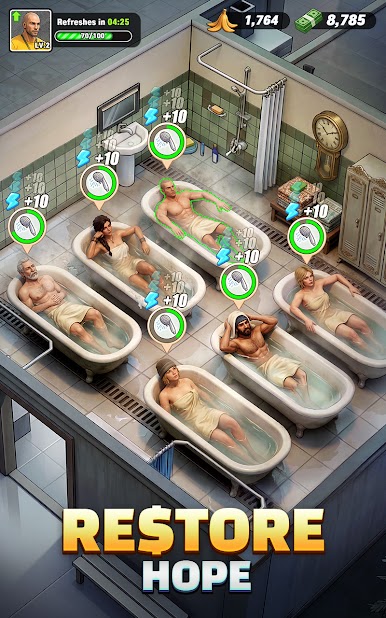
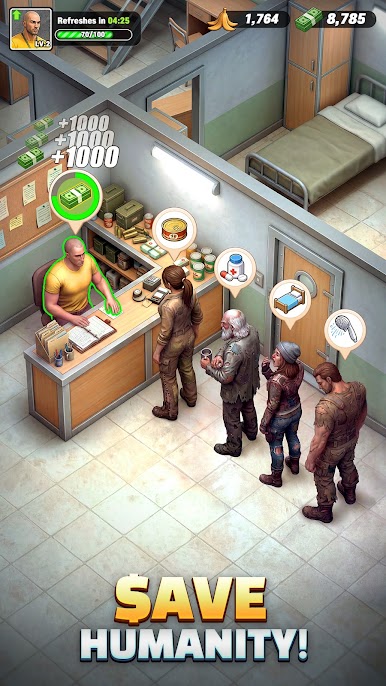
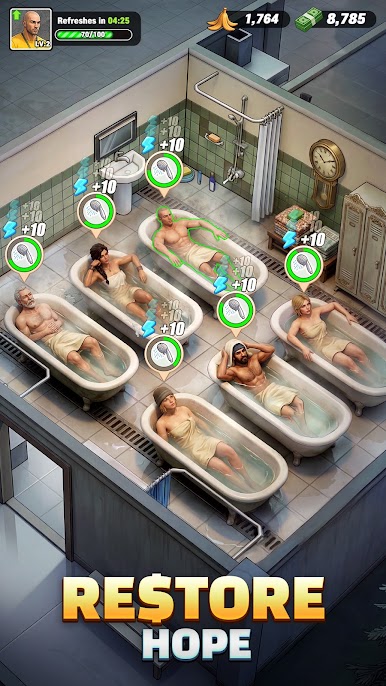
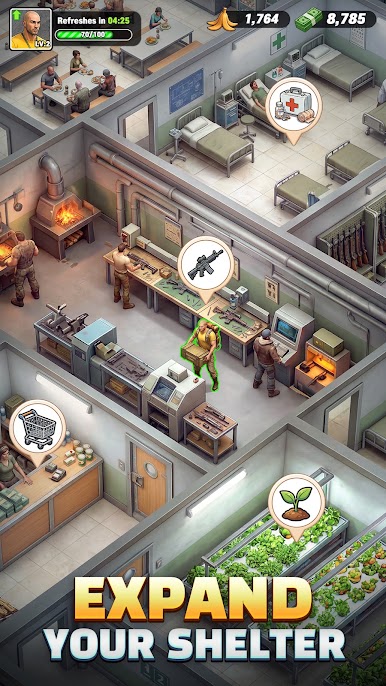
Take charge of a struggling shelter and turn it into a thriving community. Repair damaged rooms, welcome new survivors, upgrade facilities, and expand your base one step at a time. Start with only a few beds and a handful of resources, then build a safe haven capable of withstanding the apocalypse.
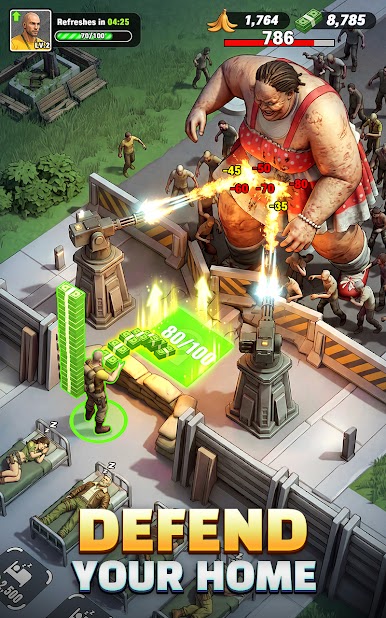
As your settlement grows, more survivors will arrive seeking protection. But danger is never far away. Resource shortages, blocked roads, and relentless zombie hordes will constantly test your leadership. Build, manage, defend, and lead your people toward a brighter future.
Build Your Dream Shelter
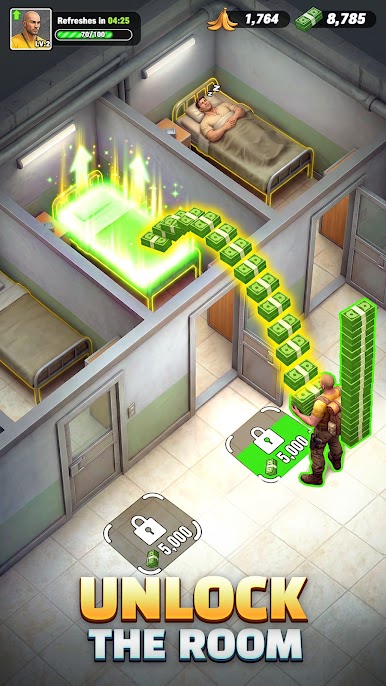
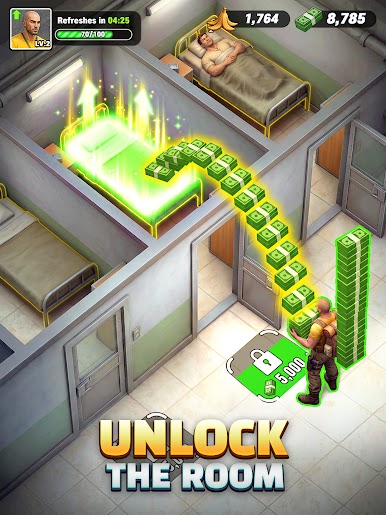
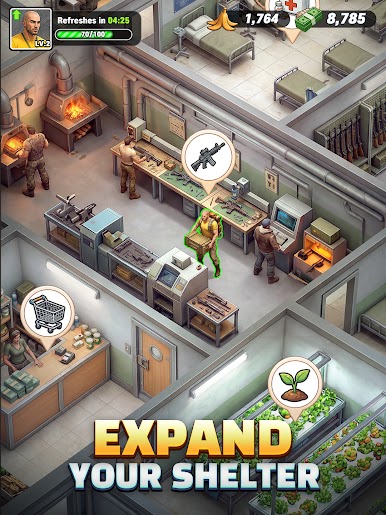
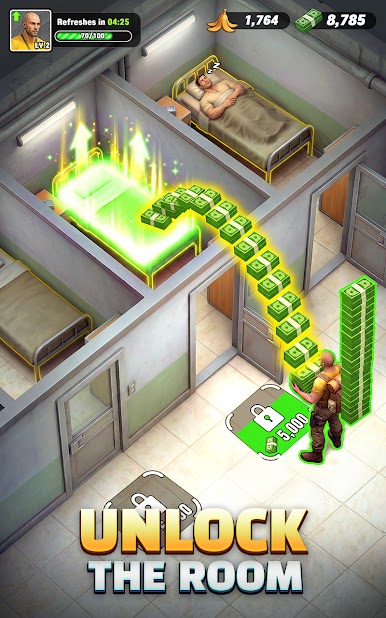
- Restore rooms, upgrade facilities, and transform a small refuge into a thriving survivor settlement.
Idle Rewards, Endless Progress
-Collect resources even while you're away. Easy to learn, satisfying to play, and always rewarding.
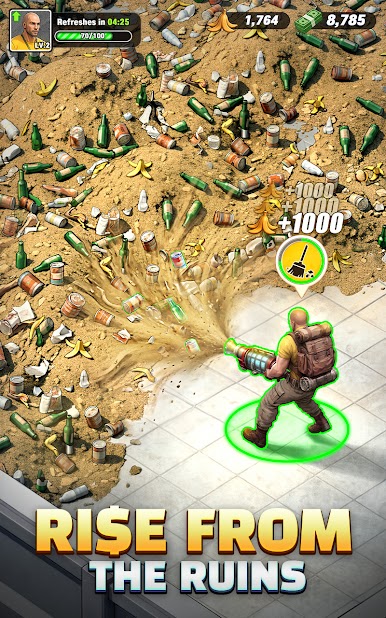
Explore, Clean Up, and Expand
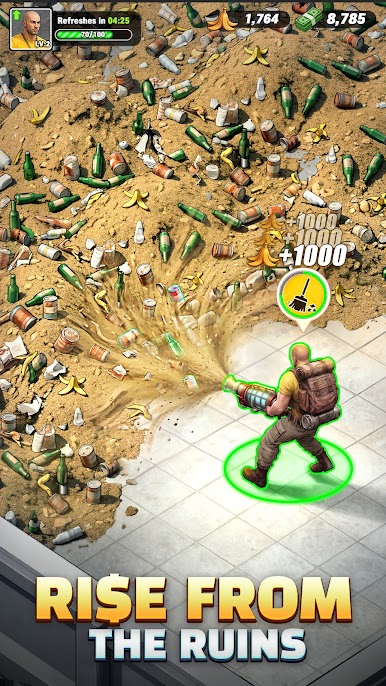
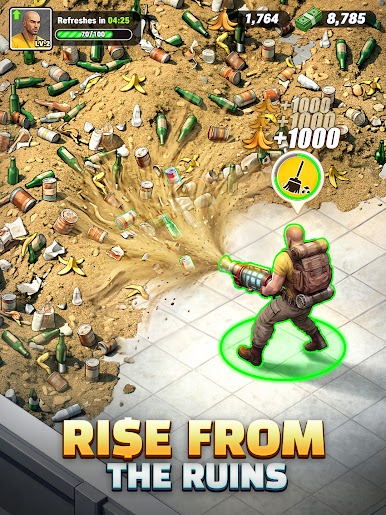
-Clear debris, unlock new areas, discover valuable resources, and uncover exciting surprises as your shelter grows.
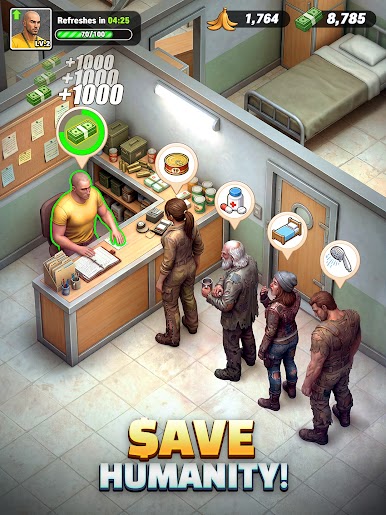
Grow Your Community
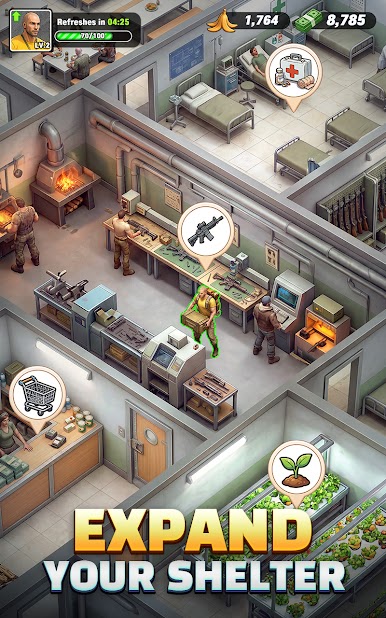
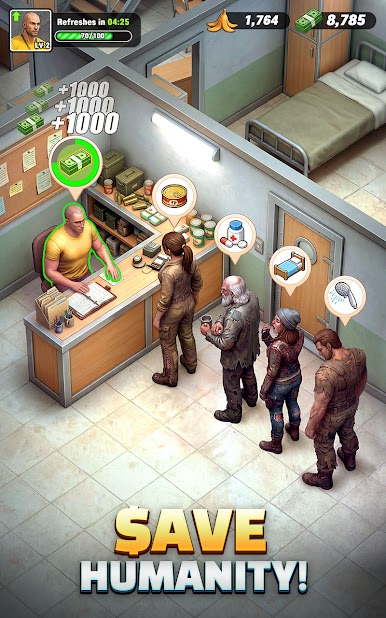
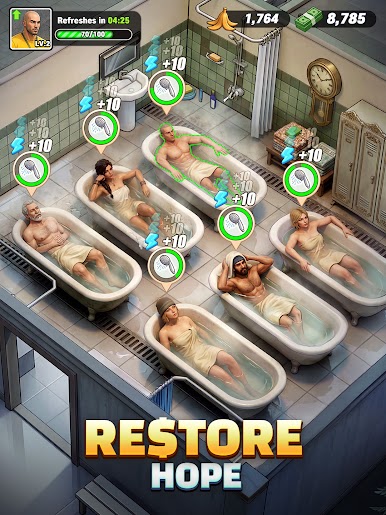
-Recruit survivors, expand your territory, and develop a bustling post-apocalyptic town.
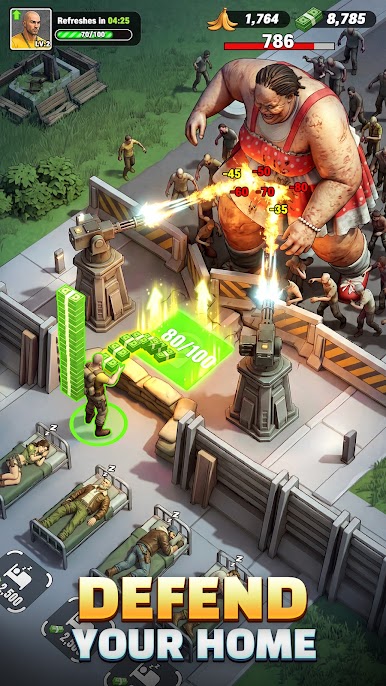
Defend Against Zombie Hordes
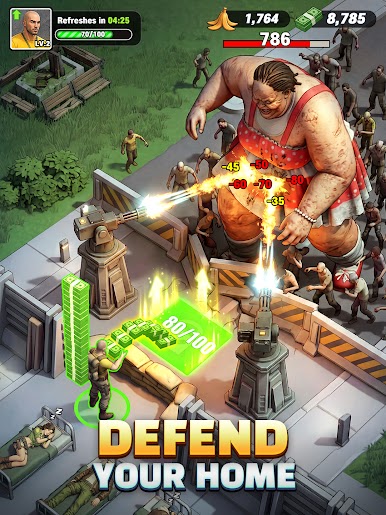
-Train and strengthen your survivors, fortify your defenses, and fight back against endless waves of the undead.
Play Shelter Days: Survival on PC. It’s easy to get started.
-
Download and install BlueStacks on your PC
-
Complete Google sign-in to access the Play Store, or do it later
-
Look for Shelter Days: Survival in the search bar at the top right corner
-
Click to install Shelter Days: Survival from the search results
-
Complete Google sign-in (if you skipped step 2) to install Shelter Days: Survival
-
Click the Shelter Days: Survival icon on the home screen to start playing

