

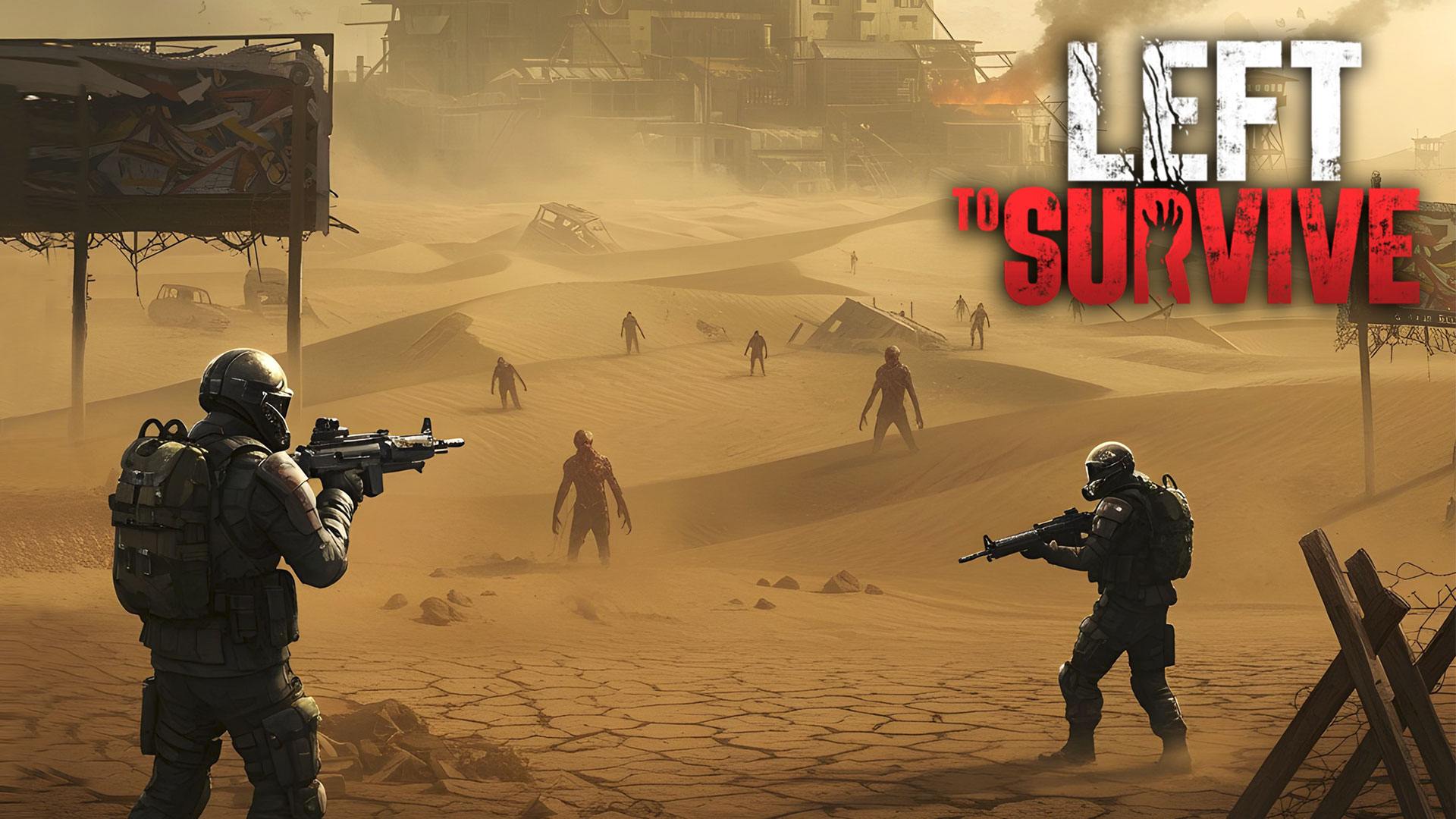
Left to Survive: Zombie Games
Play on PC with BlueStacks – the Android Gaming Platform, trusted by 500M+ gamers.

Page Modified on: Feb 27, 2026
Play Left To Survive: Zombie games on PC or Mac
Left to Survive: Zombie Games is an Action game developed by MYGAMES MENA FZ LLC. BlueStacks app player is the best platform to play this Android game on your PC or Mac for an immersive gaming experience.
The world has been overrun by zombies, leaving just a fraction of humanity left to fight for survival. You have to lead the survivors and defeat the zombies to reclaim Earth. With no place to hide, do you think you’re up for the task?
About the Game
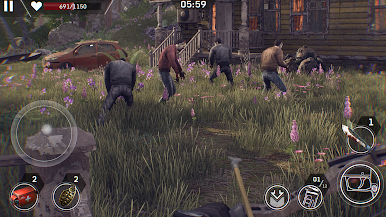
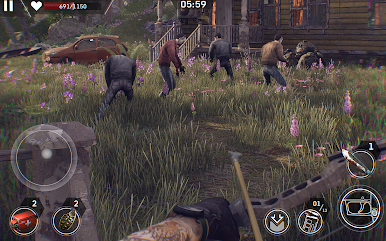
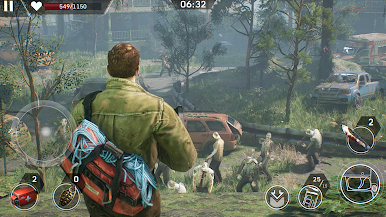
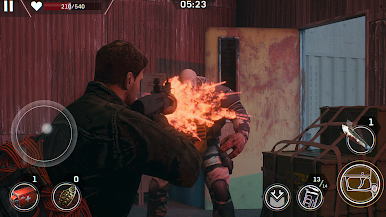
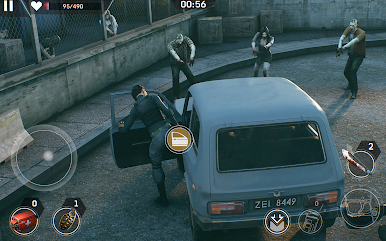
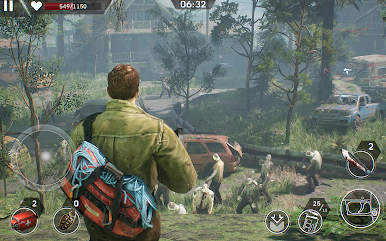
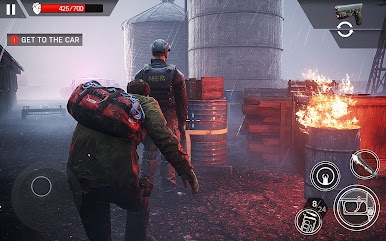
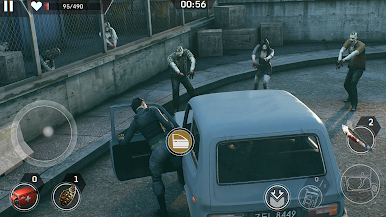
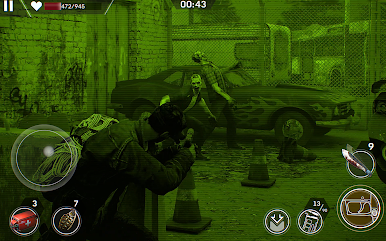
Left to Survive: Zombie Games follows the frightening tales of a post-apocalyptic event. It challenges your survival skills and battle strategies as you wage war against the army of the undead. But that’s not all; you can challenge other players in PvP battles and participate in helicopter raids.
What’s New?
A thrilling new PvP map set in ancient ruins introduces opportunities for strategic cover and challenging gameplay, inviting players to prove their dominance in this treacherous environment. Additionally, a new PvE camera zoom feature allows players to precisely target zombie weak spots with an easy-to-use zoom button, enhancing the player’s strategy and precision.
Gameplay Overview
In your mission to save the world, you have to equip your character with weapons and gear to enhance his skills; you can also upgrade your weapons. Team up with other heroes to build a formidable squad and fight against the zombies. You also need to build a base to store your weapons, provide shelter, and feed the survivors.
Game Features
- Smooth gaming controls
- Realistic graphical elements
- Competitive multiplayer mode
How to Play?
Download Left to Survive: Zombie Games for free from the Google Play Store using the BlueStacks app player.

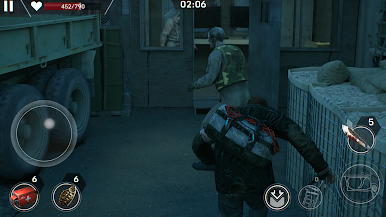
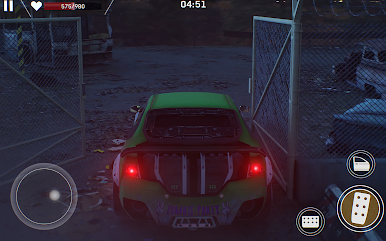
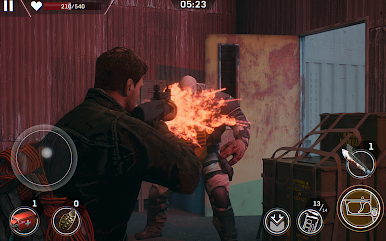
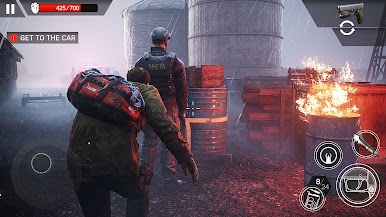
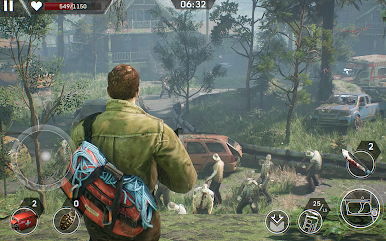
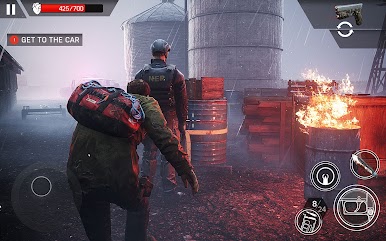
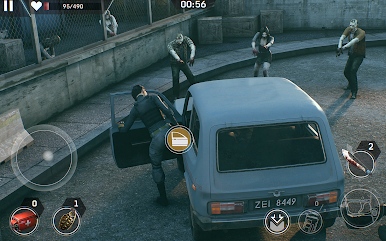
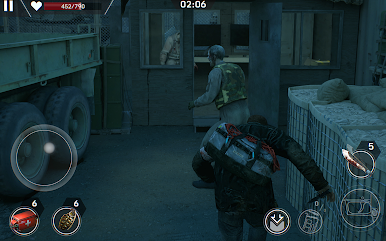
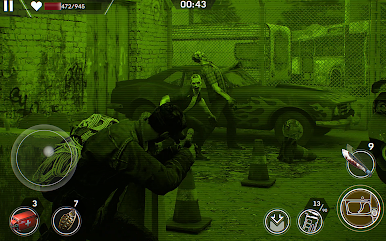
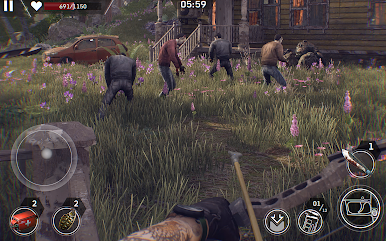
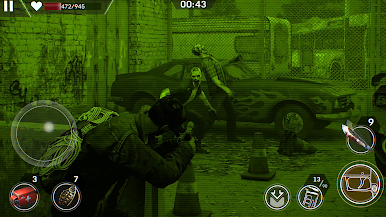
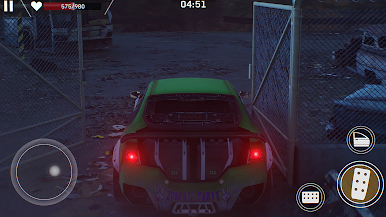
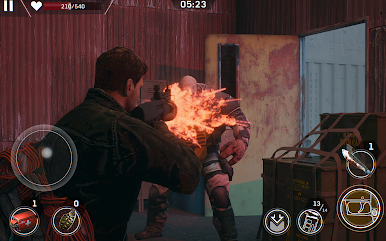
Play Left to Survive: Zombie Games on PC. It’s easy to get started.
-
Download and install BlueStacks on your PC
-
Complete Google sign-in to access the Play Store, or do it later
-
Look for Left to Survive: Zombie Games in the search bar at the top right corner
-
Click to install Left to Survive: Zombie Games from the search results
-
Complete Google sign-in (if you skipped step 2) to install Left to Survive: Zombie Games
-
Click the Left to Survive: Zombie Games icon on the home screen to start playing

