


Mines and Jewels
Play on PC with BlueStacks – the Android Gaming Platform, trusted by 500M+ gamers.

Page Modified on: Nov 30, 2025
Play Mines and Jewels on PC
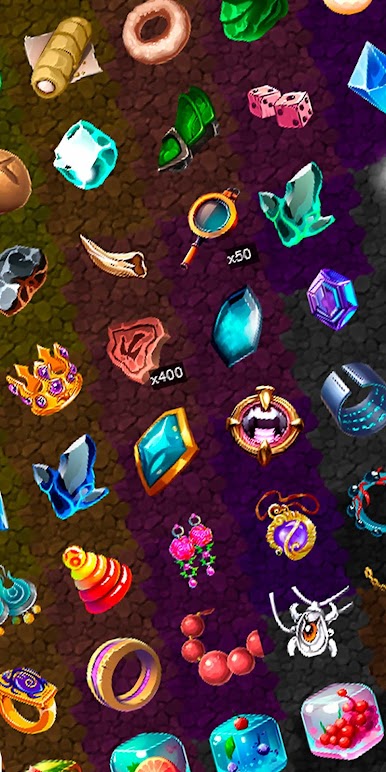
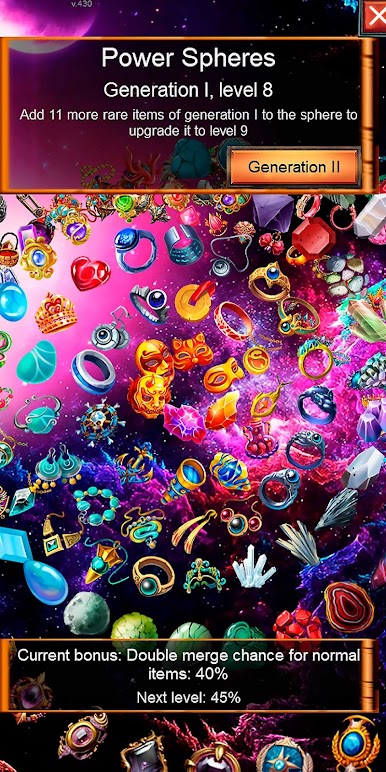
> 400+ items and more arriving every week!
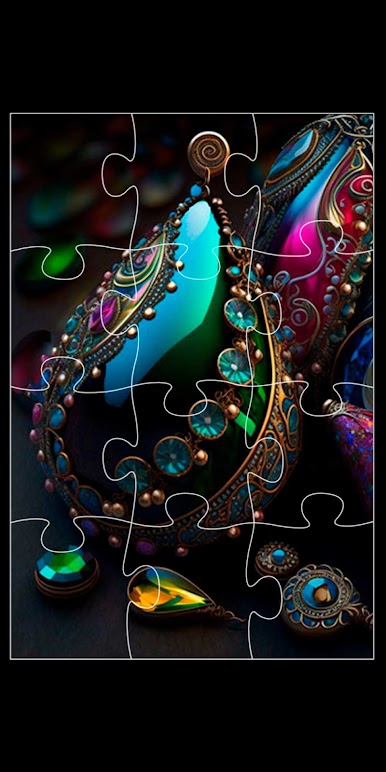
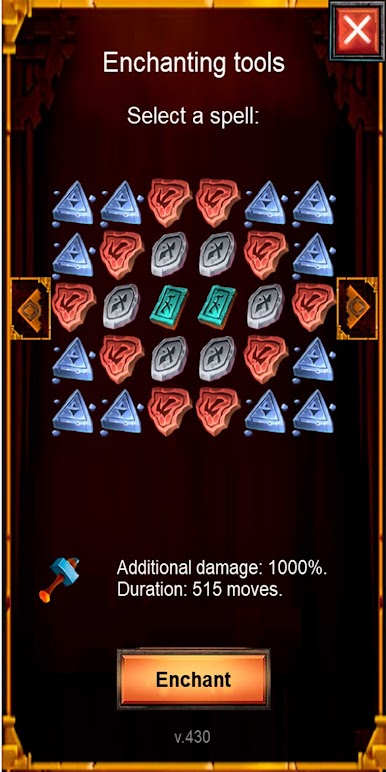
> Amethyst, Aquamarine, Turquoise - collect and merge them and other wondrous minerals.
> Collect pets - mystical and funny creatures will make you a company in the dark mines.
> Also merge plenty of snacks and eat them to get powerful bonuses.
> Join community and tell developers what shining brilliant collection would you like to see next!
> When you become rich enough, build your own medieval town!
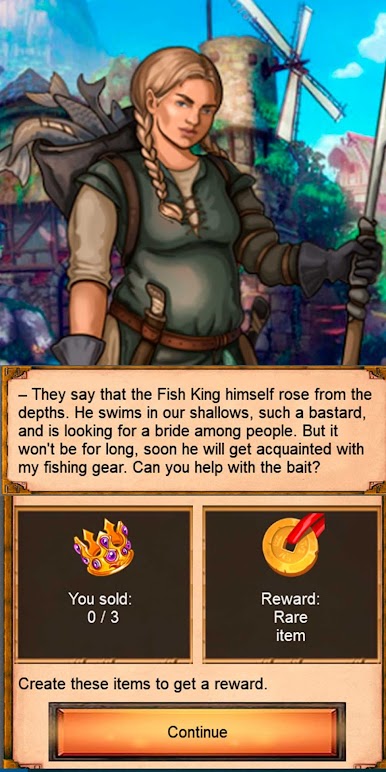
> Help citizens of the village, listen for their fascinating stories about love, struggle and curious ways of their fates.
> Sell jewelry made of sapphires, rubies, malachite and etc. to earn incredible wealth!

Play Mines and Jewels on PC. It’s easy to get started.
-
Download and install BlueStacks on your PC
-
Complete Google sign-in to access the Play Store, or do it later
-
Look for Mines and Jewels in the search bar at the top right corner
-
Click to install Mines and Jewels from the search results
-
Complete Google sign-in (if you skipped step 2) to install Mines and Jewels
-
Click the Mines and Jewels icon on the home screen to start playing

