


Baseball Batting King
Play on PC with BlueStacks – the Android Gaming Platform, trusted by 500M+ gamers.

Page Modified on: Oct 8, 2026
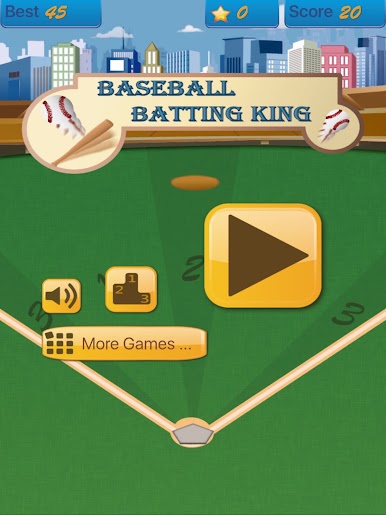
Play Baseball Batting King on PC
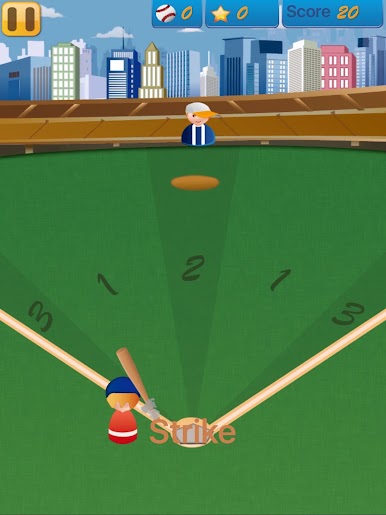
It is easy to play. Just tap the screen to swing the bat.
However, if you want to get high score, you need to have instant response to the variation of ball speed.
Like real baseball game, you may get a strike for fast ball because you are used to the speed of slow ball in last pitch.
Good luck and enjoy it!

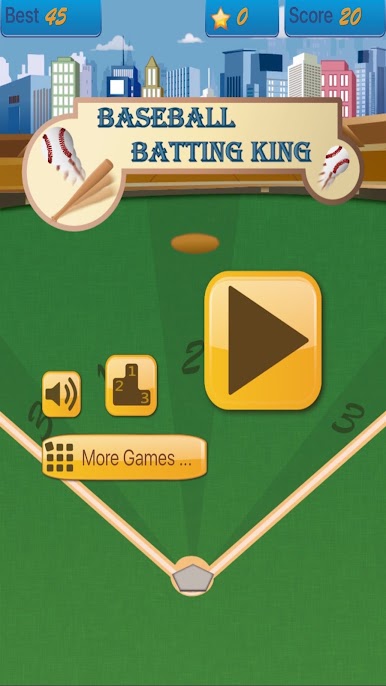

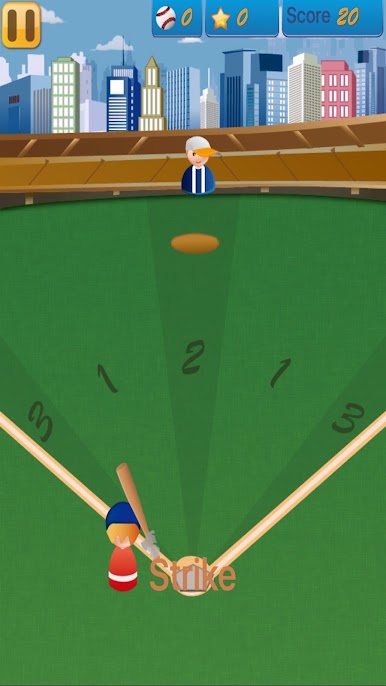
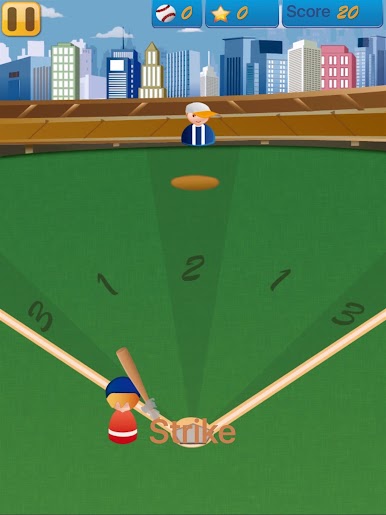

Play Baseball Batting King on PC. It’s easy to get started.
-
Download and install BlueStacks on your PC
-
Complete Google sign-in to access the Play Store, or do it later
-
Look for Baseball Batting King in the search bar at the top right corner
-
Click to install Baseball Batting King from the search results
-
Complete Google sign-in (if you skipped step 2) to install Baseball Batting King
-
Click the Baseball Batting King icon on the home screen to start playing

