


Flashlight
Play on PC with BlueStacks – the Android Gaming Platform, trusted by 500M+ gamers.

Page Modified on: Oct 14, 2025
Play Flashlight on PC
Features:
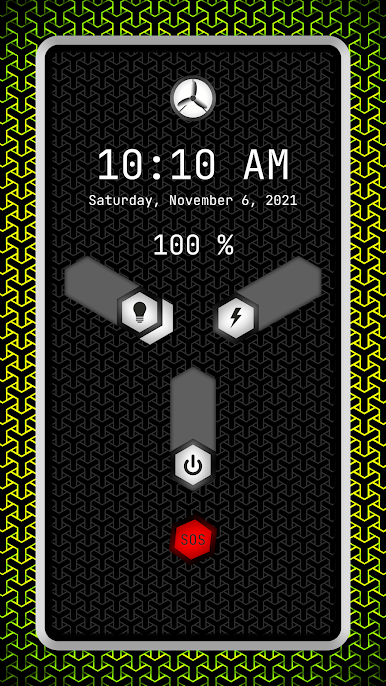
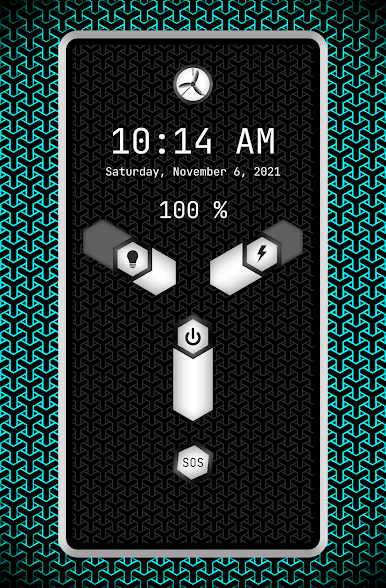
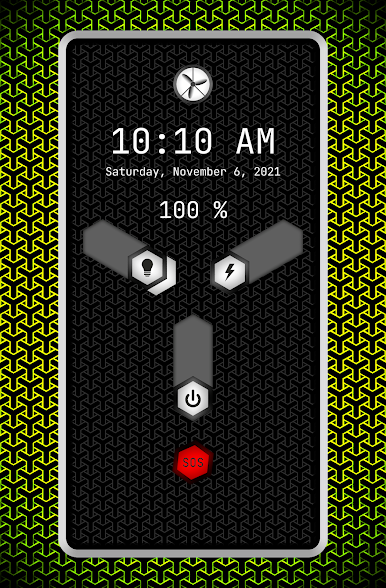
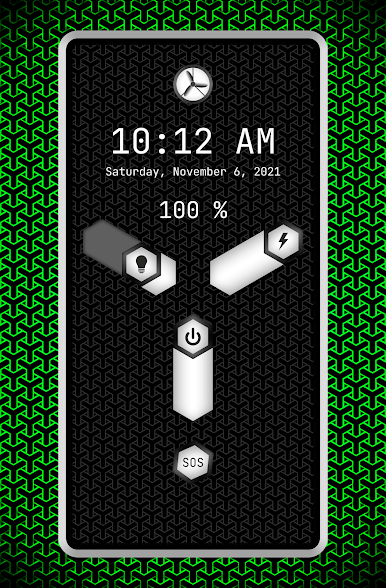
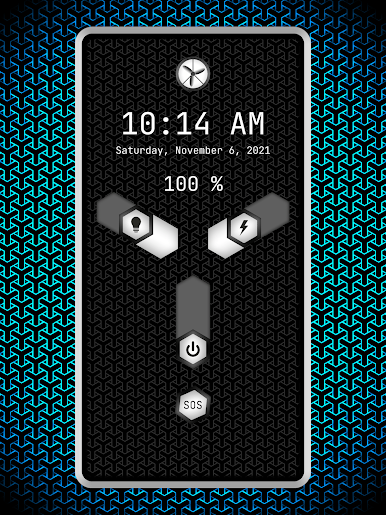
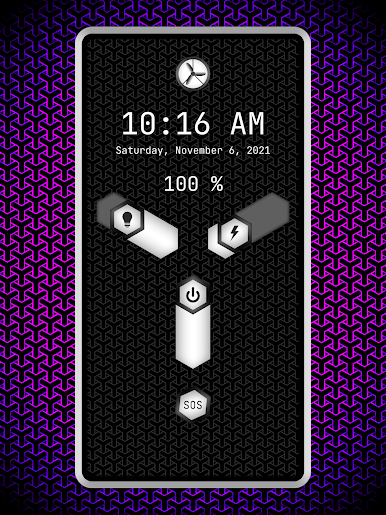
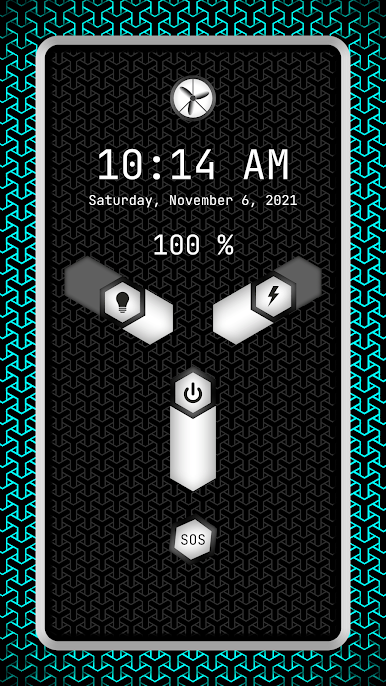
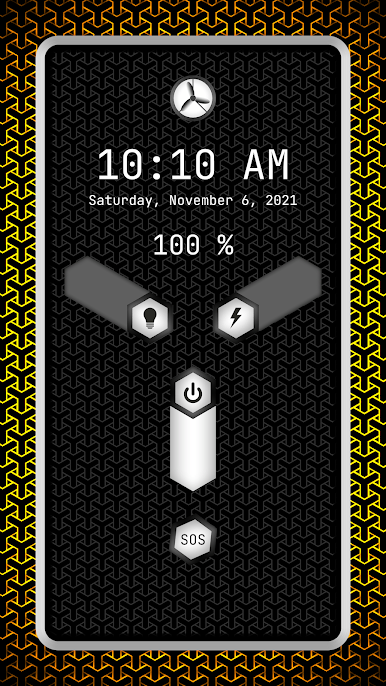
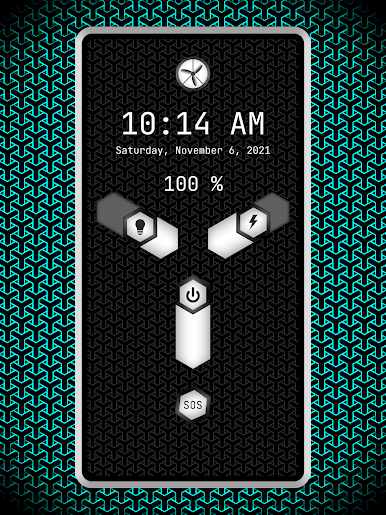
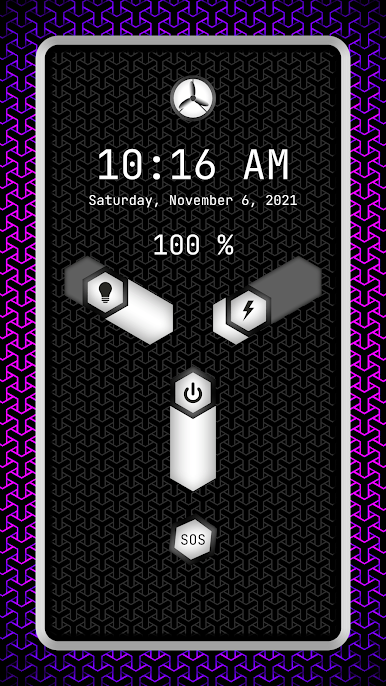
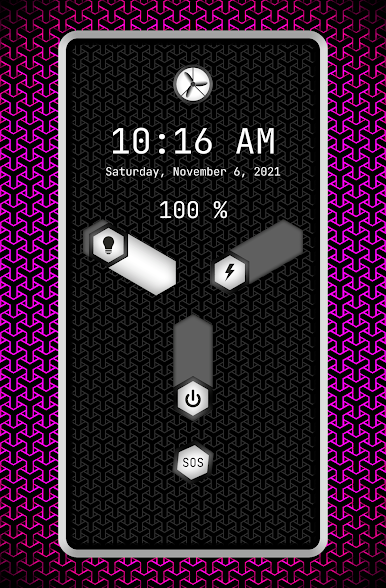
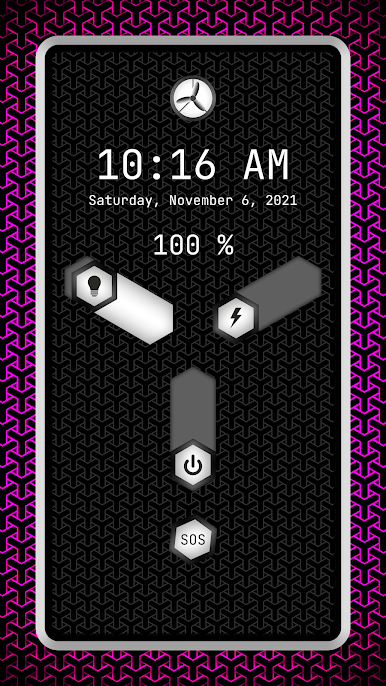
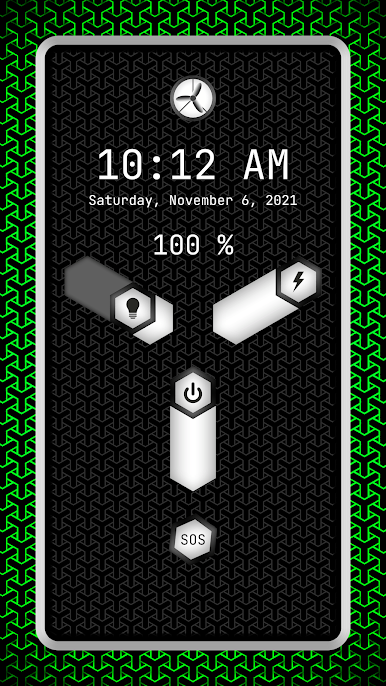
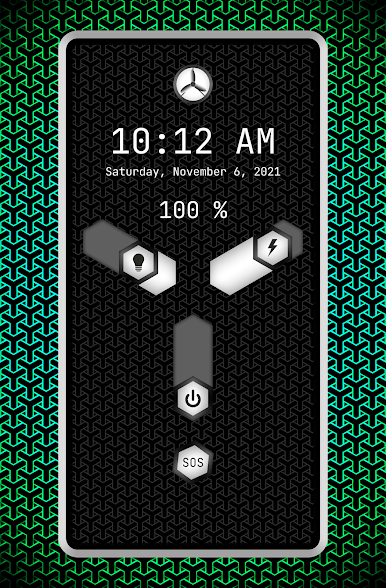
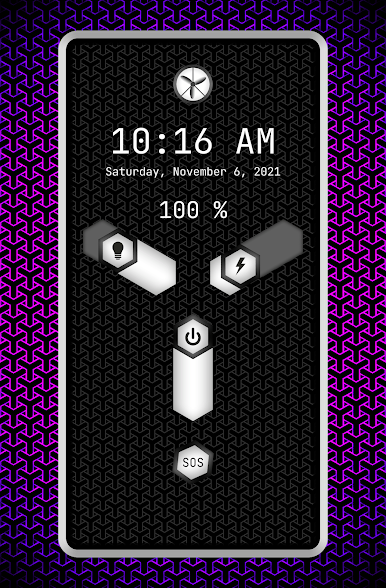
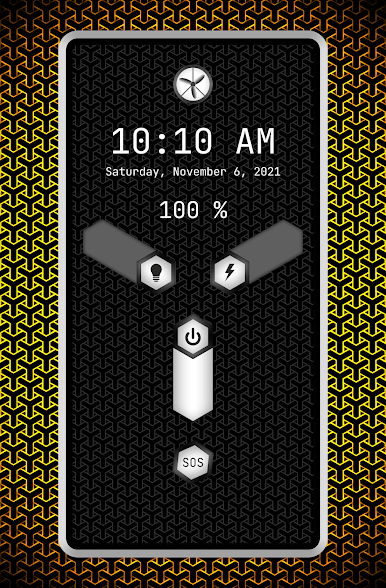
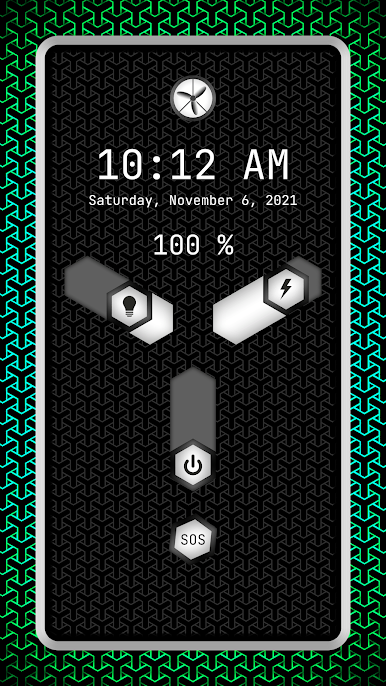
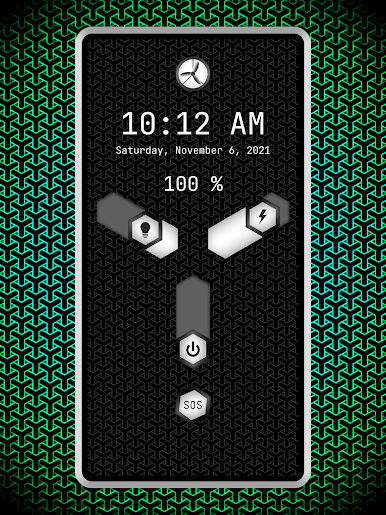
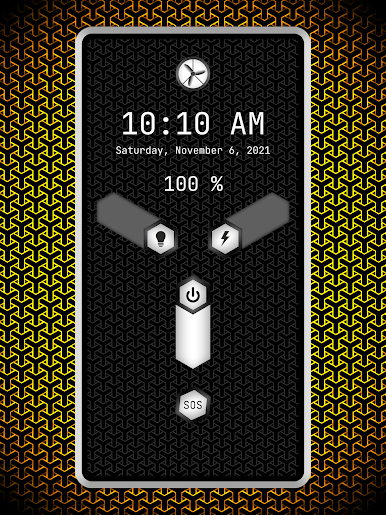
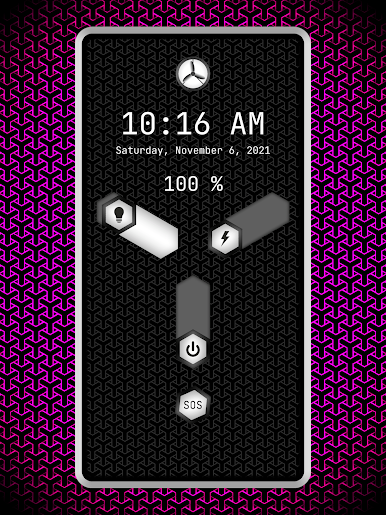
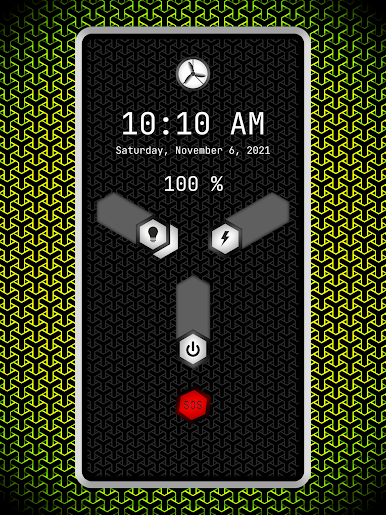
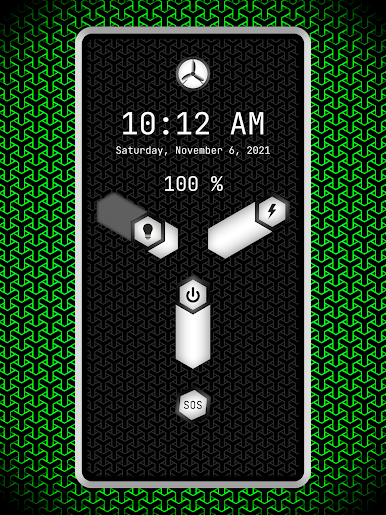
1. Time and date
2. SOS
3. Strobe light
4. Battery level
A unique flashlight app with an elegant design and great LED light functionality.
Is the flashlight app safe?
The flashlight app is safe and does not require camera permission.
When to use an android flashlight app?
A flashlight app is used as a mobile light source at night, in dark environments, outdoors, in places without permanently lighting, during power outages.
What is a strobe light?
A strobe light produces regular flashes of light.
What is a flashlight?
A flashlight is a mobile electric light.


Play Flashlight on PC. It’s easy to get started.
-
Download and install BlueStacks on your PC
-
Complete Google sign-in to access the Play Store, or do it later
-
Look for Flashlight in the search bar at the top right corner
-
Click to install Flashlight from the search results
-
Complete Google sign-in (if you skipped step 2) to install Flashlight
-
Click the Flashlight icon on the home screen to start playing

