


Goblin Vault: Idle Mining
Play on PC with BlueStacks – the Android Gaming Platform, trusted by 500M+ gamers.

Page Modified on: Oct 26, 2026
Play Goblin Vault: Idle Mining on PC
MERGE GOBLIN MINER
Fresh goblins ride down the pipe in barrels. Drop two goblins of the same level on each other and one better miner climbs out, with a better tool. 30 levels to reach: from hammer and chisel to a laser drill, from a ragged tunic to a mech suit.
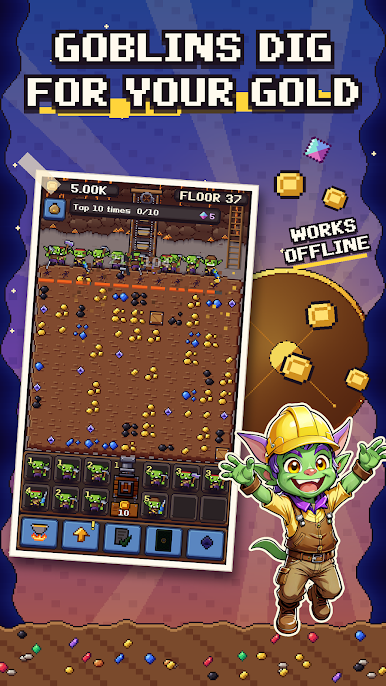
DIG FLOOR BY FLOOR
Your crew picks the nearest block, swings, hauls the loot to the lift and jumps down the hatch once the floor is clear. Deeper floors hide richer ore: coal, copper, iron, amethyst, sapphire, ruby, diamond and stranger rocks further down. Hold a finger on a block to help with your own pick.
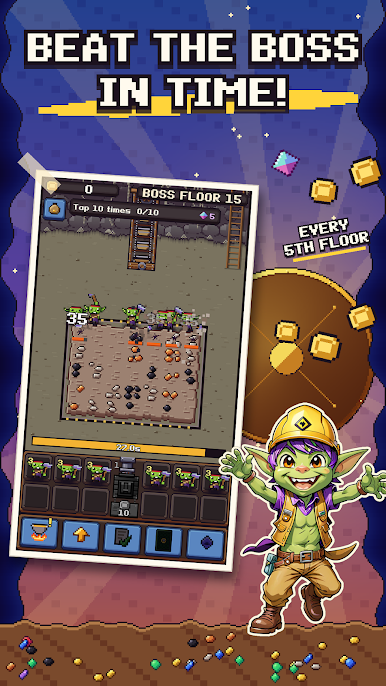
BEAT THE VAULT BOSSES
Every fifth floor ends in a boss on a timer, every tenth in a mega boss. Break it in time to go on. Break it fast and the crew skips whole floors.
SMELT IN THE FORGE
Ore goes into the crucible and comes out as bars and cut gems.
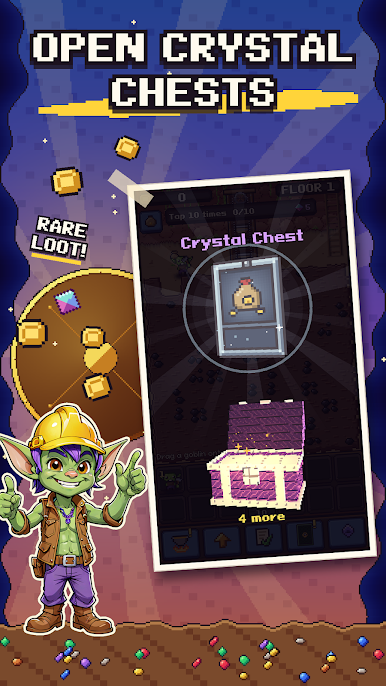
CHESTS AND CARDS
Chests drop from mega bosses, come with every prestige and pop up on a timer every two hours. Inside are many cards and rarities that boost damage, coins, boss time and more. Duplicates level them up.
PRESTIGE
Past floor 50, start another run, keep the souls of your miners and dig faster than last time.
QUESTS
A main quest line plus daily and weekly tasks that pay out in gems.
IDLE AND OFFLINE
Close the game and the mine keeps working for up to 8 hours. Come back to a full haul. No internet connection needed.
A relaxed idle merge game about greedy goblins and a very deep hole. Grab a pick, hire your first goblin and find out how deep the vault goes.
Play Goblin Vault: Idle Mining on PC. It’s easy to get started.
-
Download and install BlueStacks on your PC
-
Complete Google sign-in to access the Play Store, or do it later
-
Look for Goblin Vault: Idle Mining in the search bar at the top right corner
-
Click to install Goblin Vault: Idle Mining from the search results
-
Complete Google sign-in (if you skipped step 2) to install Goblin Vault: Idle Mining
-
Click the Goblin Vault: Idle Mining icon on the home screen to start playing

