


Goddess Card Arena - TCG
Play on PC with BlueStacks – the Android Gaming Platform, trusted by 500M+ gamers.

Page Modified on: Mar 30, 2026
Play Goddess Card Arena - TCG on PC or Mac
Bring your A-game to Goddess Card Arena – TCG, the Casual game sensation from Taposya Consultancy. Give your gameplay the much-needed boost with precise game controls, high FPS graphics, and top-tier features on your PC or Mac with BlueStacks.
About the Game
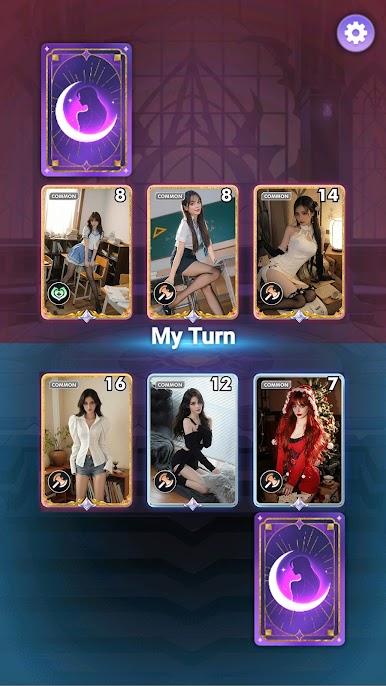
Goddess Card Arena – TCG is a snappy, strategy-first card battler from Taposya Consultancy where powerful goddesses take the spotlight. You’ll build a deck, play clever combos, and make every turn count as you square off in quick matches with plenty of room for skill. It’s a Casual experience that’s easy to pick up and surprisingly deep—and it feels great on PC with BlueStacks, too.
Game Features
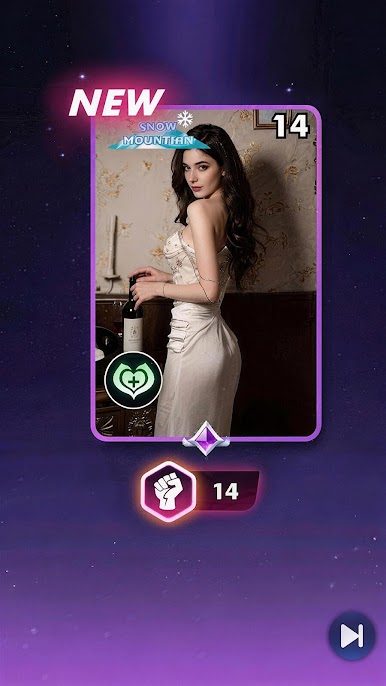
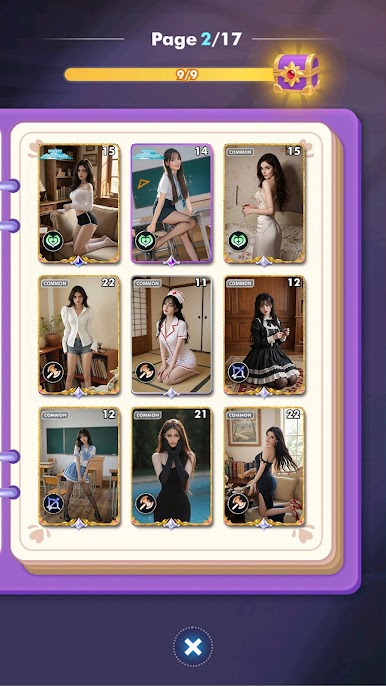
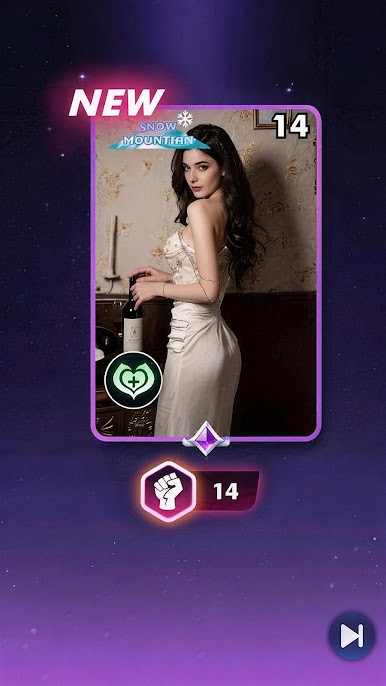
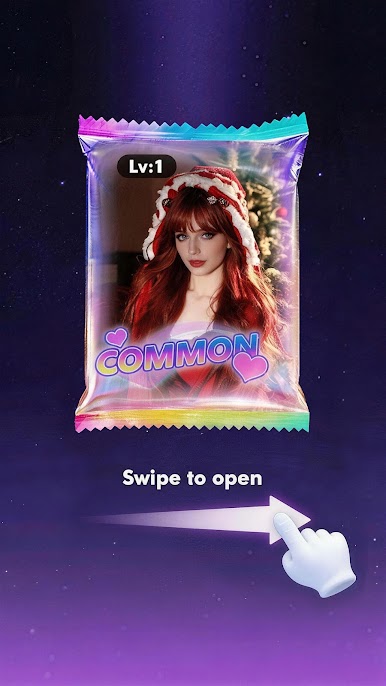
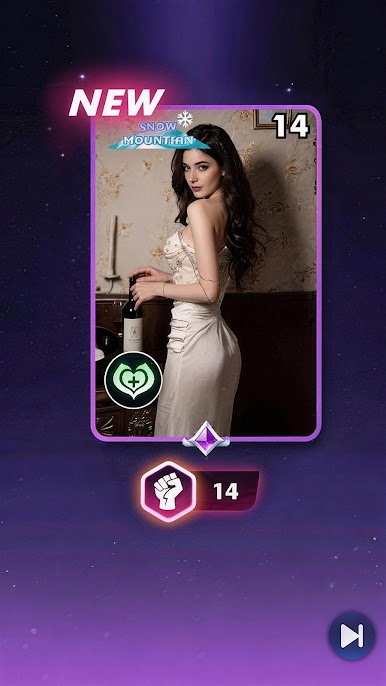
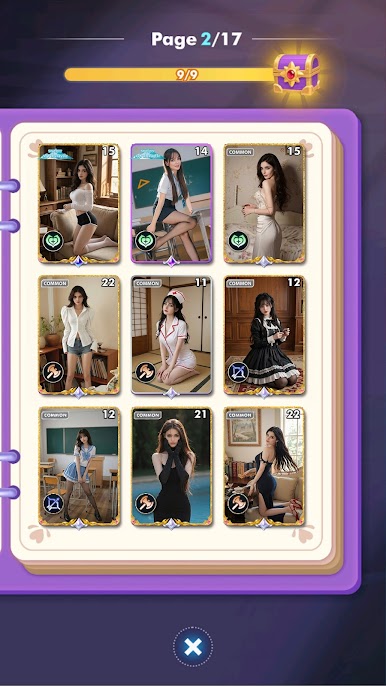
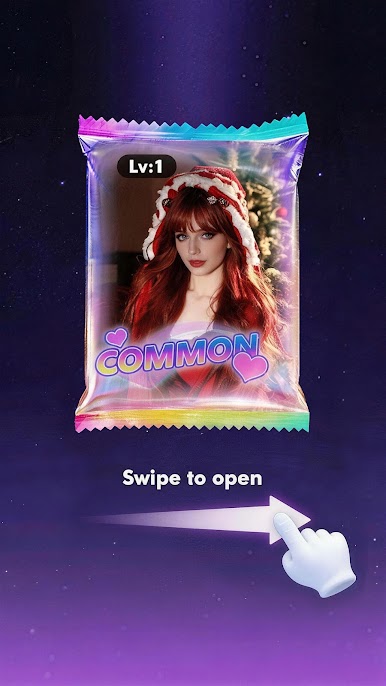
- Summon and Collect: Open eye-catching packs to find new goddess cards across different elements, each with distinct roles and playstyles.
- Upgrade Your Roster: Strengthen favorites by enhancing stats and unlocking new tricks, then tweak your lineup to fit the way you like to play.
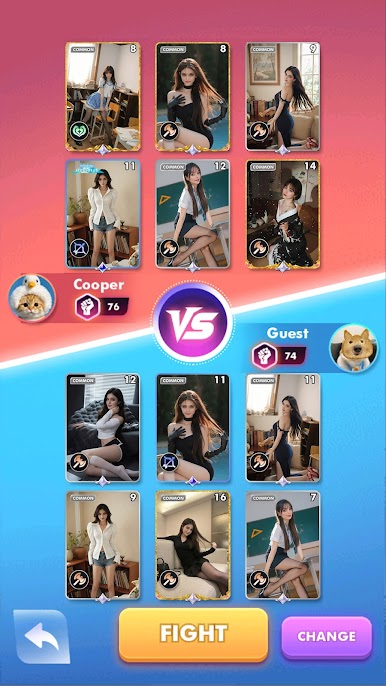
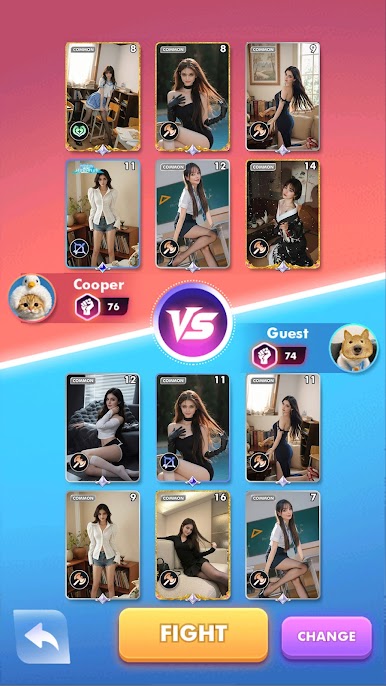
- Tactical, Turn-Based Combat: Position units, time abilities, and chain synergies—small choices snowball into big momentum swings.
- Arena Showdowns: Challenge rivals, push your rank higher, and prove that your build isn’t just flashy—it wins when it matters.
- PvE Challenges: Test experimental decks in single-player encounters that reward smart planning and steady progress.
- Limited-Time Events: Jump into rotating modes and special events to earn exclusive goodies for your collection.
- Clean, Stylish Presentation: Sharp character art, smooth animations, and polished effects make every clash feel like a highlight.
- Quick Matches, Real Depth: Hop in for a few minutes or settle in for a long theorycraft session—the pacing works either way.
- Synergy-Driven Deckbuilding: Mix elements and abilities to create surprising combos, counter popular metas, and keep opponents guessing.
Start your journey now. Download the game on BlueStacks, invite your friends, and march on a new adventure.

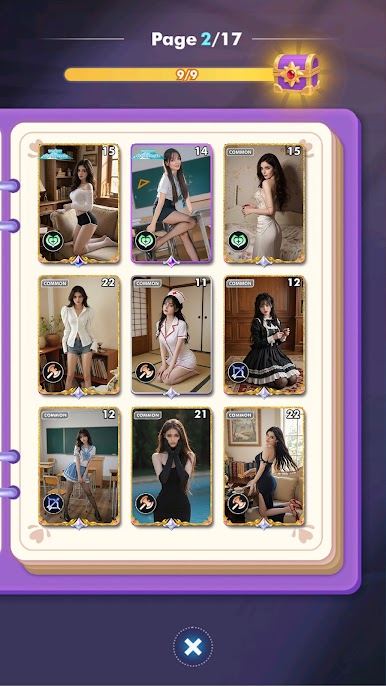
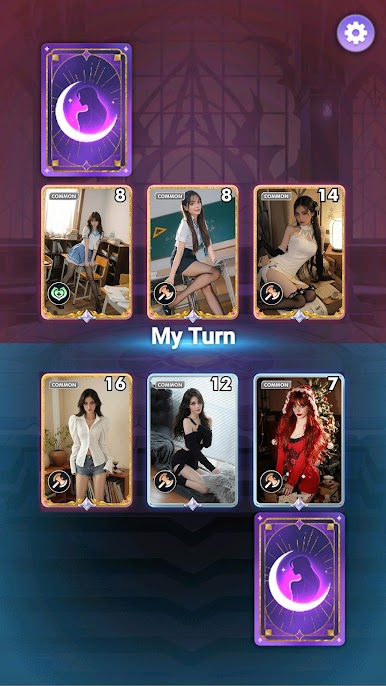
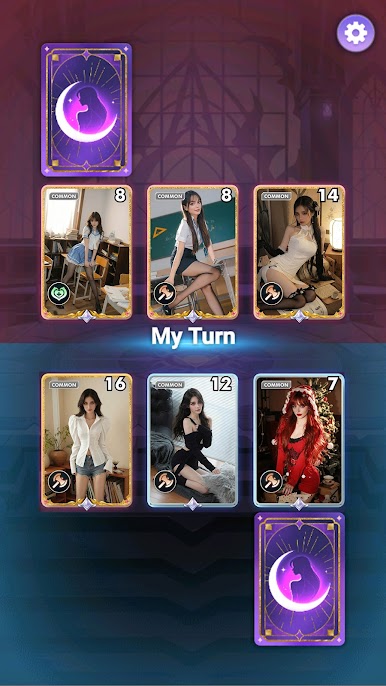
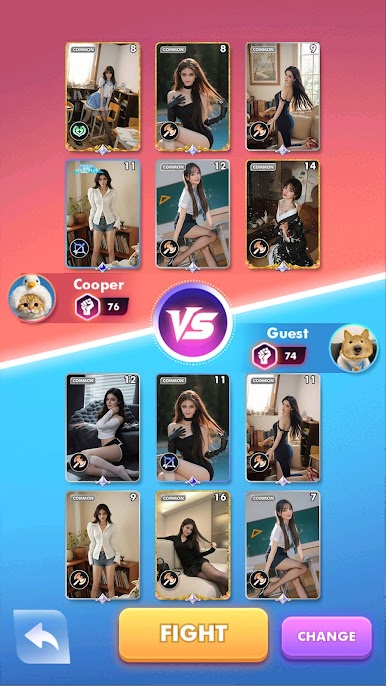



Play Goddess Card Arena - TCG on PC. It’s easy to get started.
-
Download and install BlueStacks on your PC
-
Complete Google sign-in to access the Play Store, or do it later
-
Look for Goddess Card Arena - TCG in the search bar at the top right corner
-
Click to install Goddess Card Arena - TCG from the search results
-
Complete Google sign-in (if you skipped step 2) to install Goddess Card Arena - TCG
-
Click the Goddess Card Arena - TCG icon on the home screen to start playing

