


gogh - Focus with Your Avatar
Play on PC with BlueStacks – the Android Gaming Platform, trusted by 500M+ gamers.

Page Modified on: Mar 9, 2026
Run gogh - Focus with Your Avatar on PC or Mac
What’s better than using gogh – Focus with Your Avatar by gogh Japan? Well, try it on a big screen, on your PC or Mac, with BlueStacks to see the difference.
About the App
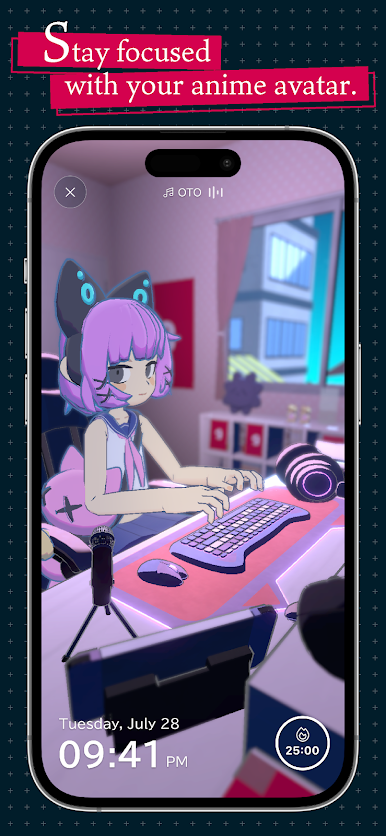
Looking for a way to actually enjoy getting things done? gogh – Focus with Your Avatar, from gogh Japan, gives your productivity a whole new look—literally. Set up your own unique avatar, design a cozy 3D workspace, and jump into focused sessions with lofi vibes in the background. Whether you’re working solo or want to concentrate alongside friends (or even strangers from across the globe), this genre-bending Productivity app lets you do it all—your style, your pace, your space.
App Features
-
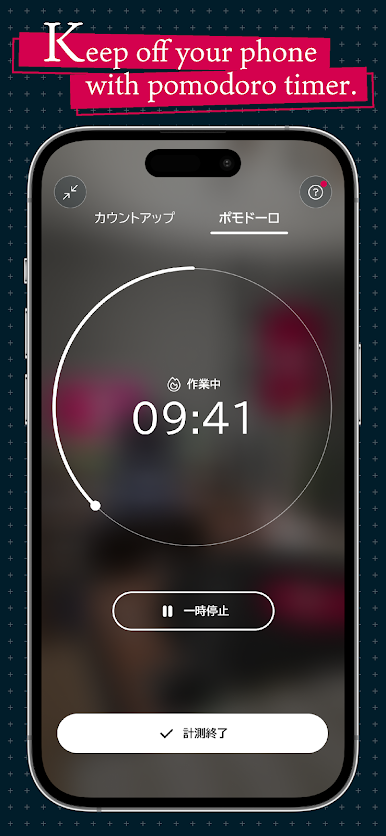
Pomodoro Timer, Your Way
Use simple, customizable Pomodoro sessions to really dial in on your tasks. Adapt the timers to fit your work rhythm—whether you sprint, stroll, or somewhere in between. -
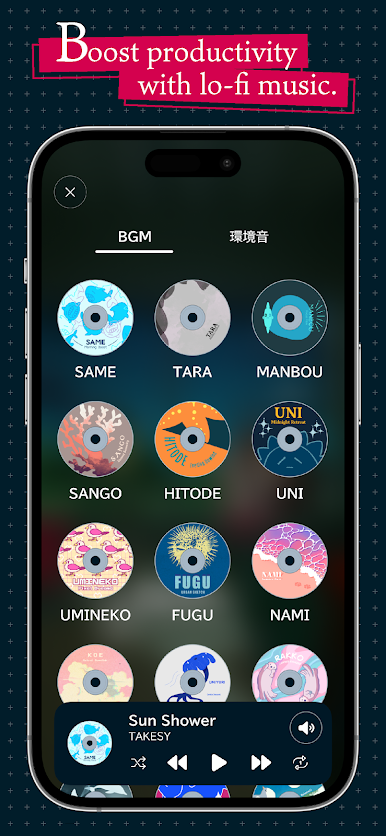
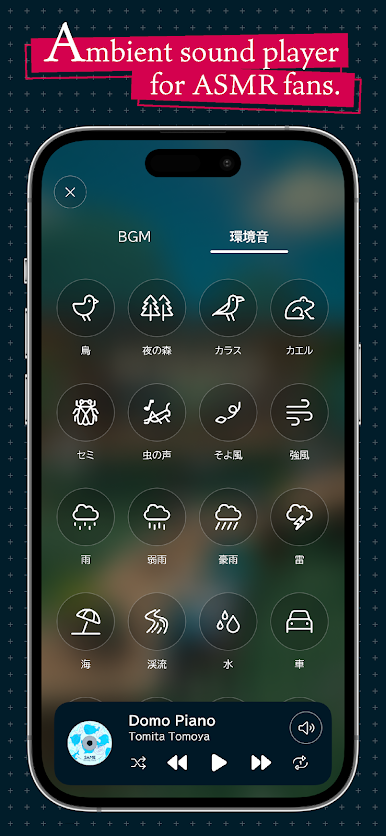
Lofi & Ambient Soundscapes
Drown out distractions with chill lofi tracks by Japanolofi Records and a variety of ambient background sounds. Perfect for zoning in, no ads getting in your way. -
Shared Focus Spaces
Not into going it alone? Step “outside” and join a virtual space where you can focus alongside people from all over the world—or just invite your friends for a group session. -
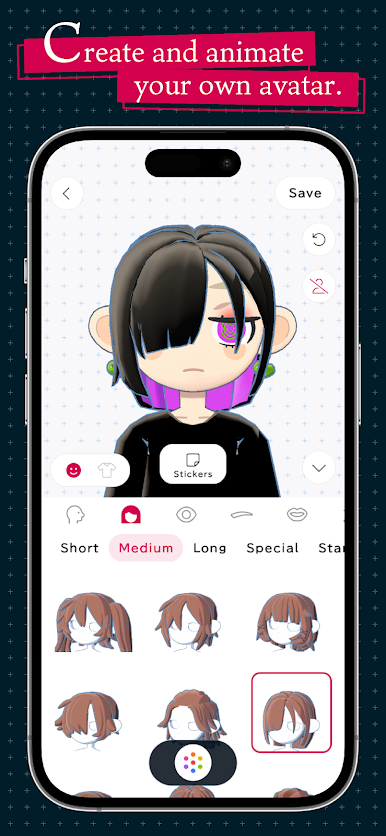
Avatar Creator
Dive into a huge selection of styles, outfits, and stickers to craft an avatar that’s all you. Mix and match colors and looks until you’ve nailed your ideal work buddy. -
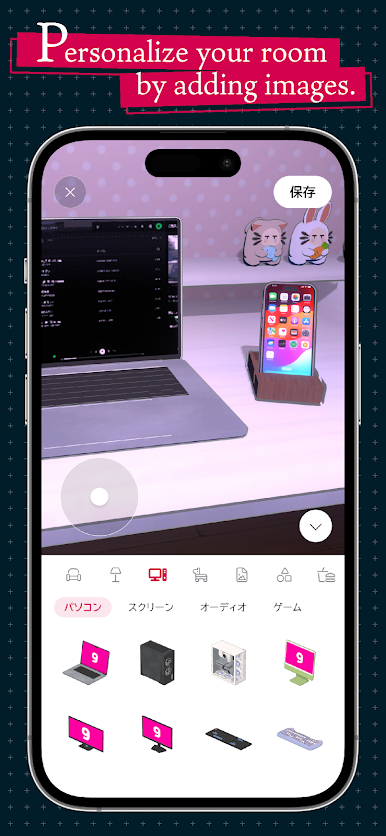
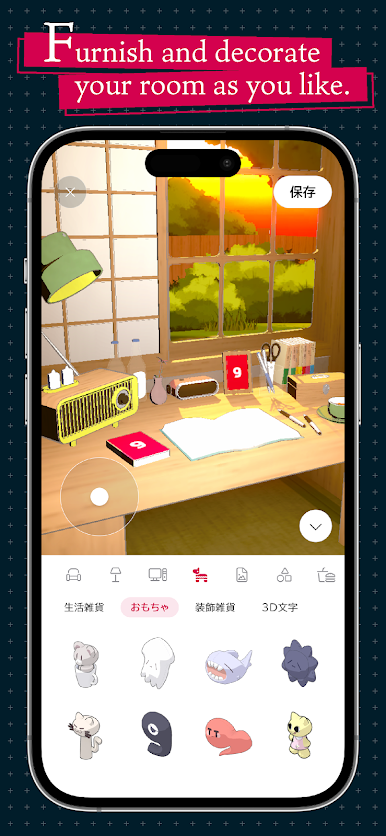
Customizable 3D Rooms
Who says workspaces have to be boring? Arrange furniture, decorate, move your avatar around, and even animate your setup. Set camera angles for the exact vibe you want. -
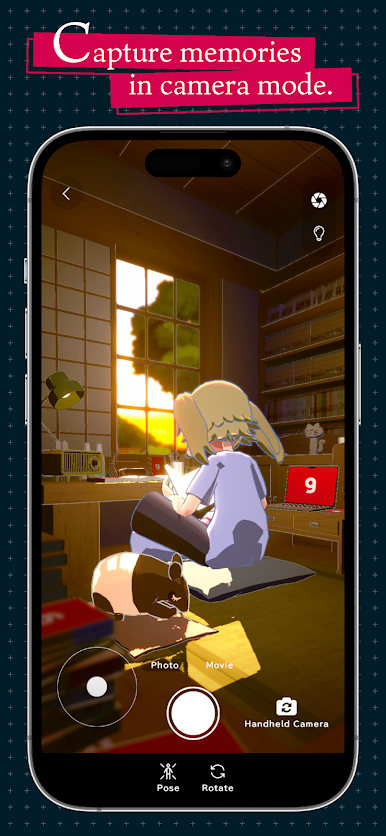
Camera Mode for Memories
Snag snapshots or record videos of your workspace or avatar moments from any angle. Show off your room, keep track of your achievements, or just grab a few fun photos.
Fans of anime-style CG, avatar customization, or focus tools like the Pomodoro technique will feel right at home. It’s even better on PC with BlueStacks if you want a bigger view.
Ready to experience gogh – Focus with Your Avatar on a bigger screen, in all its glory? Download BlueStacks now.

Play gogh - Focus with Your Avatar on PC. It’s easy to get started.
-
Download and install BlueStacks on your PC
-
Complete Google sign-in to access the Play Store, or do it later
-
Look for gogh - Focus with Your Avatar in the search bar at the top right corner
-
Click to install gogh - Focus with Your Avatar from the search results
-
Complete Google sign-in (if you skipped step 2) to install gogh - Focus with Your Avatar
-
Click the gogh - Focus with Your Avatar icon on the home screen to start playing

