

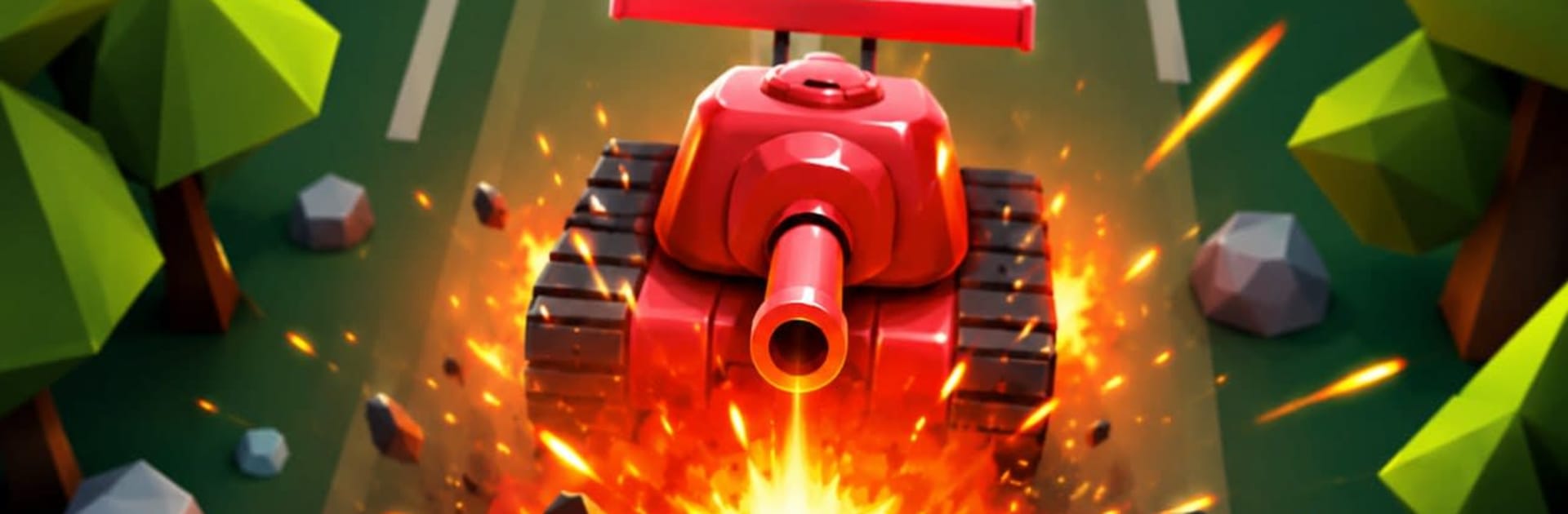
Tank Crusher Arena
Play on PC with BlueStacks – the Android Gaming Platform, trusted by 500M+ gamers.

Page Modified on: Jun 6, 2026
Play Tank Crusher Arena on PC or Mac
Bring your A-game to Tank Crusher Arena, the Arcade game sensation from HUYDAT. Give your gameplay the much-needed boost with precise game controls, high FPS graphics, and top-tier features on your PC or Mac with BlueStacks.
About the Game
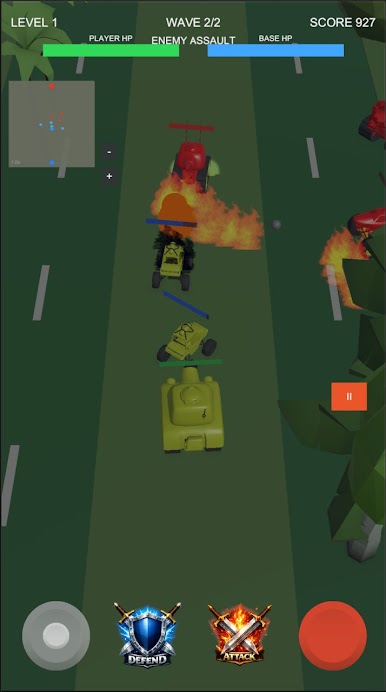
Tank Crusher Arena throws you into quick, punchy 3D tank battles where every second counts. You’re juggling two jobs at once—driving a heavy hitter and keeping your base alive—while waves of enemies try to box you in. Want to kick back at your desk? It plays nicely on PC with BlueStacks, too.
Game Features
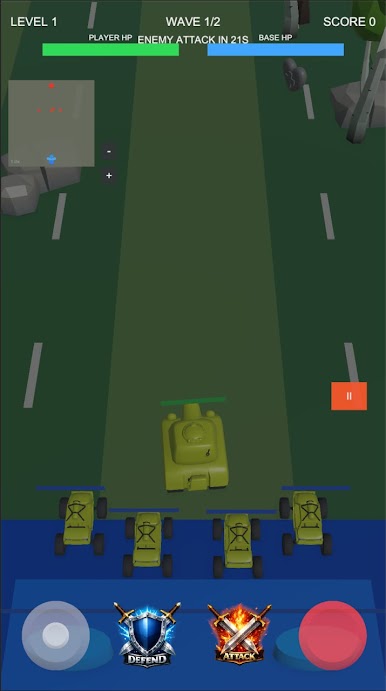
- Smooth, snappy controls: Glide with a virtual joystick, line up shots fast, and keep moving. It’s built for quick reactions and feels great on the go.
- Base-first gameplay: Hug the base to patch up your tank when things get spicy, or push out to thin enemy waves before they swarm the core.
- Command your mini-squad: Send allied mini-tanks forward to pressure foes, or pull them back to hold the line when defenses get shaky.
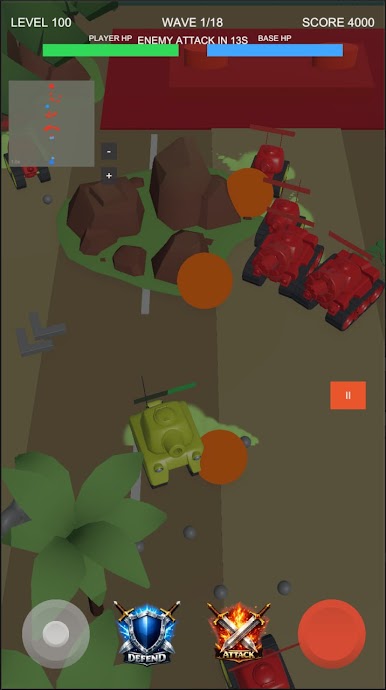
- Waves that keep escalating: Enemies arrive from every angle with different behaviors and firepower, turning each arena into a moving puzzle.
- Power-ups that flip the fight: Snag Heal, Shield, Rapid Fire, Damage Boost, Bomb, and Coins to survive close calls and punish big targets.
- Boss battles with bite: Meet chunky, screen-filling threats that demand timing, movement, and a little patience.
- Clear battlefield awareness: A handy minimap shows incoming trouble so you can set traps, rotate defenses, and avoid getting flanked.
- Progress across tough arenas: Tackle a growing list of levels with fresh layouts and challenges that test both aim and decision-making.
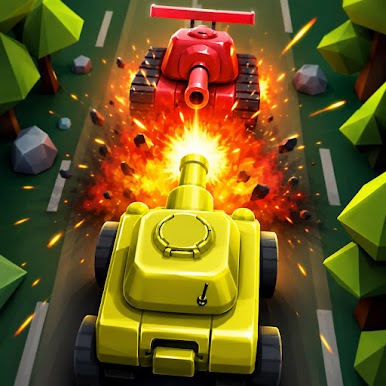
- Punchy 3D combat: Clean arenas, chunky tanks, and satisfying explosions make every hit feel heavy in this Arcade standout.
Start your journey now. Download the game on BlueStacks, invite your friends, and march on a new adventure.
Play Tank Crusher Arena on PC. It’s easy to get started.
-
Download and install BlueStacks on your PC
-
Complete Google sign-in to access the Play Store, or do it later
-
Look for Tank Crusher Arena in the search bar at the top right corner
-
Click to install Tank Crusher Arena from the search results
-
Complete Google sign-in (if you skipped step 2) to install Tank Crusher Arena
-
Click the Tank Crusher Arena icon on the home screen to start playing

