


Google’s Find Hub
Play on PC with BlueStacks – the Android Gaming Platform, trusted by 500M+ gamers.

Page Modified on: Sep 11, 2026
Main Google’s Find Hub on PC
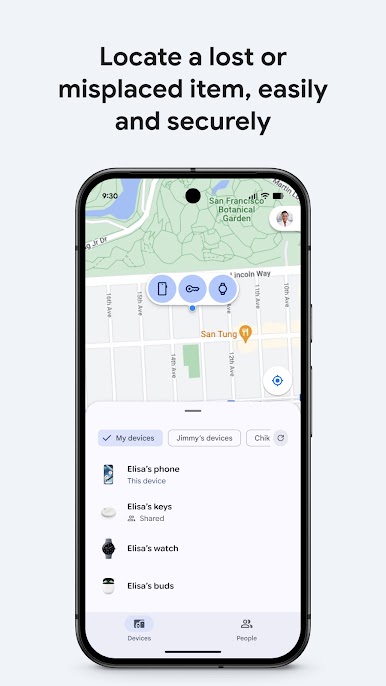
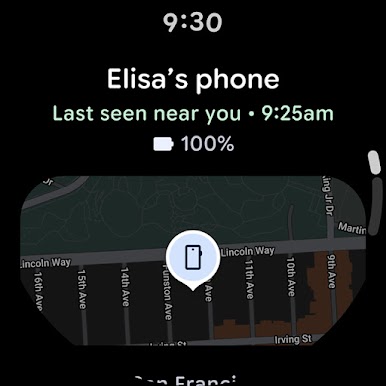
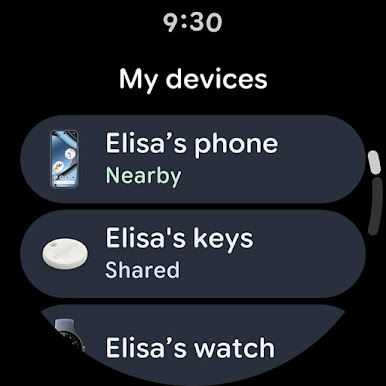
• View your phone, tablet, headphones, and other accessories on a map–even if they’re offline.
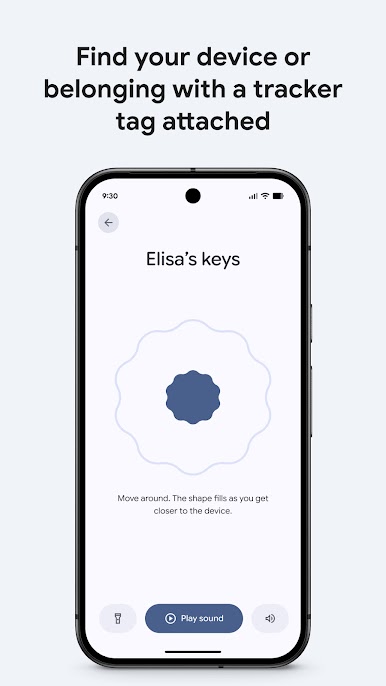
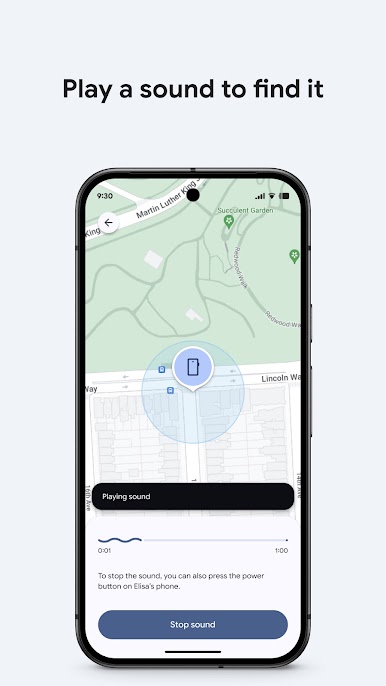
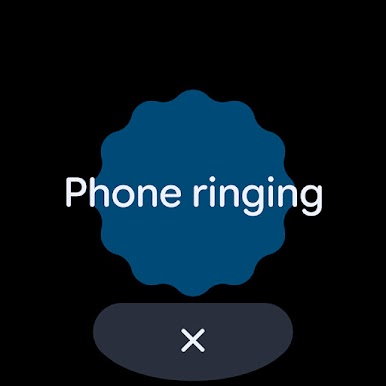
• Play a sound to locate your lost device if it’s nearby.
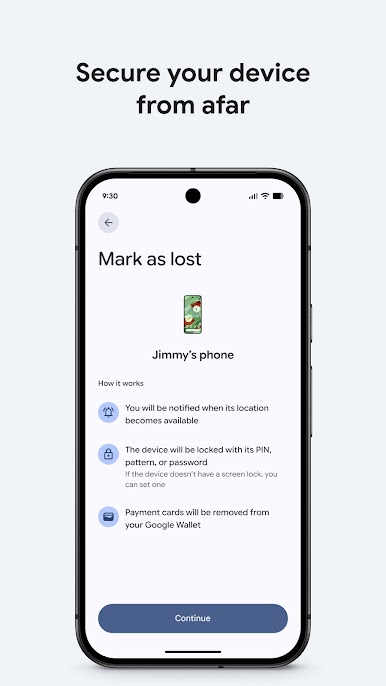
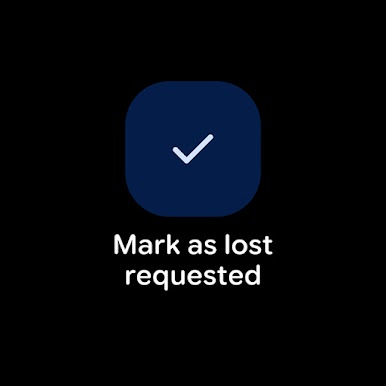
• If you’ve lost a device, you can remotely secure or erase it. You can also add a custom message to display on the lock screen in case someone finds your device.
• Find your devices and items on Mobile and supported Wear OS devices.
• All location data in the Find Hub network is encrypted. This location data is not visible even to Google.
For location sharing
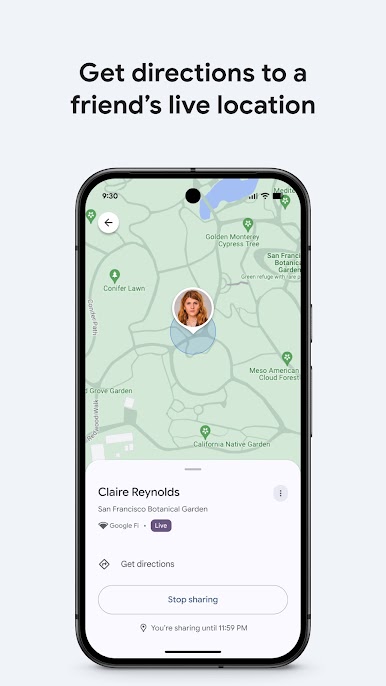
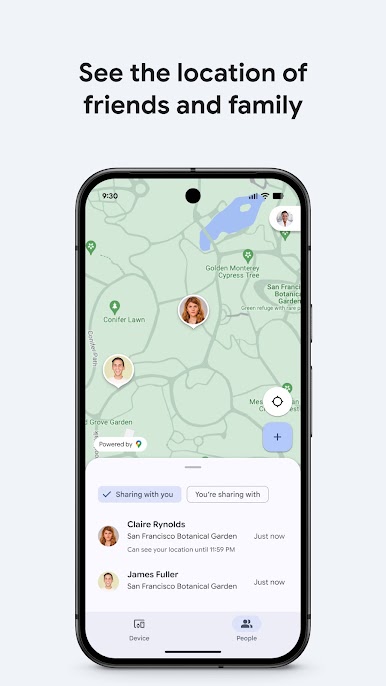
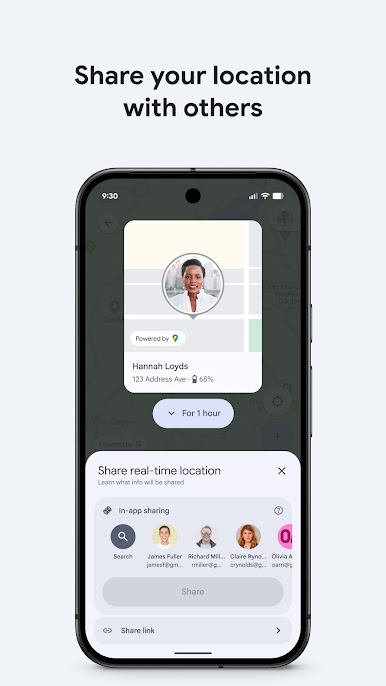
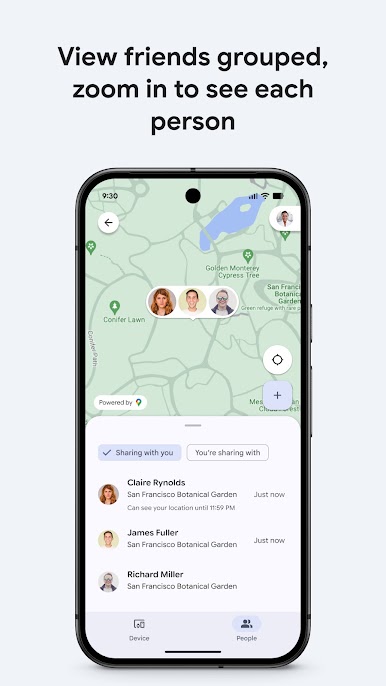
• Share your live location to coordinate a meetup with a friend or check on family to make sure they got home safe.
Play Google’s Find Hub on PC. It’s easy to get started.
-
Download and install BlueStacks on your PC
-
Complete Google sign-in to access the Play Store, or do it later
-
Look for Google’s Find Hub in the search bar at the top right corner
-
Click to install Google’s Find Hub from the search results
-
Complete Google sign-in (if you skipped step 2) to install Google’s Find Hub
-
Click the Google’s Find Hub icon on the home screen to start playing

