


Google Voice
Play on PC with BlueStacks – the Android Gaming Platform, trusted by 500M+ gamers.

Page Modified on: Mar 25, 2026
Run Google Voice on PC or Mac
Google Voice is a Communication app developed by Google LLC. BlueStacks app player is the best platform (emulator) to run this Android app on your PC or Mac for an immersive user experience!
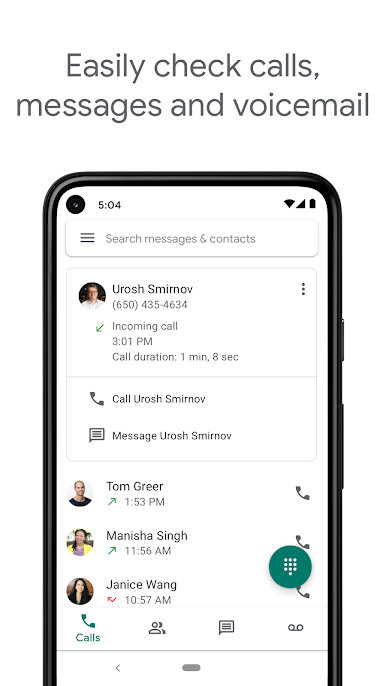
Make phone calls, receive voicemails, and text your family and friends or conduct business meetings with Google Voice from different parts of the US. This app ensures users’ phone numbers remain secure by providing an alternative number.
Control your communications by blocking unwanted numbers and spam callers, and filter your texts to remove irrelevant conversations. Users can personalize automatic responses for text messages and voicemails.
About the App
Google Voice is designed to simplify communication. It is only available to users in the US and people with Google Workspace in a few other countries.
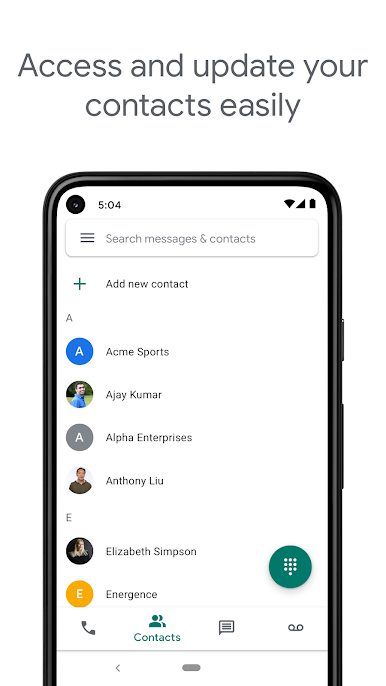
This app features several unique elements to ensure the communication process remains safe, reliable, and accessible. Users can navigate through the app easily with its well-organized system.
App Features
- Back up texts, voice recordings, audio and visual files, and call logs.
- Make international calls at cheaper rates.
- Conversations are encrypted from end-to-end.
How to Get?
Download Google Voice for free from the Google Play Store or Apple App Store on the BlueStacks app player.
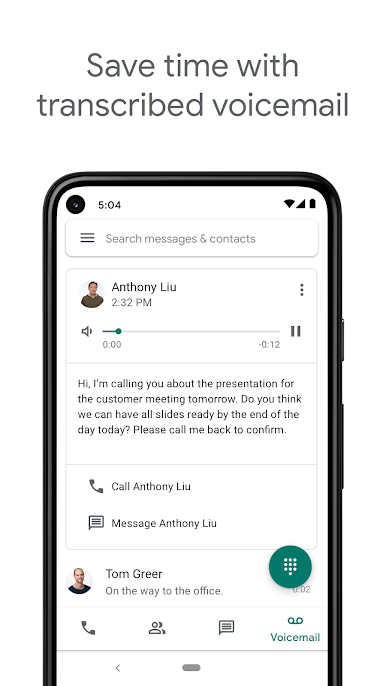
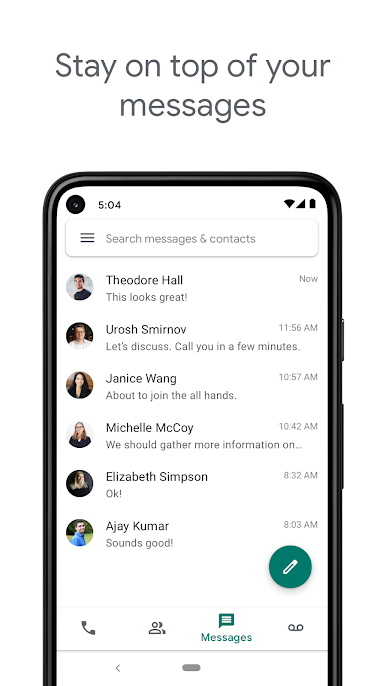
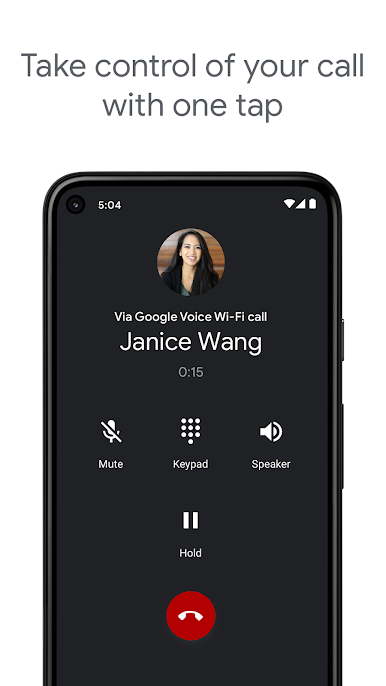
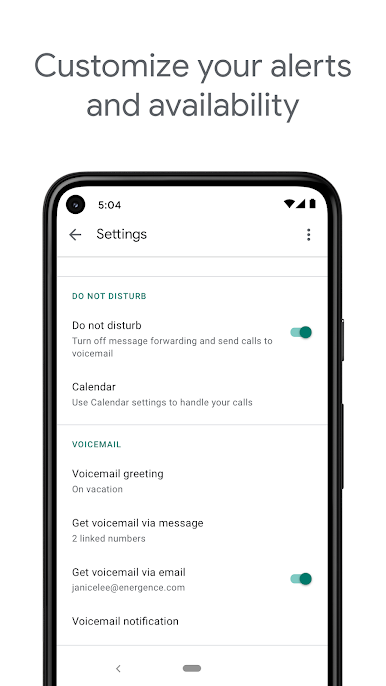
Play Google Voice on PC. It’s easy to get started.
-
Download and install BlueStacks on your PC
-
Complete Google sign-in to access the Play Store, or do it later
-
Look for Google Voice in the search bar at the top right corner
-
Click to install Google Voice from the search results
-
Complete Google sign-in (if you skipped step 2) to install Google Voice
-
Click the Google Voice icon on the home screen to start playing

