


Google News - Daily Headlines
Play on PC with BlueStacks – the Android Gaming Platform, trusted by 500M+ gamers.

Page Modified on: Sep 23, 2026
Play Google News - Daily Headlines on PC
With Google News, you’ll find:
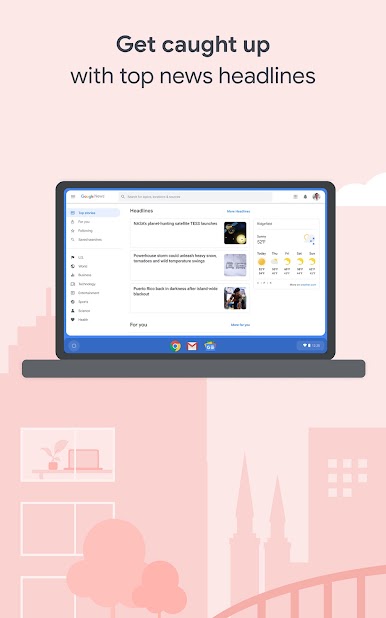
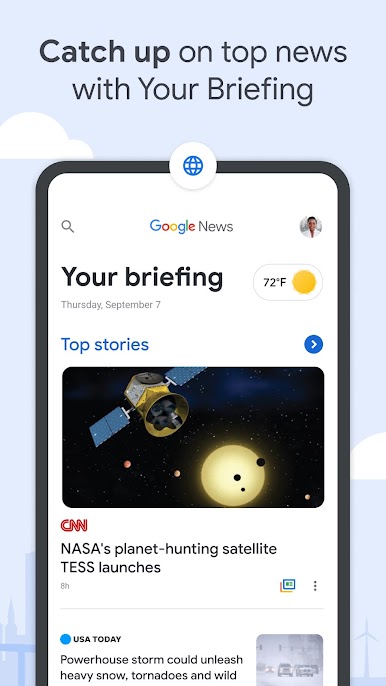
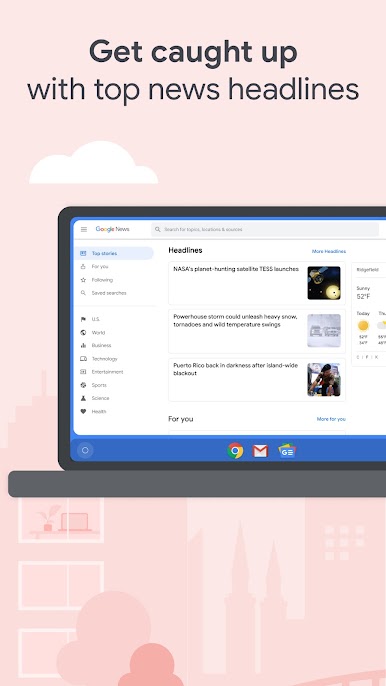
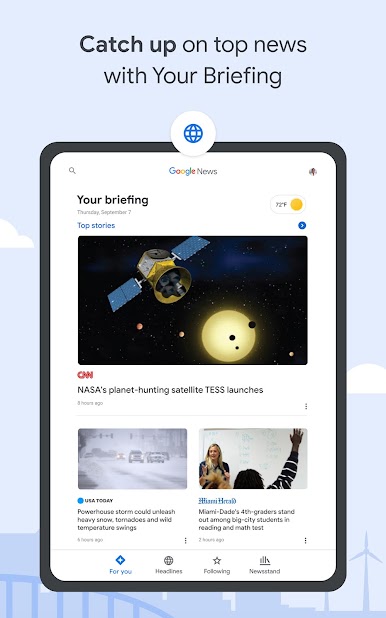
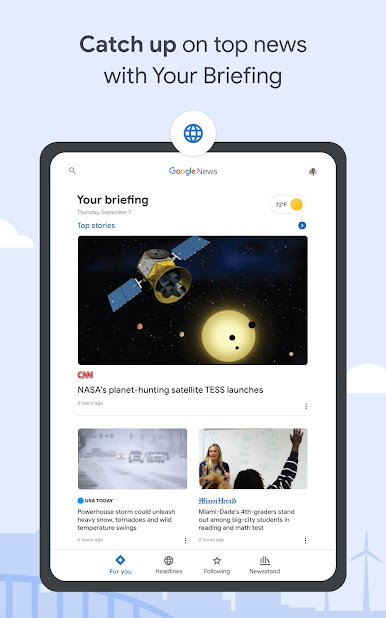
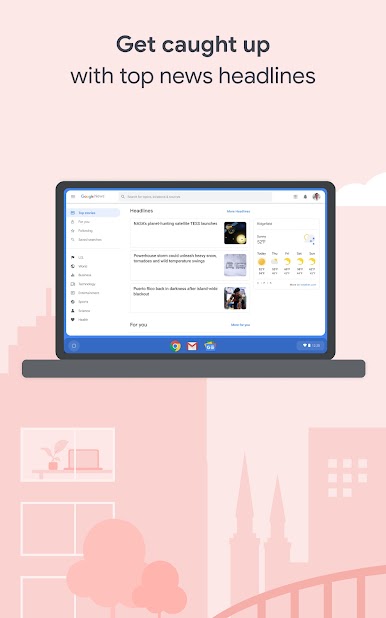
YOUR BRIEFING: It can be nearly impossible to keep up with every story you care about, Your Briefing makes it easy to stay in the know about what’s important and relevant in your world. It updates throughout the day to bring you the top local, national, and world headlines, plus personalized news tailored to your interests.
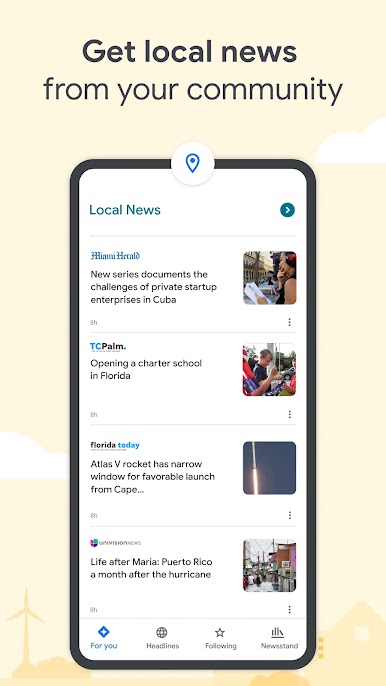
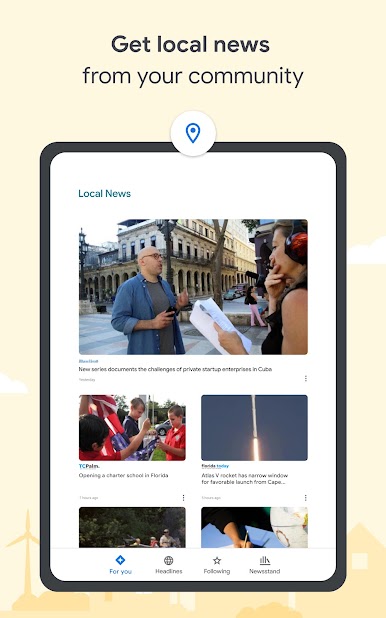
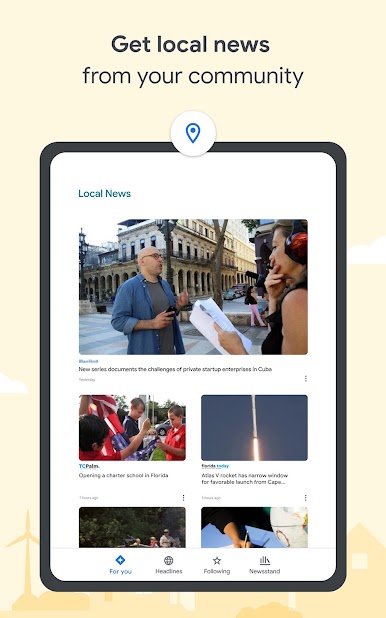
LOCAL NEWS: Explore your community through stories and articles from news outlets in your local area. Customize and choose multiple locations so you can know what’s happening near you or wherever home is.
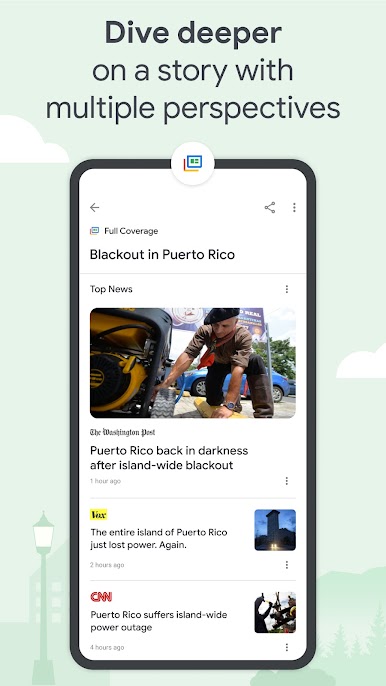
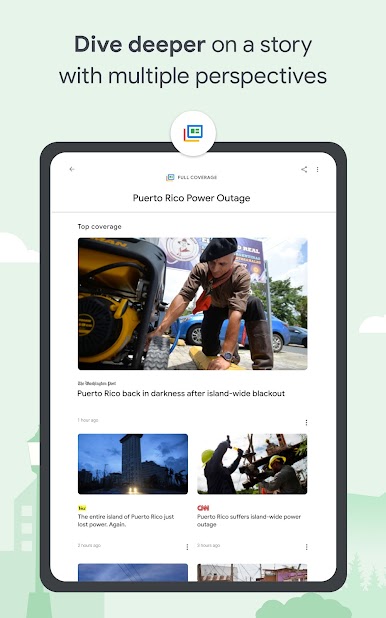
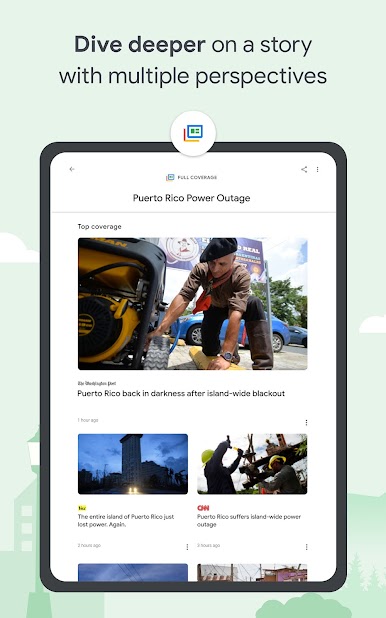
FULL COVERAGE: Dive deeper into a story with multiple perspectives. The Full Coverage feature organizes everything online about a story, surfacing and highlighting coverage from different outlets and mediums. With just a tap, you’ll uncover how the story is unfolding and how everyone is reporting on it.
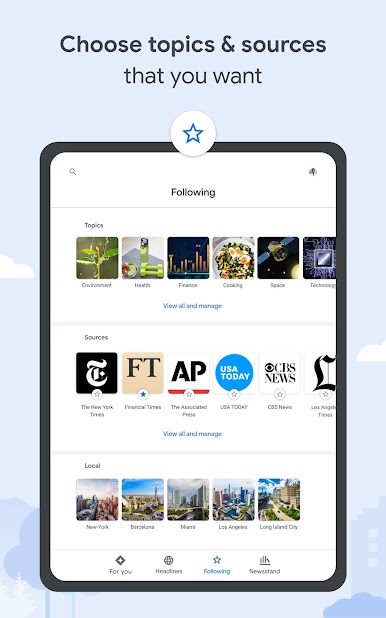
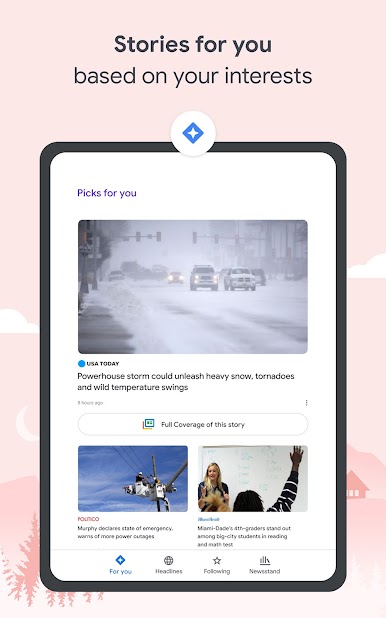
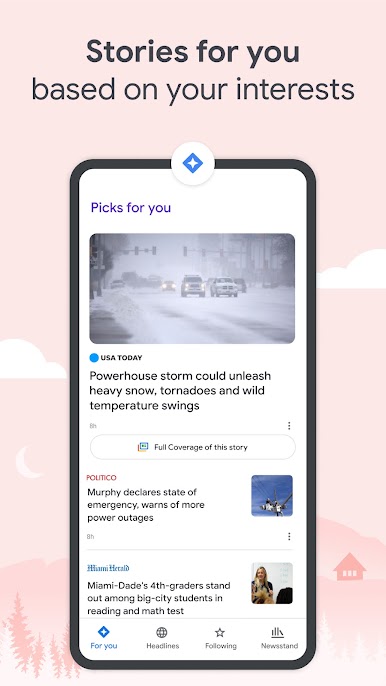
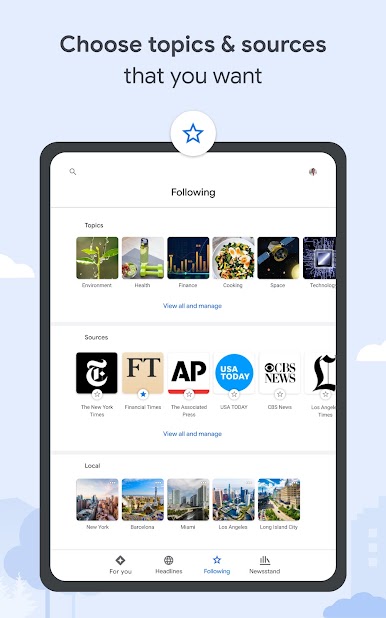
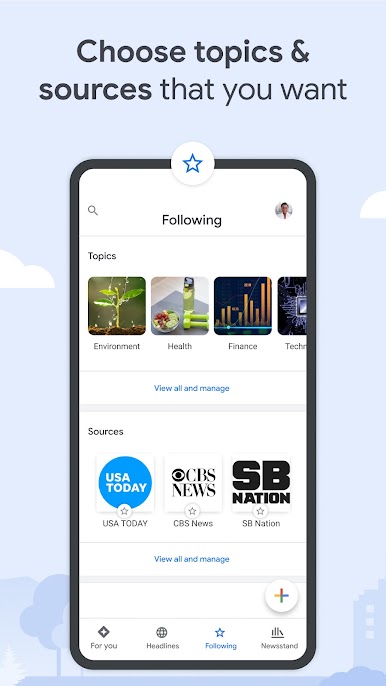
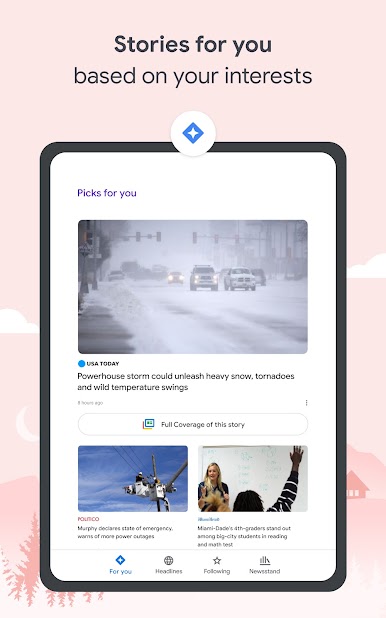
STORIES FOR YOU: The For You section delivers personalized news related to your interests. Take control and customize the articles you see by following the topics and sources you care about.
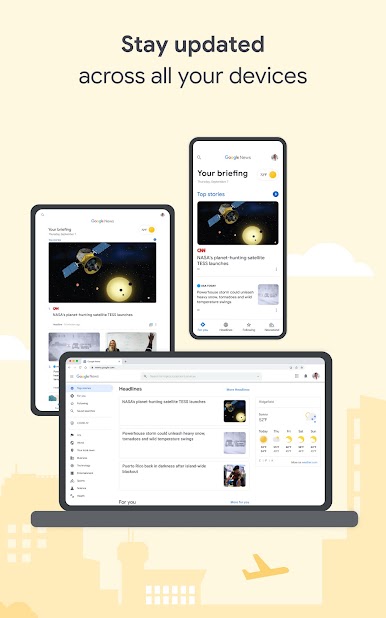
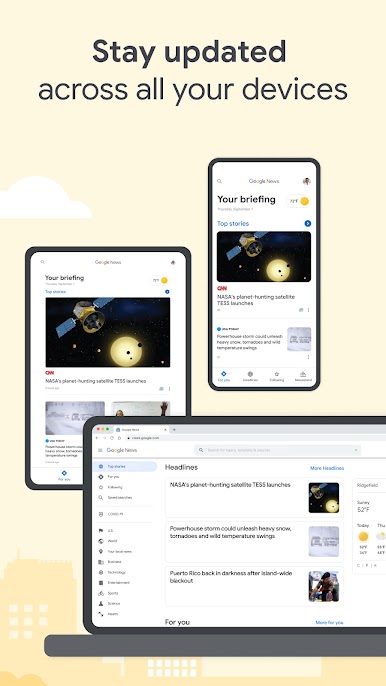
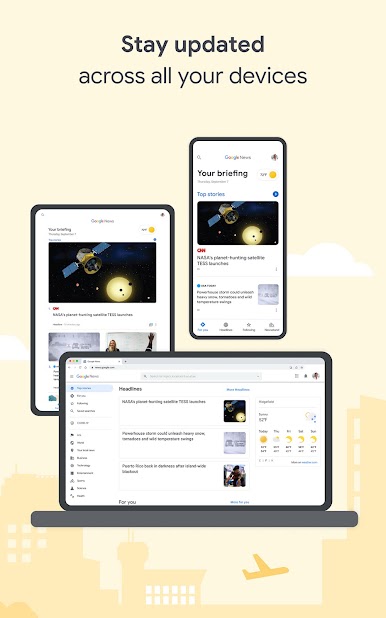
ACCESS FROM ANY DEVICE: Google News is designed to meet the needs of users with different phones and levels of connection. When your connection isn’t strong or you need to save data, Google News will continue to work smoothly by slimming down the size of images and downloading less data. Articles can be downloaded over Wi-Fi to save for later when you are offline.
Do you prefer to access your news on your Laptop or Desktop? Pair the Google News mobile app with our Desktop website, news.google.com, so you can stay up to date and access the news no matter what device you’re on.
Play Google News - Daily Headlines on PC. It’s easy to get started.
-
Download and install BlueStacks on your PC
-
Complete Google sign-in to access the Play Store, or do it later
-
Look for Google News - Daily Headlines in the search bar at the top right corner
-
Click to install Google News - Daily Headlines from the search results
-
Complete Google sign-in (if you skipped step 2) to install Google News - Daily Headlines
-
Click the Google News - Daily Headlines icon on the home screen to start playing

