

Files by Google
Play on PC with BlueStacks – the Android Gaming Platform, trusted by 500M+ gamers.

Page Modified on: Sep 30, 2026
Run Files by Google on PC or Mac
What’s better than using Files by Google by Google LLC? Well, try it on a big screen, on your PC or Mac, with BlueStacks to see the difference.
About the App
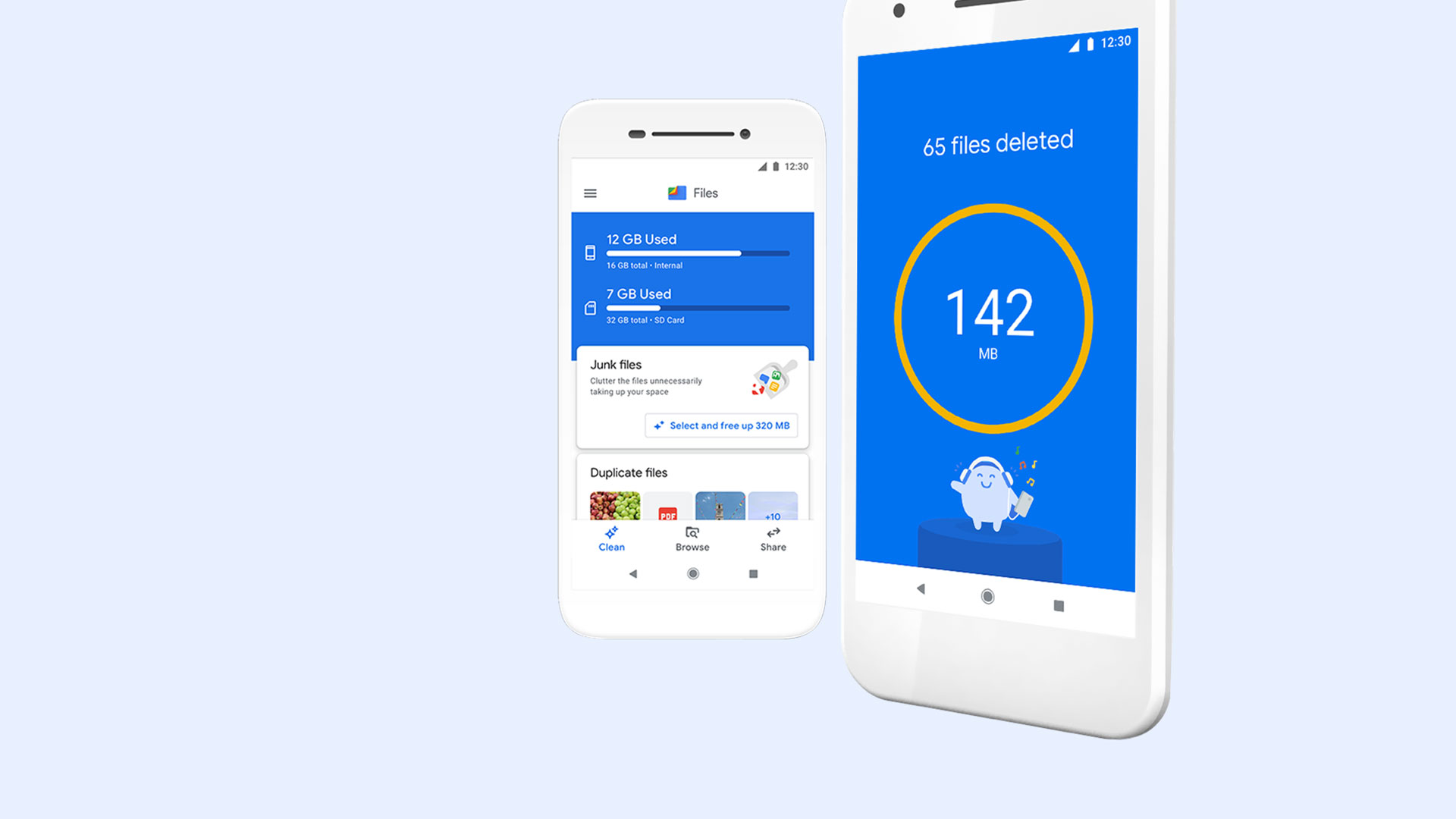
Files by Google from Google LLC is a straightforward, no-nonsense Tools app that helps you take control of your phone’s storage. It’s easy to browse, clean, and organize your stuff without digging through endless folders. Prefer managing things on a bigger screen? You can run it on your PC with BlueStacks and keep everything tidy from your desk.
App Features
- Smart cleanups
-
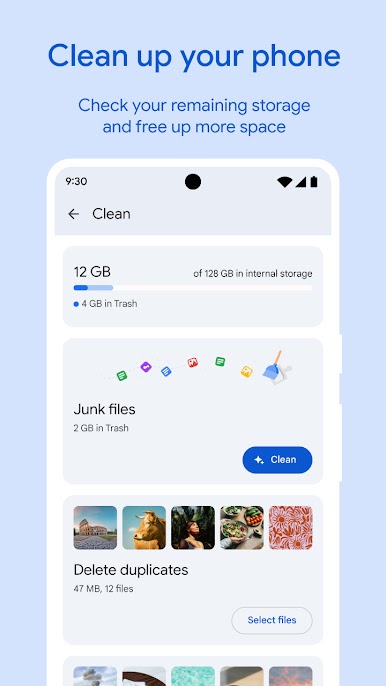
See what’s hogging space across internal storage, SD cards, and USB drives, then clear out junk like duplicates, old chat photos, and cache in a few taps.
-
Faster finding
-
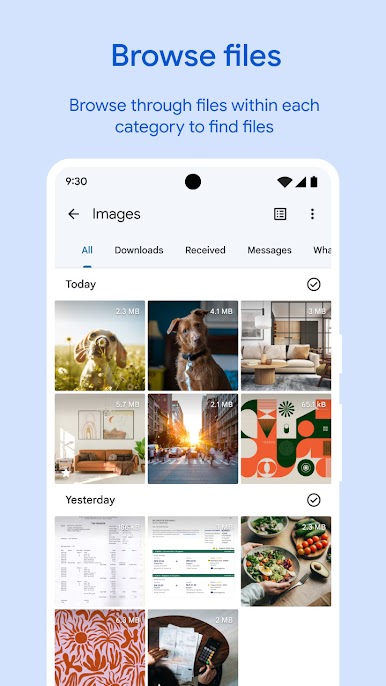
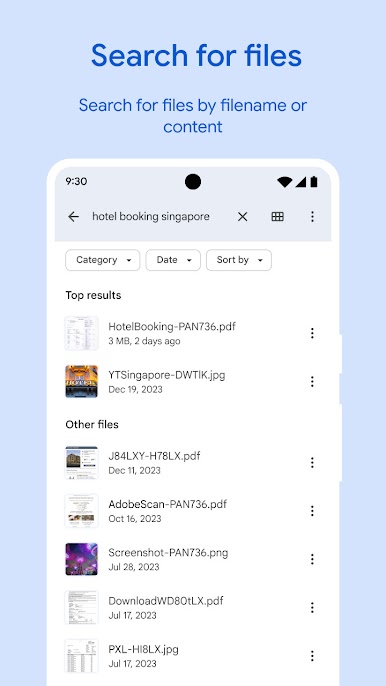
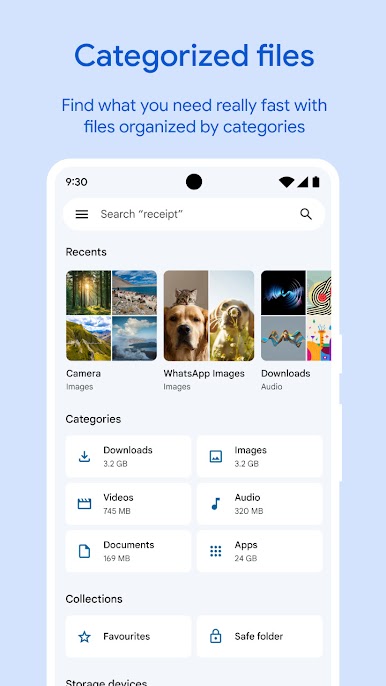
Jump to the file you need with quick search and simple categories for photos, videos, documents, and even GIFs. Sort by size to spot the real space-eaters.
-
Quick Share offline
-
Send photos, videos, apps, and more to nearby Android and Chromebook devices without using data. Transfers are encrypted end to end and seriously fast.
-
Extra security
-
Keep sensitive items in a locked folder protected by a PIN or pattern that’s separate from your device’s main screen lock.
-
Built-in media player
-
Play music and videos right inside the app with handy controls like speed adjustments and shuffle—no extra player required.
-
Easy backups
-
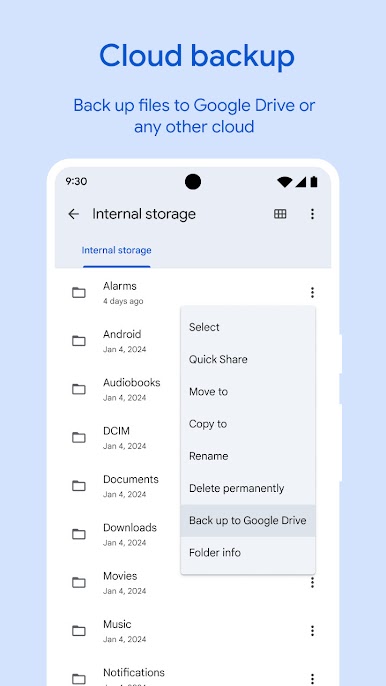
Move files to Google Drive or an SD card to free up space. You can also share items to other cloud storage apps already on your device.
-
Helpful suggestions
-
Get personalized tips that learn from how you use your phone—delete clutter, protect important files, and keep things running smoothly.
-
Small and ad-free
- Lightweight install that won’t crowd your phone, with a clean interface and zero ads to slow you down.
BlueStacks gives you the much-needed freedom to experience your favorite apps on a bigger screen. Get it now.
Play Files by Google on PC. It’s easy to get started.
-
Download and install BlueStacks on your PC
-
Complete Google sign-in to access the Play Store, or do it later
-
Look for Files by Google in the search bar at the top right corner
-
Click to install Files by Google from the search results
-
Complete Google sign-in (if you skipped step 2) to install Files by Google
-
Click the Files by Google icon on the home screen to start playing

