


Google Opinion Rewards
Play on PC with BlueStacks – the Android Gaming Platform, trusted by 500M+ gamers.

Page Modified on: Sep 28, 2026
Main Google Opinion Rewards on PC
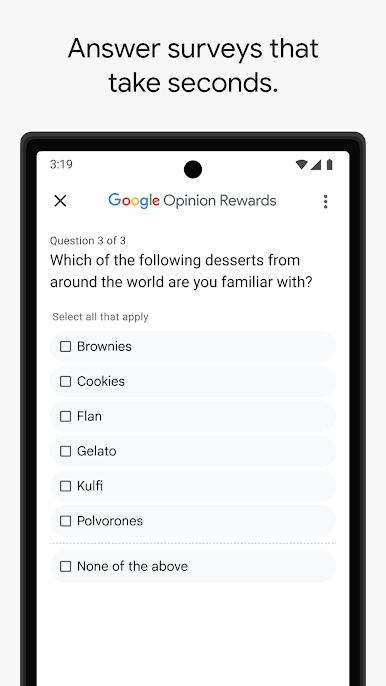
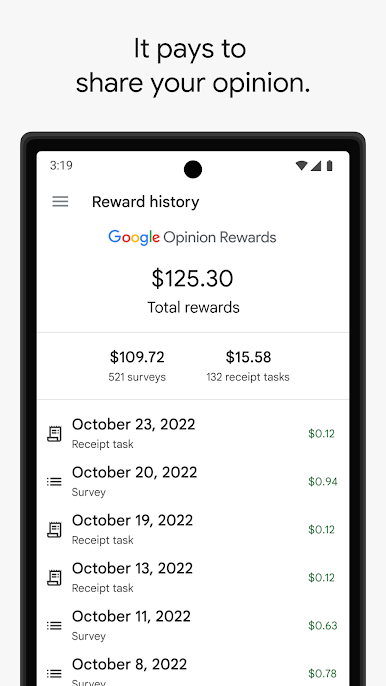
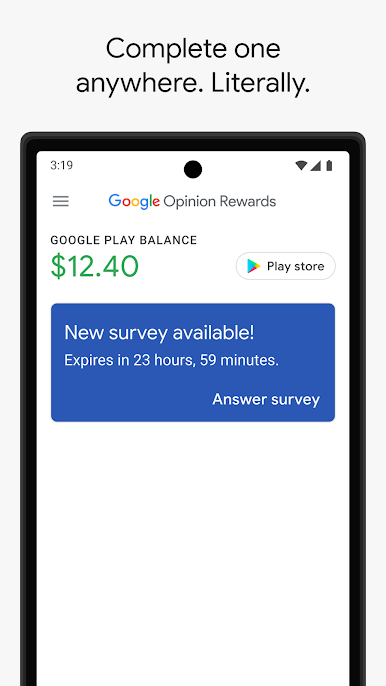
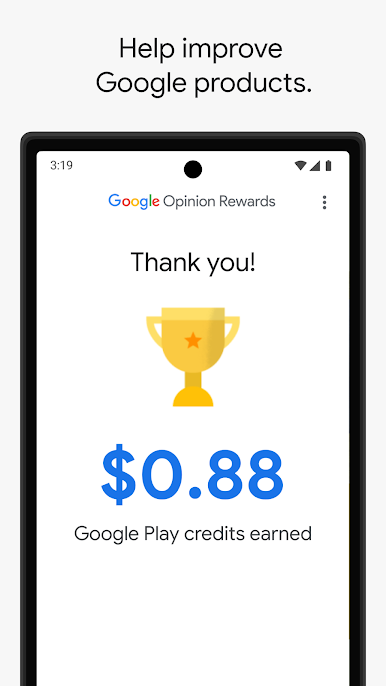
Getting started is easy. Download the app and answer basic questions about yourself. We'll then send you surveys around once a week, although it may be more or less frequent. You'll get a notification on your phone when a short and relevant survey is ready for you, and can receive up to $1.00 in Play credit for completing it. Questions can range from, "Which logo is best?" and "Which promotion is most compelling?" to "When do you plan on traveling next?"
Play Google Opinion Rewards on PC. It’s easy to get started.
-
Download and install BlueStacks on your PC
-
Complete Google sign-in to access the Play Store, or do it later
-
Look for Google Opinion Rewards in the search bar at the top right corner
-
Click to install Google Opinion Rewards from the search results
-
Complete Google sign-in (if you skipped step 2) to install Google Opinion Rewards
-
Click the Google Opinion Rewards icon on the home screen to start playing

