


Google Podcasts: Discover free & trending podcasts
Play on PC with BlueStacks – the Android Gaming Platform, trusted by 500M+ gamers.

Page Modified on: Apr 14, 2026
Overview
FEATURES
Customise your listening experience
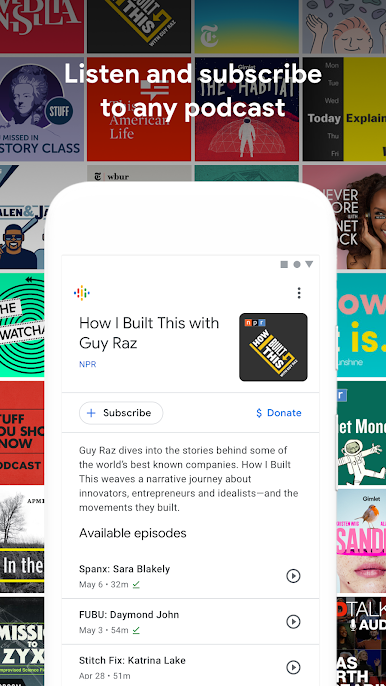
Subscribe and listen to any podcast for free.
Listen to podcasts at faster playback speeds or skip over silences.
Listen on all your devices
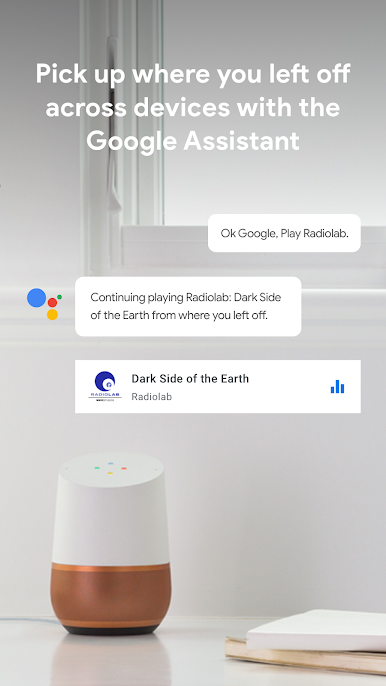
Listen to the same podcast on multiple devices - your phone, your laptop, your smart speaker - without losing your place. Pause on your phone and pick up from where you left off on your Google Home.
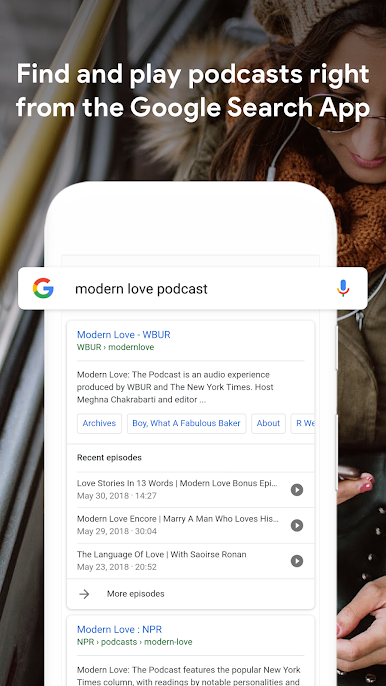
Find podcasts using the Google Search App and the Google Assistant.
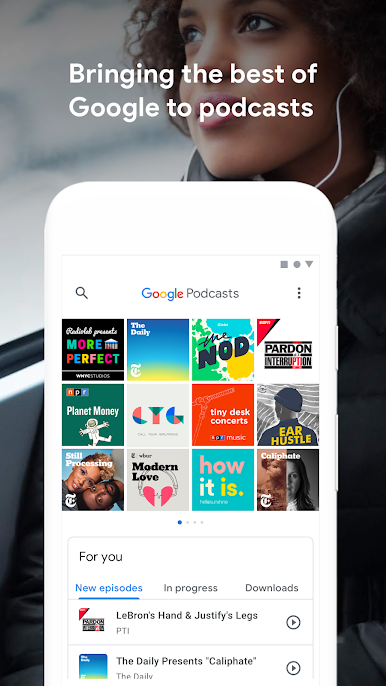
Recommendations for you
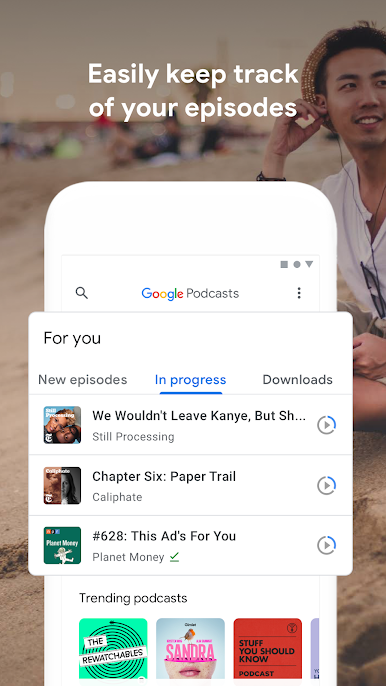
Find the latest episodes of your favourite podcasts directly on your phone.
Discover new podcasts based on your listening history and preferences, or take a look at what is popular and trending.
Play Google Podcasts: Discover free & trending podcasts on PC. It’s easy to get started.
-
Download and install BlueStacks on your PC
-
Complete Google sign-in to access the Play Store, or do it later
-
Look for Google Podcasts: Discover free & trending podcasts in the search bar at the top right corner
-
Click to install Google Podcasts: Discover free & trending podcasts from the search results
-
Complete Google sign-in (if you skipped step 2) to install Google Podcasts: Discover free & trending podcasts
-
Click the Google Podcasts: Discover free & trending podcasts icon on the home screen to start playing

