


Google Play Games
Play on PC with BlueStacks – the Android Gaming Platform, trusted by 500M+ gamers.

Page Modified on: Dec 9, 2025
Run Google Play Games on PC or Mac
Google Play Games is an Entertainment app developed by Google LLC. BlueStacks app player is the best platform (emulator) to run this Android app on your PC or Mac for an immersive user experience!
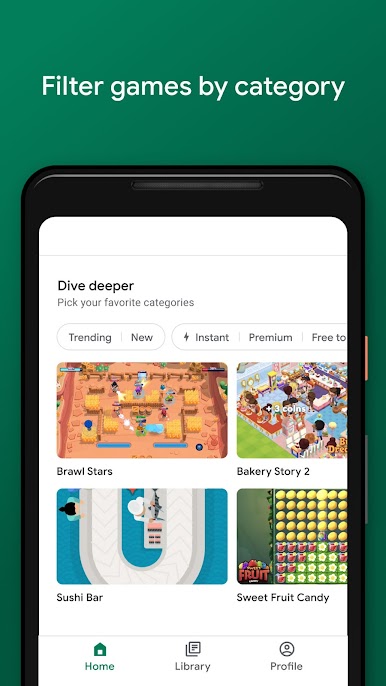
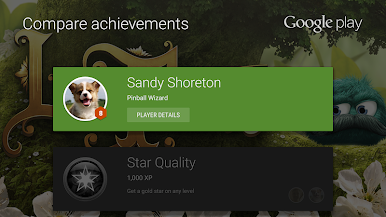
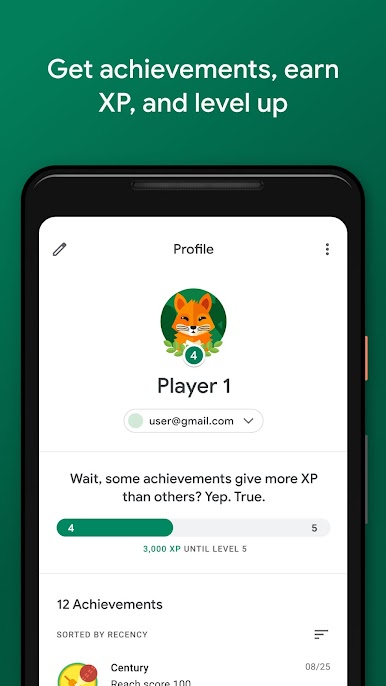
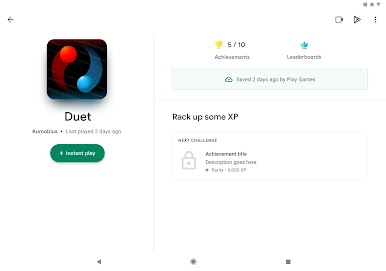
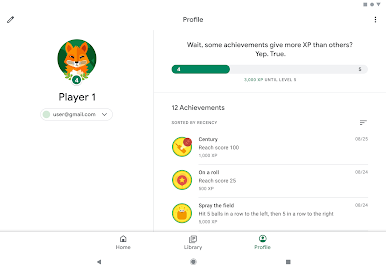
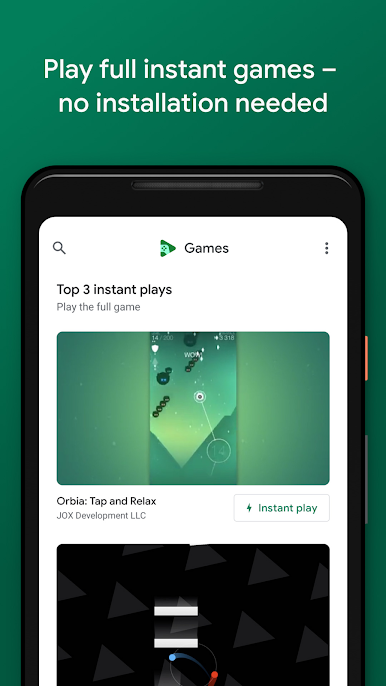
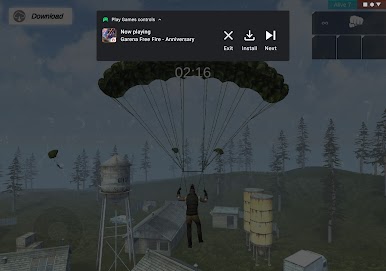
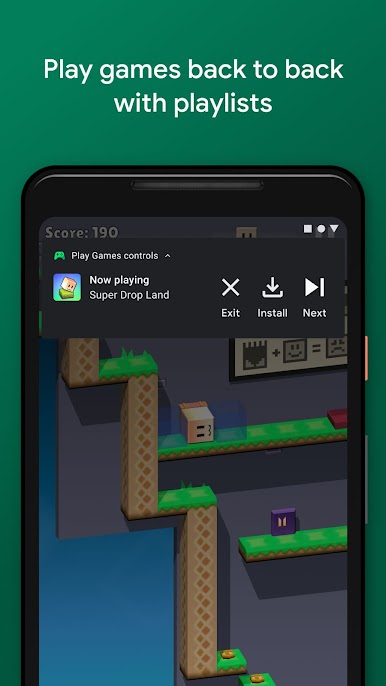
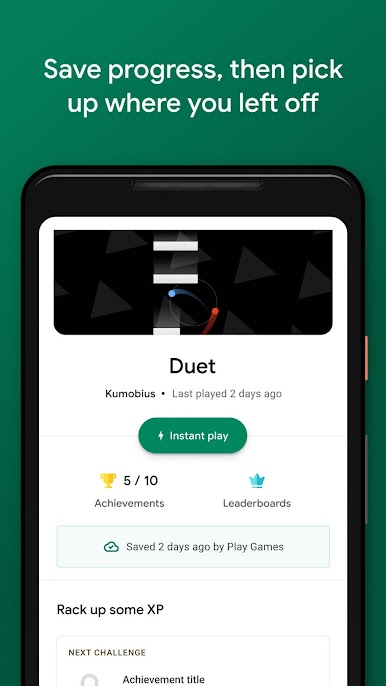
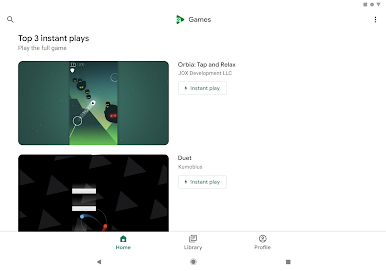
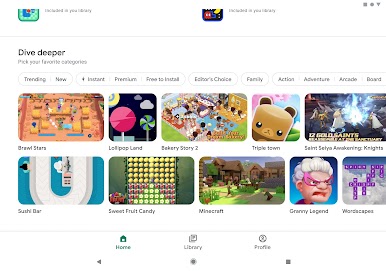
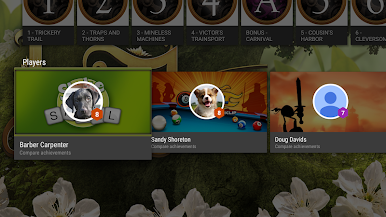
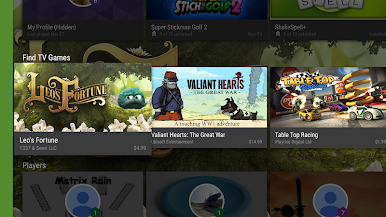
Find new games with the Google Play Games app on your computer. You don’t need to install any of these games — this app lets you play instantly. You can also track your progress and achievements from any device with the same Google account.
About the App
Google Play Games is an essential gaming tool that gives you full control over your games, achievements, and so much more. With the app, you can create a custom game ID; this helps you interact with other players.
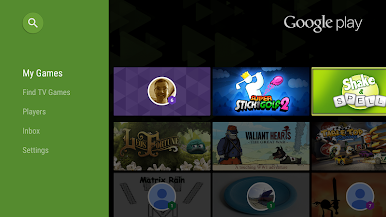
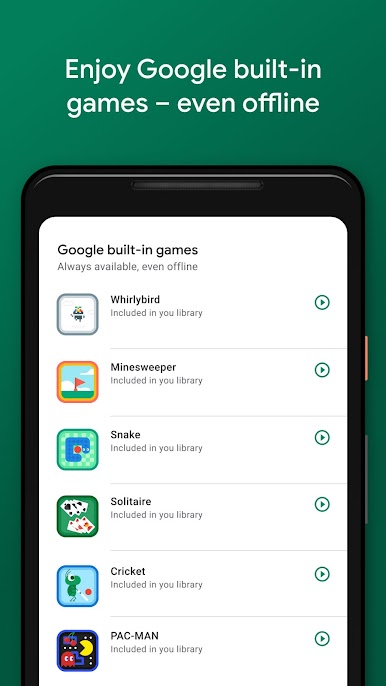
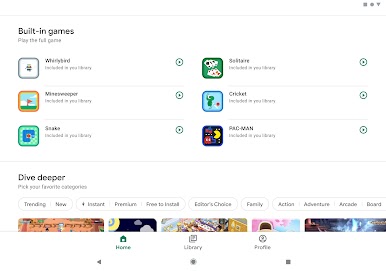
But that’s not all; Google Play Games also features built-in games, including Solitaire, Minesweeper, PAC MAN, and more. You can play any of these games even when you’re offline. The app also allows you to save your progress directly to the cloud with Google Play Games. Additionally, the app lets you record iconic moments while playing to share with your friends and other players.
App Features
- Intuitive user interface
- Built-in games
- Instant play feature
How to Get?
Download Google Play Games for free from the Google Play Store on the BlueStacks app player.


Play Google Play Games on PC. It’s easy to get started.
-
Download and install BlueStacks on your PC
-
Complete Google sign-in to access the Play Store, or do it later
-
Look for Google Play Games in the search bar at the top right corner
-
Click to install Google Play Games from the search results
-
Complete Google sign-in (if you skipped step 2) to install Google Play Games
-
Click the Google Play Games icon on the home screen to start playing

