Google Play Games
Play on PC with BlueStacks – the Android Gaming Platform, trusted by 500M+ gamers.

Page Modified on: Oct 22, 2026
Run Google Play Games on PC or Mac
What’s better than using Google Play Games by Google LLC? Well, try it on a big screen, on your PC or Mac, with BlueStacks to see the difference.
About the App
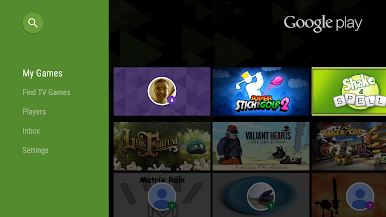
Google Play Games is your home base for playing and discovering games you actually want to spend time with. This Entertainment hub makes it easy to jump straight into fun, track your wins, and keep progress synced across your devices. Want a bigger screen now and then? It’s also comfortable to use on BlueStacks without any fuss.
App Features
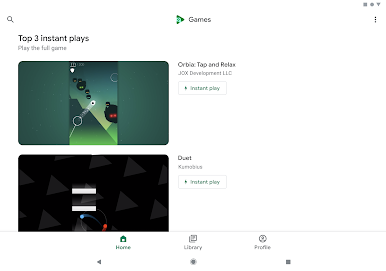
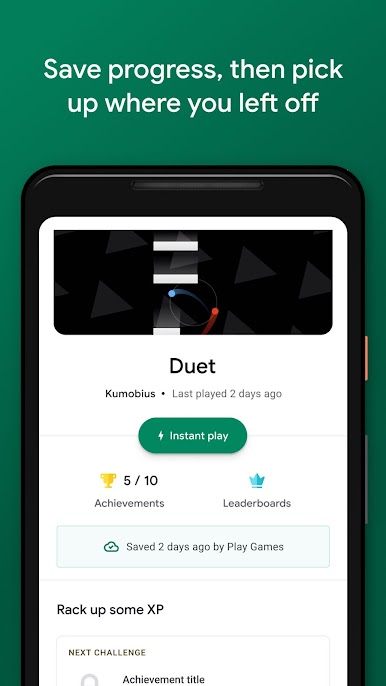
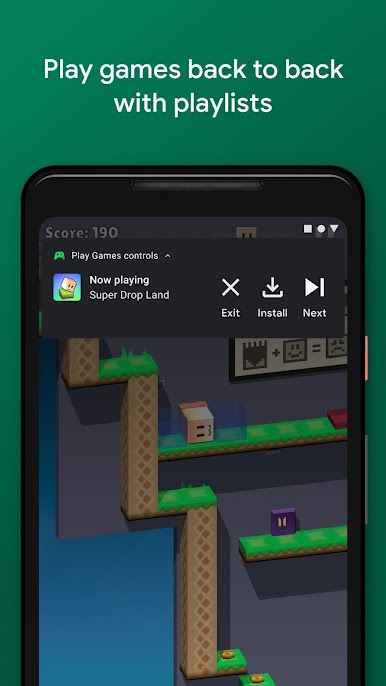
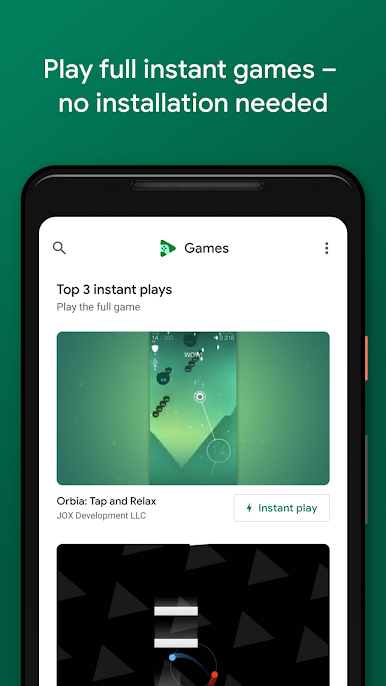
- Instant play: Start full games right away—no installs, no waiting—just tap Instant play and go.
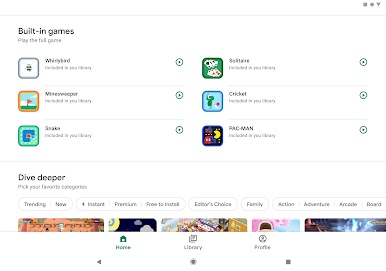
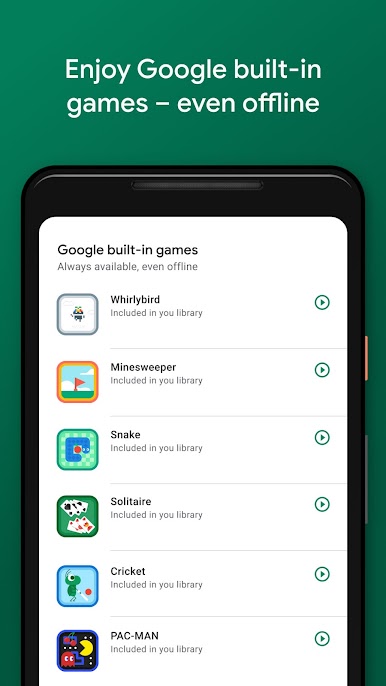
- Built-in classics: Enjoy Solitaire, Minesweeper, Snake, PAC-MAN, Cricket, and Whirlybird, even when you’re offline.
- Smart discovery: Get personalized picks across action, puzzles, and more so you’re never stuck wondering what to try next.
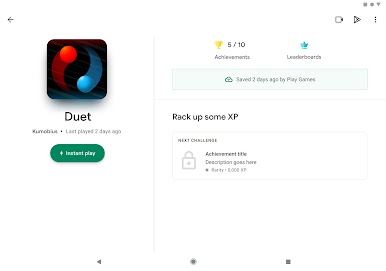
- Cloud saves: Your progress backs up automatically, letting you continue exactly where you stopped on any device.
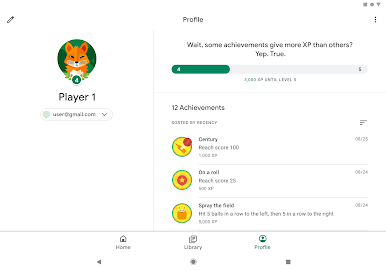
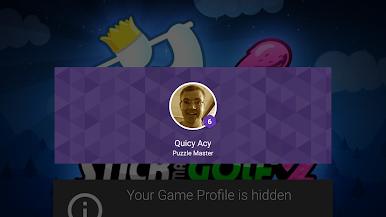
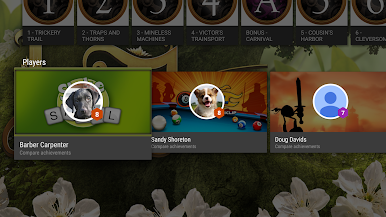
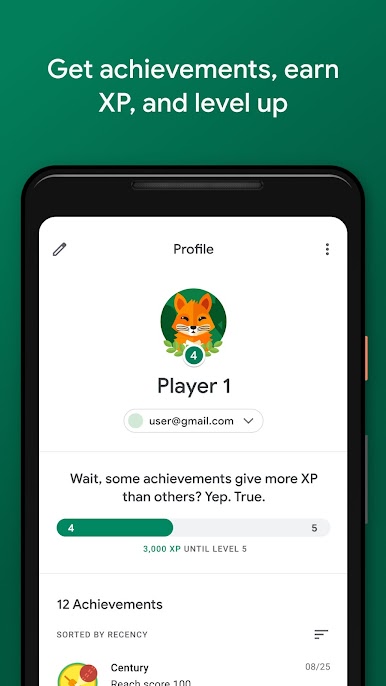
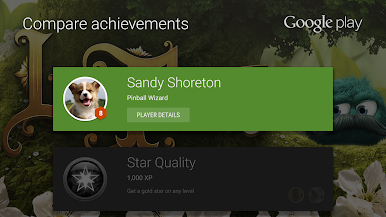
- Gamer profile and achievements: Create a unique gamer ID, unlock achievements, earn XP, and move through levels as you play.
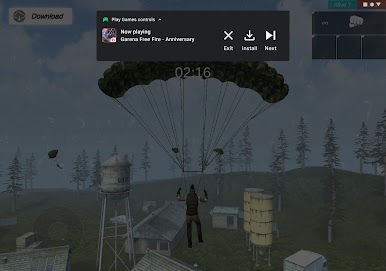
- Gameplay recording: Capture your best runs with built-in recording and share the highlights with friends or your community.
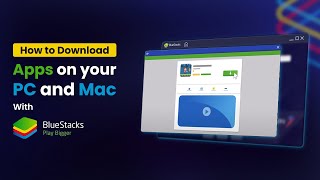
Big screen. Bigger performance. Use BlueStacks on your PC or Mac to run your favorite apps.

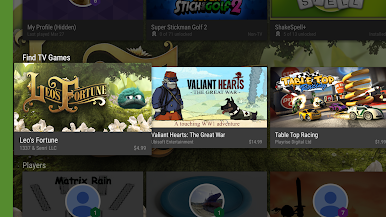
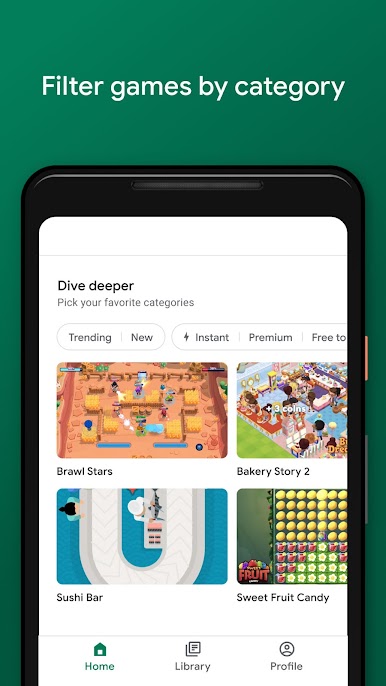
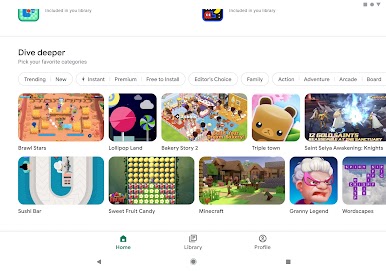
Play Google Play Games on PC. It’s easy to get started.
-
Download and install BlueStacks on your PC
-
Complete Google sign-in to access the Play Store, or do it later
-
Look for Google Play Games in the search bar at the top right corner
-
Click to install Google Play Games from the search results
-
Complete Google sign-in (if you skipped step 2) to install Google Play Games
-
Click the Google Play Games icon on the home screen to start playing