


Google TV
Play on PC with BlueStacks – the Android Gaming Platform, trusted by 500M+ gamers.

Page Modified on: Sep 14, 2026
Main Google TV on PC
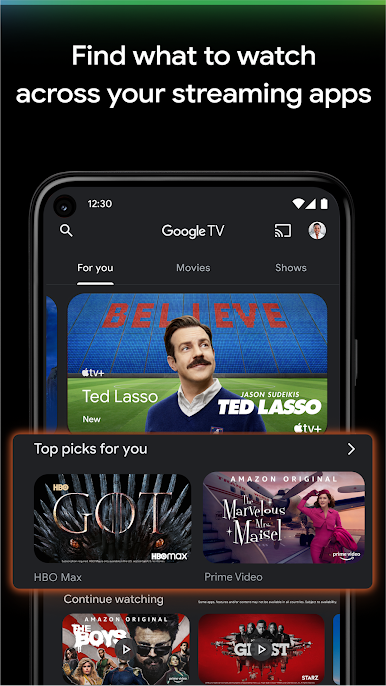
Find what to watch next
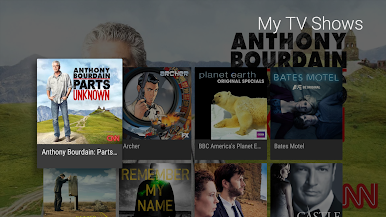
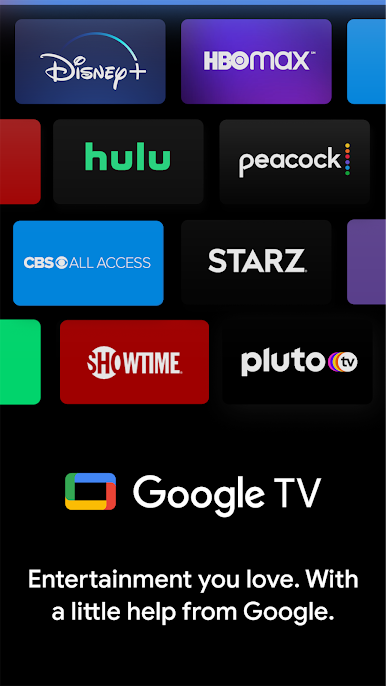
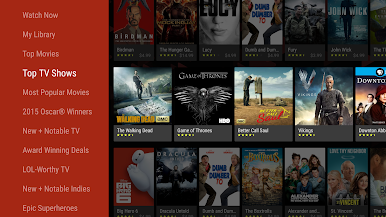
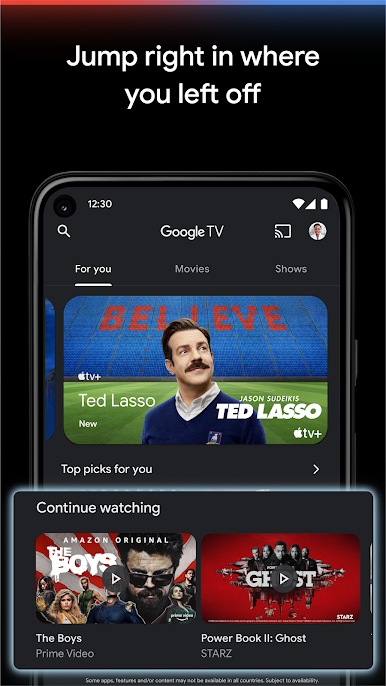
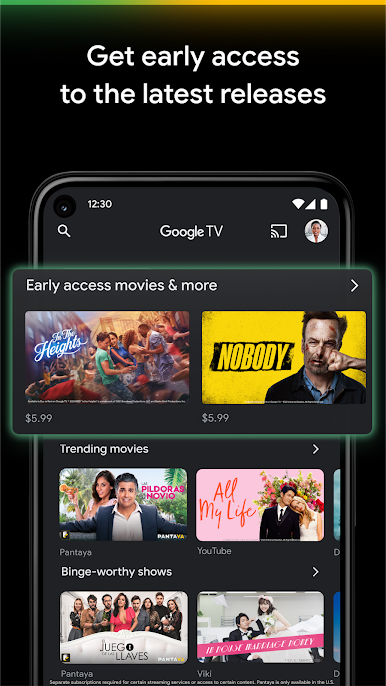
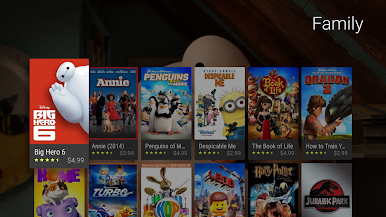
Browse 700,000+ movies and TV episodes from across your streaming apps, all in one place and organized into topics and genres. Discover new things with recommendations based on what you love and what’s trending across the services you already have access to. Search for titles to see which streaming apps offer them.
See the latest releases
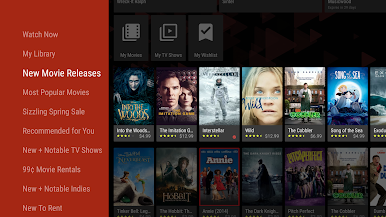
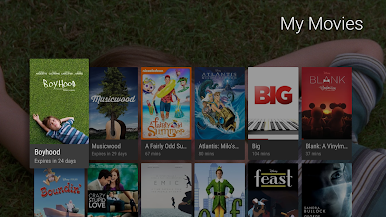
Buy or rent the newest movies and shows right in the Shop tab. Purchases are stored in your Library and can be downloaded to watch when you're not connected. Watch instantly on your laptop, Android phone or tablet, or on your TV with Google TV or on Play Movies & TV where available.
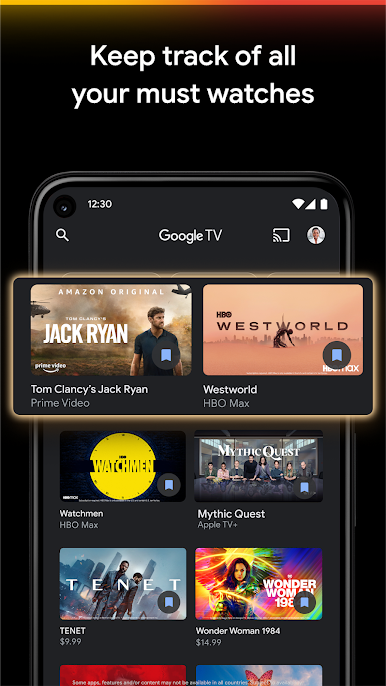
One list for all your discoveries
Add interesting shows and movies to your Watchlist to keep track of your new discoveries and view them later. The Watchlist is shared between all your devices, so you can even add to your Watchlist from your TV or phone and laptop through Search on any browser.
Use your phone as your remote
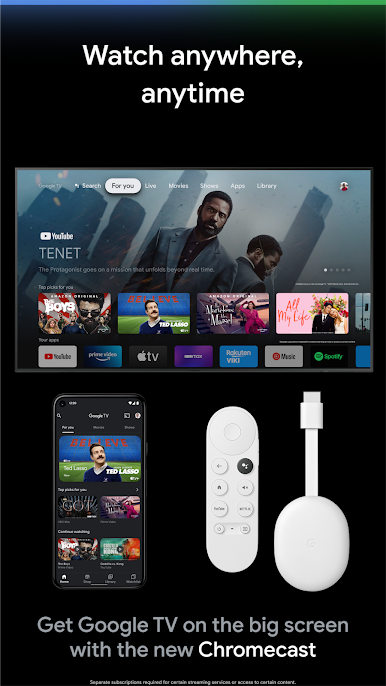
With a remote built right into the app, you can find something great to watch even when the couch has eaten your remote. And you can use your phone’s keyboard to quickly type complicated passwords, movie names or search terms on your Google TV or other Android TV OS device.
Pantaya is a service only available in the US.
Separate subscriptions required for certain streaming services or access to certain content.
Play Google TV on PC. It’s easy to get started.
-
Download and install BlueStacks on your PC
-
Complete Google sign-in to access the Play Store, or do it later
-
Look for Google TV in the search bar at the top right corner
-
Click to install Google TV from the search results
-
Complete Google sign-in (if you skipped step 2) to install Google TV
-
Click the Google TV icon on the home screen to start playing

