


YouTube
Play on PC with BlueStacks – the Android Gaming Platform, trusted by 500M+ gamers.

Page Modified on: Sep 12, 2026
Run YouTube on PC or Mac
Get freedom from your phone’s obvious limitations. Use YouTube, made by Google LLC, a Video Players & Editors app on your PC or Mac with BlueStacks, and level up your experience.
About the App
YouTube brings the videos you care about right to your pocket—music, gaming, news, beauty, how-tos, and the oddly satisfying stuff you didn’t know you needed. Follow your favorite channels, find new creators you’ll love, and watch the way you want. Prefer a bigger screen? You can also enjoy it on your PC or Mac with BlueStacks without changing how you use the app.
App Features
- Personalized Home: Get a feed tuned to you, packed with fresh recommendations based on what you watch and who you follow.
- Subscriptions & Library: See the latest from channels you’ve subscribed to, and quickly find your history, likes, playlists, and Watch Later.
- Explore & Trending: Browse what’s buzzing in music, gaming, beauty, news, learning, and more, plus discover rising creators in select regions.
- Community & Live: Catch Posts, Stories, Premieres, and live streams. Jump into comments and live chat to share your take in real time.
- Create & Go Live: Record, edit lightly, and upload straight from your phone. Start a live stream right in the app and connect with viewers on the spot.
- Options for Families: Choose YouTube Kids or a supervised experience on YouTube (availability varies by country) to match what works for your household.
Big screen. Bigger performance. Use BlueStacks on your PC or Mac to run your favorite apps.

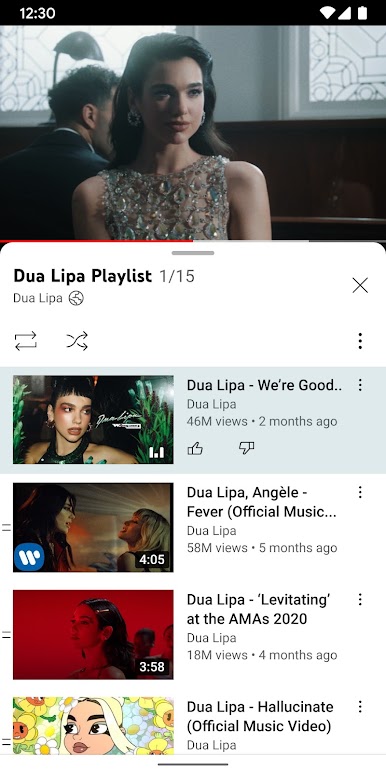
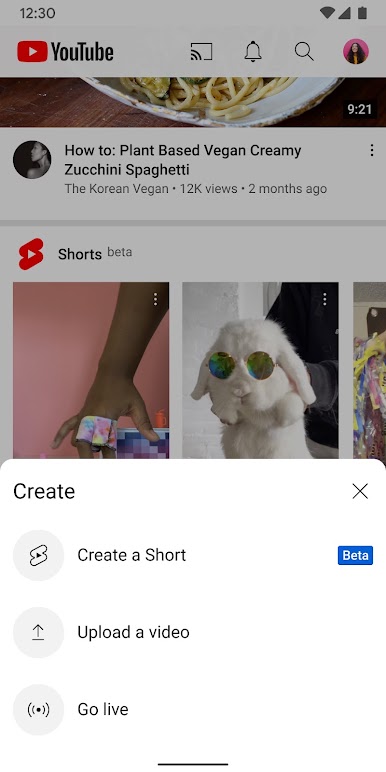


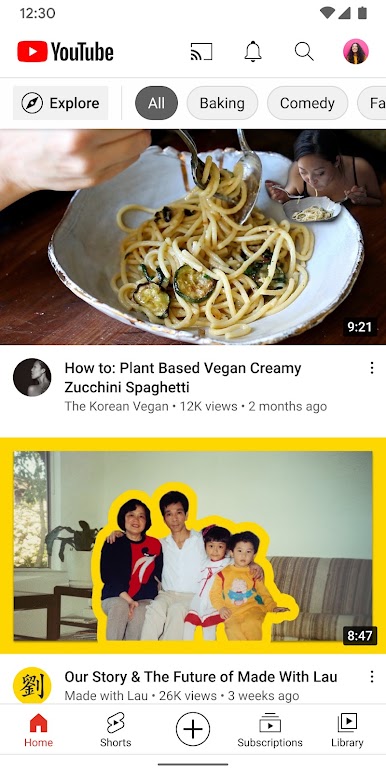
Play YouTube on PC. It’s easy to get started.
-
Download and install BlueStacks on your PC
-
Complete Google sign-in to access the Play Store, or do it later
-
Look for YouTube in the search bar at the top right corner
-
Click to install YouTube from the search results
-
Complete Google sign-in (if you skipped step 2) to install YouTube
-
Click the YouTube icon on the home screen to start playing

