

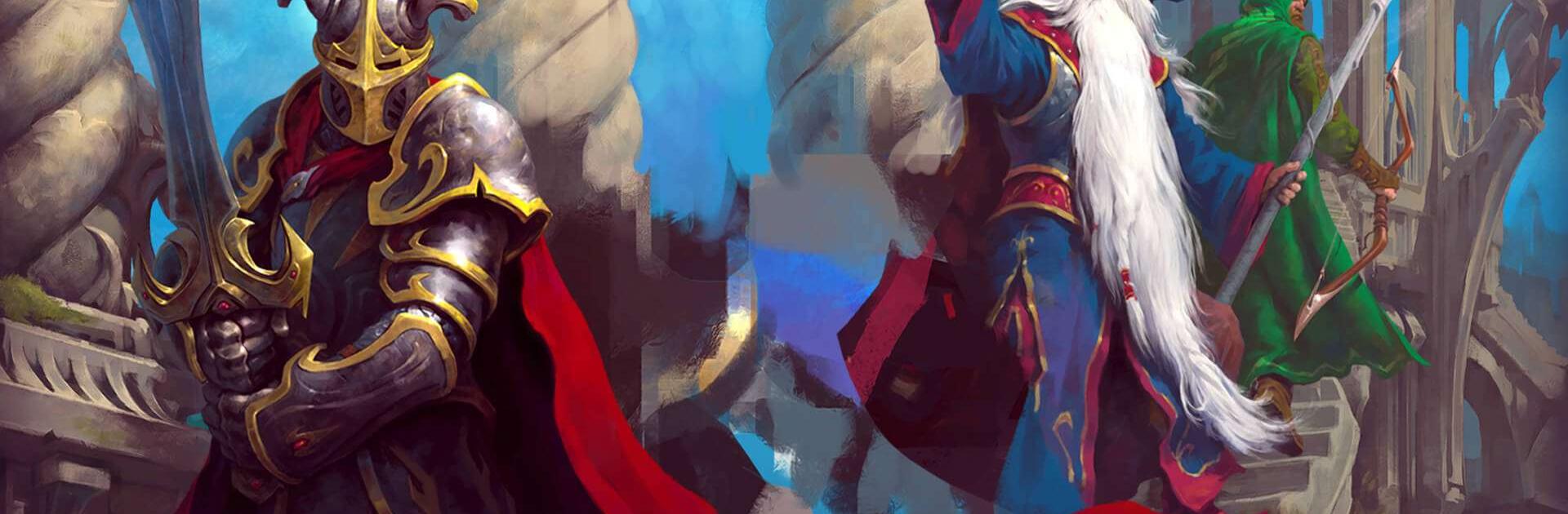
Guild of Heroes: Adventure RPG
Play on PC with BlueStacks – the Android Gaming Platform, trusted by 500M+ gamers.

Page Modified on: Aug 27, 2026
Play Guild of Heroes: Adventure RPG on PC or Mac
Guild of Heroes: Adventure RPG is a Role Playing game developed by BIT.GAMES. BlueStacks app player is the best platform to play this Android game on your PC or Mac for an immersive gaming experience.
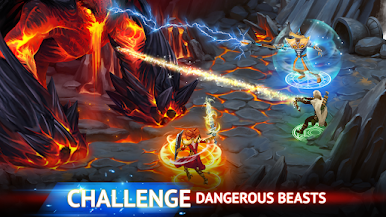
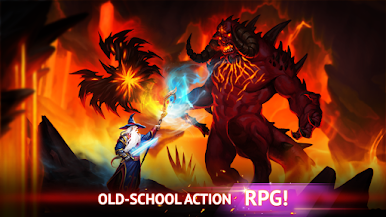
Discover medieval cities and dark dungeons as you go up against formidable monsters. Equip your character with unique weapons and march into battle to become the hero the people need in this dark era.
About the Game
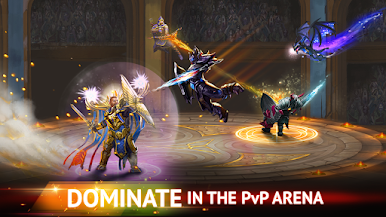
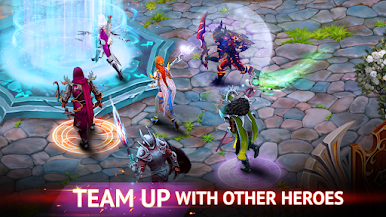
Guild of Heroes: Adventure RPG takes you on a fun yet challenging journey. You get to interact with lots of mystical creatures like elves, orcs, dwarves, trolls, and so much more. The game also features active guilds that you can join to team up with other players and participate in PvP battles.
Gameplay Overview
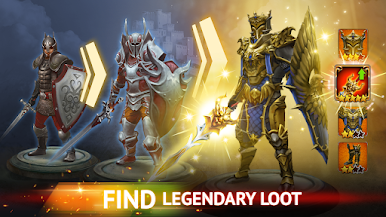
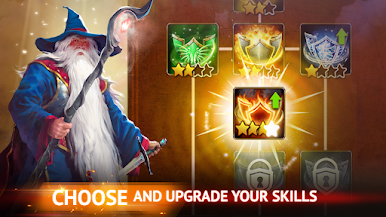
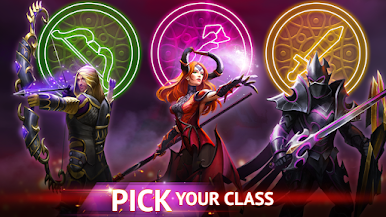
Craft your own medieval weapons and armor to stand a winning chance on the battlefield. Showcase your skills as a warrior and devise effective strategies to win and claim special rewards. You can also switch between three different character classes — mage, archer, and warrior.
Game Features
- Customizable weapons & armor
- High-quality graphics
- Upgradable characters
How to Play?
Download Guild of Heroes: Adventure RPG for free from the Google Play Store using the BlueStacks app player.
What’s New?
In celebration of 11 Years of the Heroes Guild, the app introduces a festive event where users can catch the cunning goblin in various locations to earn tokens for the roulette, culminating in the grand reward of the Wings of Festive Radiance. The Steel Challenge makes its debut offering a complete set of equipment, jewelry, and the exclusive Ironbound Fanatic skin. Additionally, users can participate in the Forbidden Rituals event for Earth Day, providing more engaging activities within the game.

Play Guild of Heroes: Adventure RPG on PC. It’s easy to get started.
-
Download and install BlueStacks on your PC
-
Complete Google sign-in to access the Play Store, or do it later
-
Look for Guild of Heroes: Adventure RPG in the search bar at the top right corner
-
Click to install Guild of Heroes: Adventure RPG from the search results
-
Complete Google sign-in (if you skipped step 2) to install Guild of Heroes: Adventure RPG
-
Click the Guild of Heroes: Adventure RPG icon on the home screen to start playing

