


Dreamy Crush
Play on PC with BlueStacks – the Android Gaming Platform, trusted by 500M+ gamers.

Page Modified on: Aug 28, 2026
Play Dreamy Crush on PC
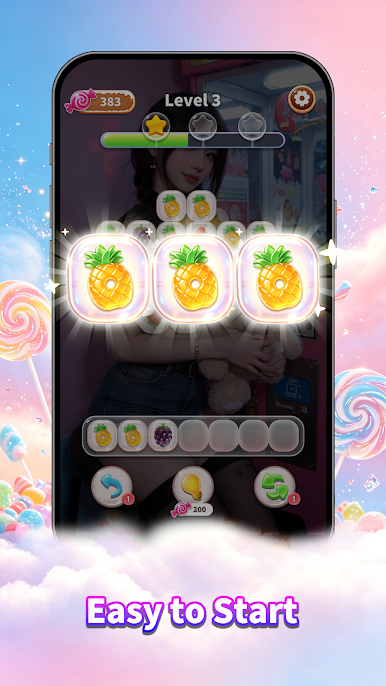
♠ Classic Stack Elimination Gameplay
The game features a wealth of exquisitely themed levels. Simply tap and match identical patterns to start a strategic and fun elimination challenge. Clear all elements on the screen to pass each level effortlessly. The gameplay is easy to learn with no entry barriers, while the difficulty increases steadily level by level. Paired with ultra-smooth operation experience, every elimination and level completion brings you great relaxation and satisfaction.
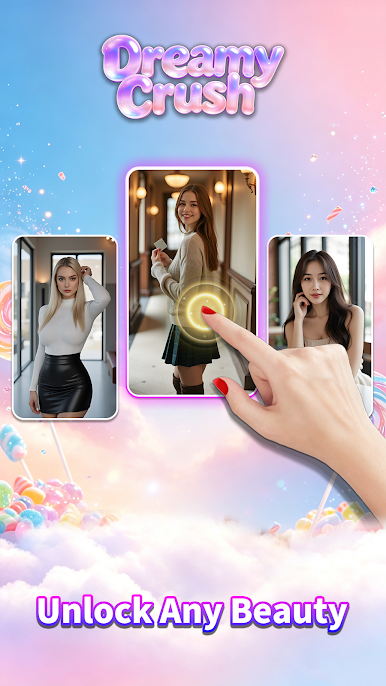
♥ Exclusive Character Selection for Levels
Before starting each level, you can choose 1 out of 3 unique stylized characters to assist your adventure. Different levels feature exclusive rotating character lineups. Clear stages to unlock new characters and their exclusive content, making every challenge fresh, goal-oriented, and never repetitive.
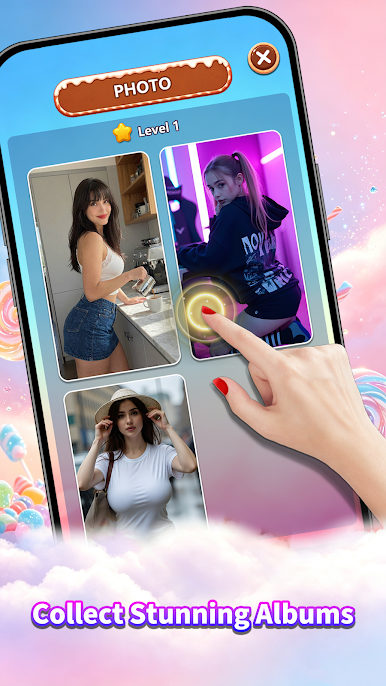
♣ Character Album Collection System
The built-in character album allows you to browse all unlocked and locked character illustrations at any time. Replay and challenge levels to unlock numerous hidden exclusive characters. You can also view and save your favorite unlocked character visuals (subject to functional support), gradually completing your exclusive full character collection during your gameplay journey.
Download Dreamy Crush now and embark on a wonderful puzzle adventure full of fun elimination challenges, diverse character cultivation, and exclusive collection pleasures!


Play Dreamy Crush on PC. It’s easy to get started.
-
Download and install BlueStacks on your PC
-
Complete Google sign-in to access the Play Store, or do it later
-
Look for Dreamy Crush in the search bar at the top right corner
-
Click to install Dreamy Crush from the search results
-
Complete Google sign-in (if you skipped step 2) to install Dreamy Crush
-
Click the Dreamy Crush icon on the home screen to start playing

