


Racemad
Play on PC with BlueStacks – the Android Gaming Platform, trusted by 500M+ gamers.

Page Modified on: Apr 2, 2026
Play Racemad on PC
Step into the chaos of high-speed streets in RaceMad, where racing isn’t just about speed — it’s about survival. Ride powerful motorcycles, outpace your rivals, and fight your way to victory in intense combat races.
🔥 Key Features:
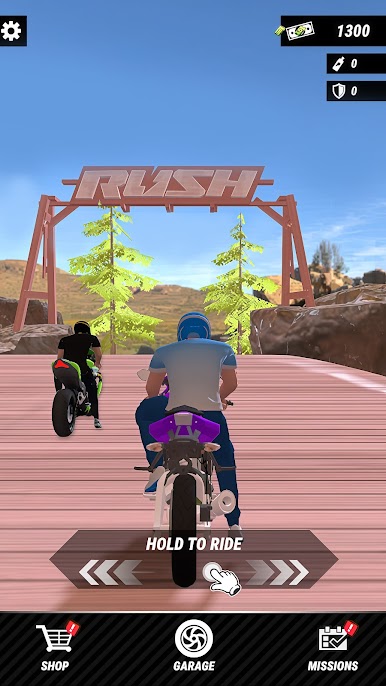
🏁 High-Speed Racing Action – Feel the adrenaline as you race through dynamic tracks full of danger and surprises.
⚔️ Combat on Wheels – Use punches, kicks, and weapons to take down opponents mid-race.
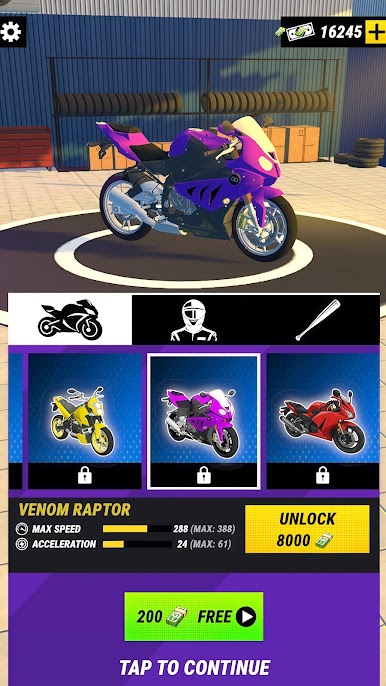
🏍️ Epic Motorbike Collection – Unlock and upgrade a wide range of powerful bikes with unique stats.
🌆 Diverse Environments – Race across cities, highways, deserts, and neon-lit streets.
🎮 Easy to Play, Hard to Master – Simple controls with deep, skill-based gameplay.
🏆 Challenge & Dominate – Compete in events, complete missions, and climb the leaderboard.
⚡ Why RaceMad?
This is not your typical racing game. Every race is a battlefield where only the fastest — and strongest — survive. Timing your attacks, dodging enemies, and mastering your ride are the keys to becoming the ultimate road warrior.
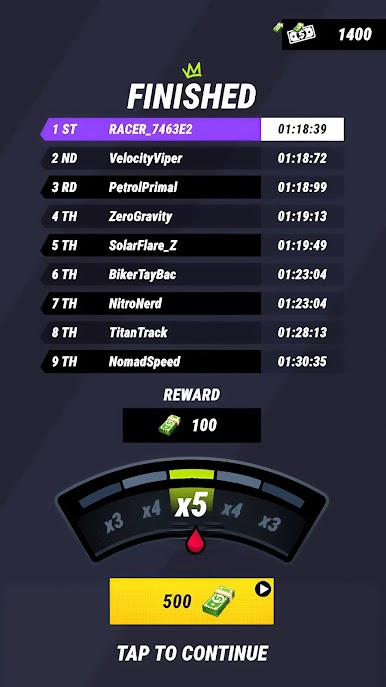
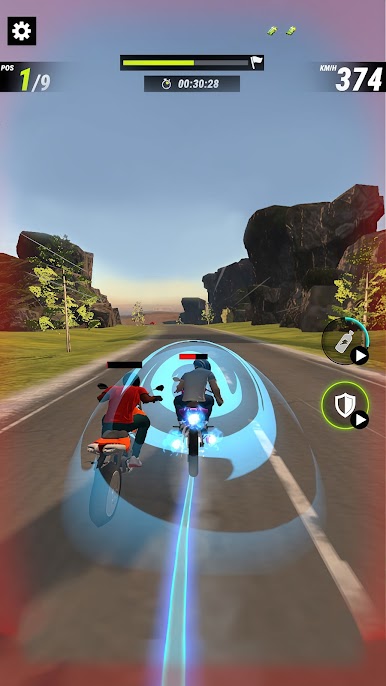
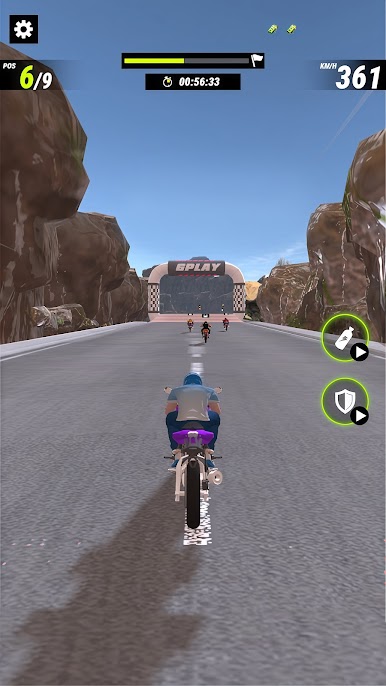
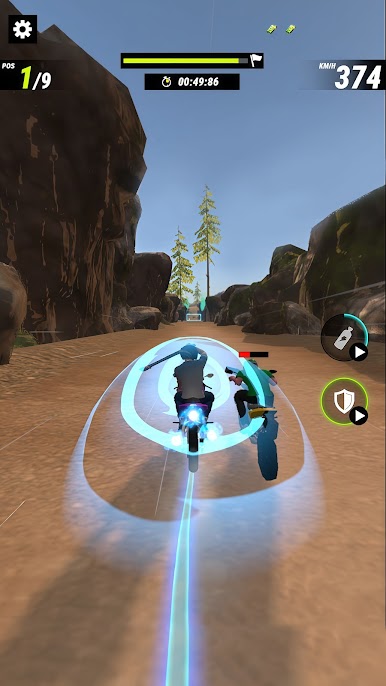
Play Racemad on PC. It’s easy to get started.
-
Download and install BlueStacks on your PC
-
Complete Google sign-in to access the Play Store, or do it later
-
Look for Racemad in the search bar at the top right corner
-
Click to install Racemad from the search results
-
Complete Google sign-in (if you skipped step 2) to install Racemad
-
Click the Racemad icon on the home screen to start playing

