


Phone GPS Tracker
Play on PC with BlueStacks – the Android Gaming Platform, trusted by 500M+ gamers.

Page Modified on: Aug 14, 2026
Play Phone GPS Tracker on PC
Share your whereabouts in real time, receive instant notifications, and stay connected no matter where you are.
A straightforward way to safeguard your loved ones.
Main Features:
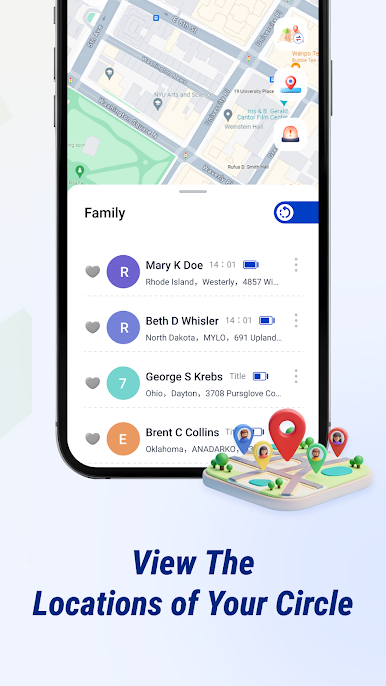
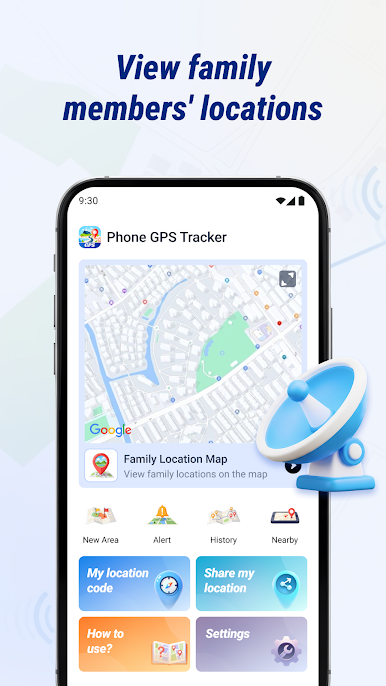
★ Track Their Location: See where your family members are right now and monitor their movements directly from your device.
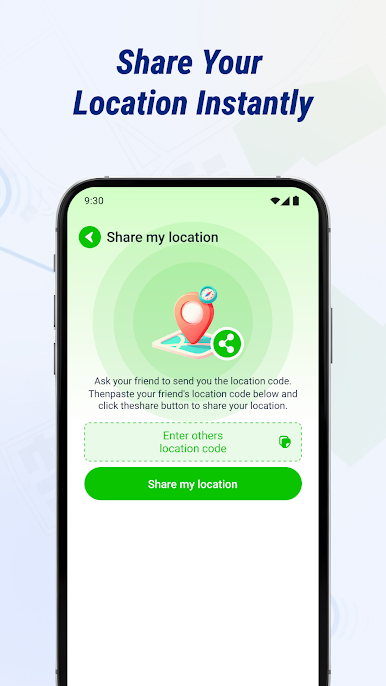
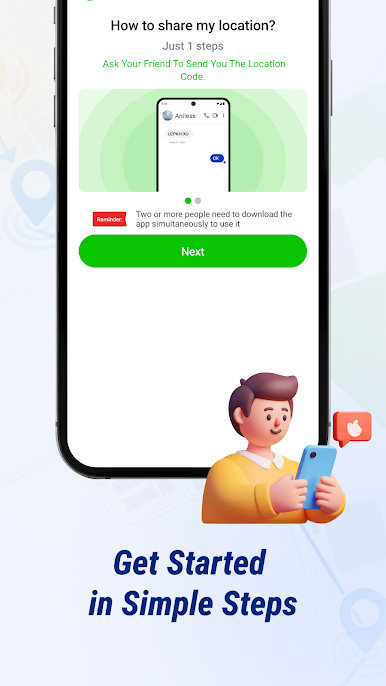
★ Send Your Location: Instantly share your current position with your family so they always know where you are.
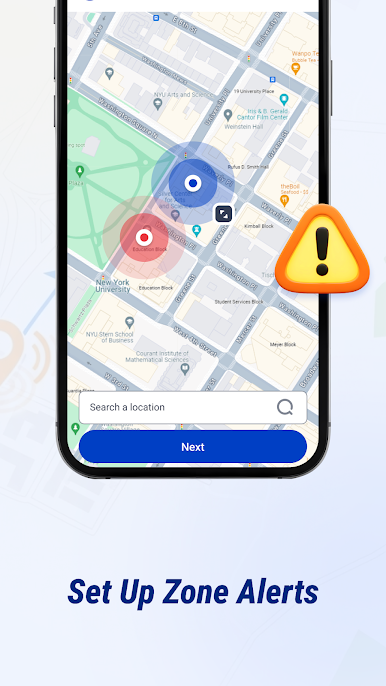
★ Zone Alerts: Designate important areas like home, school, or office. Get notified as soon as a parent or child arrives or leaves these zones.
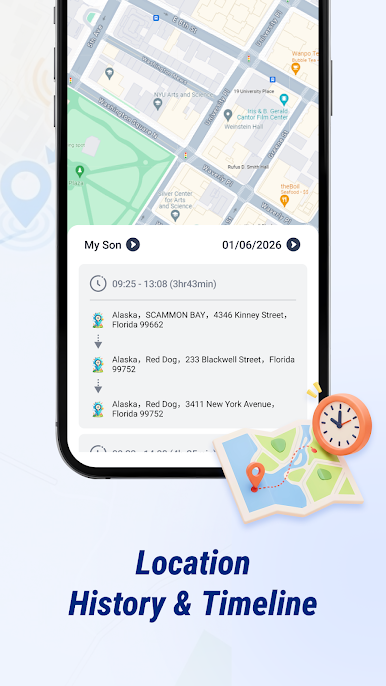
★ Route History: Browse past locations and routes of your loved ones, and search by specific dates.
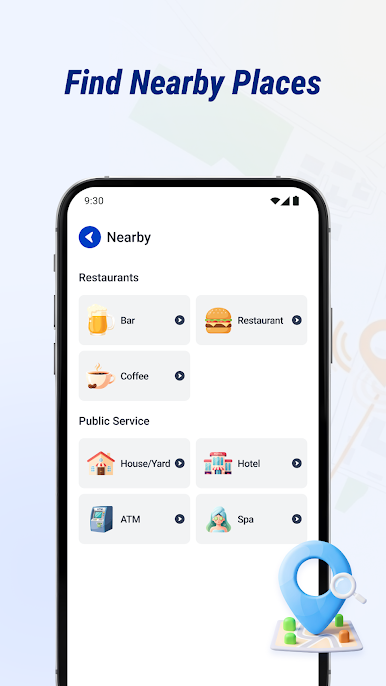
★ Find Nearby Places: Discover close-by restaurants, hotels, banks, and more—great for planning daily errands and outings.
Ideal For:
👧 Parents concerned about their children’s safety outdoors
👴 People caring for elderly relatives
🏖️ Business supervisors
Get in Touch
Having trouble or questions while using the GPS tracking features? Our support team is ready to assist you.
Reach us at: nd5star.contact@gmail.com
Legal Notice:
Privacy Policy: Every function in this app runs only after receiving your clear permission. All location tracking starts only with your explicit approval.
Data Protection: Your location information is encrypted and secured. We never sell or share your personal location data with outside parties. You remain in full control of sharing preferences.
Proper Use: Unauthorized tracking is not allowed. You must ensure that everyone whose location is shared has given their informed consent.
Play Phone GPS Tracker on PC. It’s easy to get started.
-
Download and install BlueStacks on your PC
-
Complete Google sign-in to access the Play Store, or do it later
-
Look for Phone GPS Tracker in the search bar at the top right corner
-
Click to install Phone GPS Tracker from the search results
-
Complete Google sign-in (if you skipped step 2) to install Phone GPS Tracker
-
Click the Phone GPS Tracker icon on the home screen to start playing

