

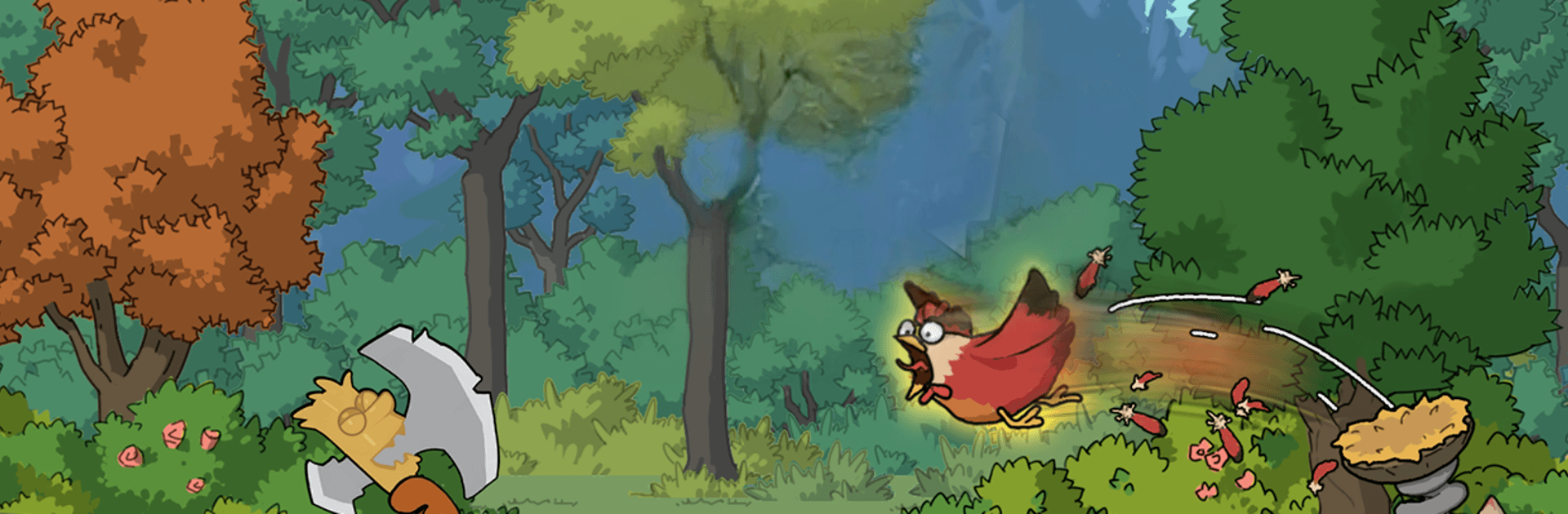
Go Go Springfield
Play on PC with BlueStacks – the Android Gaming Platform, trusted by 500M+ gamers.

Page Modified on: May 28, 2026
Play Go Go Springfield on PC or Mac
Bring your A-game to Go Go Springfield, the Strategy game sensation from ONEMT SGP. Give your gameplay the much-needed boost with precise game controls, high FPS graphics, and top-tier features on your PC or Mac with BlueStacks.
About the Game
Go Go Springfield is a Strategy game set after everything went sideways. You’re not just surviving—you’re rebuilding, planning, and outsmarting whatever creeps out of the wasteland. It blends city-building, tactical tower defense, and big-map decisions, giving you plenty of ways to make your mark.
Game Features
-
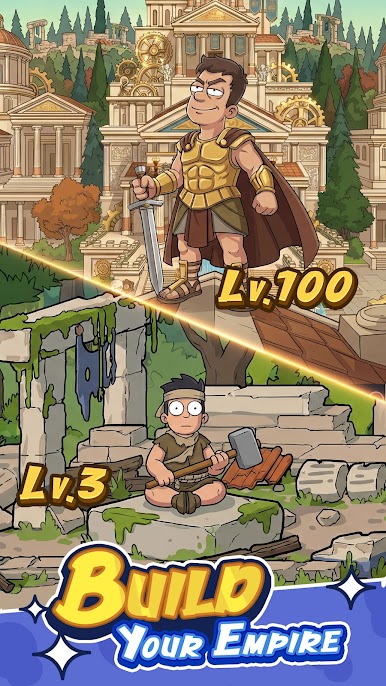
Build a real home base: Turn wreckage into a working settlement, place structures where they make sense, and keep the production lines humming with steady upgrades and smart layouts.
-
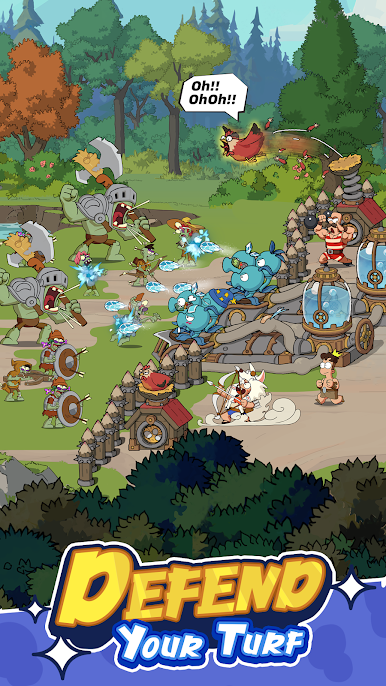
Layered defenses vs. the “Grey Plague”: Place towers, lay traps, and funnel enemies into chokepoints while your elite heroes clean up the rest. Every wave tests your setup, timing, and instincts.
-
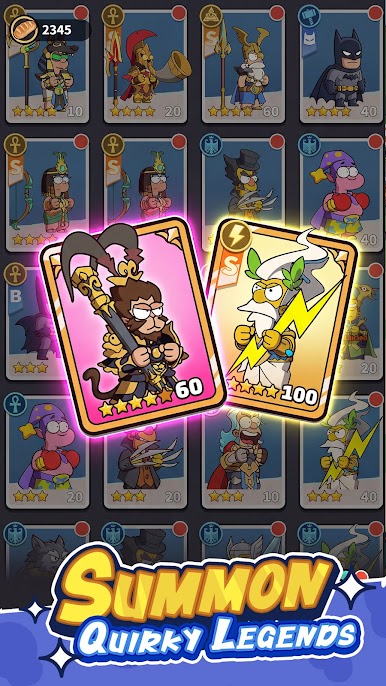
Heroes with personality: Recruit oddball survivors with unique skills and surprising synergies. Train them up, unlock new abilities, and learn the stories that make each squad feel different.
-
Scout the Grey Zones: Send teams beyond your walls to uncover landmarks, uncover threats, and haul back rare materials. The farther you push, the bigger the payoff—and the risk.
-
Form smart alliances: Band together with other players to hold territory, trade tips, and launch coordinated strikes. Shared intel and timing often decide who controls the best resources.
-
Play at your pace: Prefer building a spotless city? Go for it. Want to brawl on the world map? That works too. The game lets you switch between calm planning and tense combat whenever you’re ready.
-
Bigger screen, smoother control: If you like using a keyboard and mouse, Go Go Springfield plays comfortably on BlueStacks without getting in your way.
Get ready for a buttery smooth, high-performance gaming action only on BlueStacks.
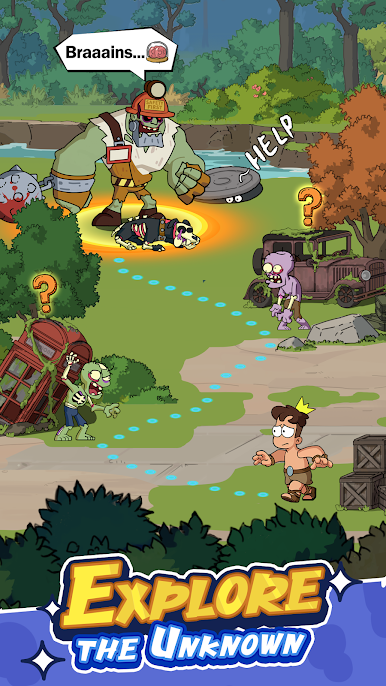
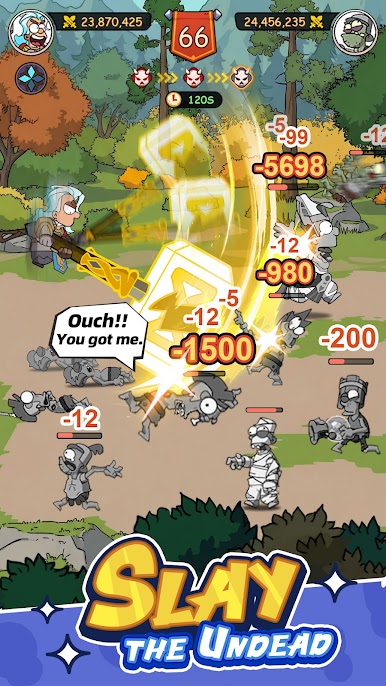
Play Go Go Springfield on PC. It’s easy to get started.
-
Download and install BlueStacks on your PC
-
Complete Google sign-in to access the Play Store, or do it later
-
Look for Go Go Springfield in the search bar at the top right corner
-
Click to install Go Go Springfield from the search results
-
Complete Google sign-in (if you skipped step 2) to install Go Go Springfield
-
Click the Go Go Springfield icon on the home screen to start playing

