

Clash of Decks
Play on PC with BlueStacks – the Android Gaming Platform, trusted by 500M+ gamers.

Page Modified on: Aug 18, 2025
Play Clash of Decks on PC or Mac
Step into the World of Clash of Decks, a thrilling Card game from the house of Grammes Édition. Play this Android game on BlueStacks App Player and experience immersive gaming on PC or Mac.
About the Game
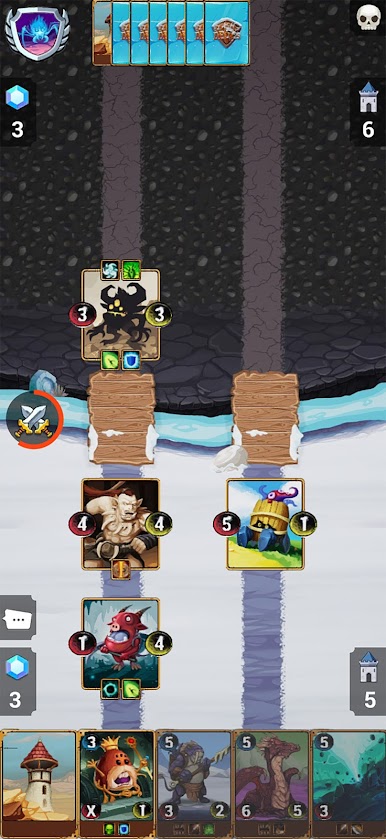
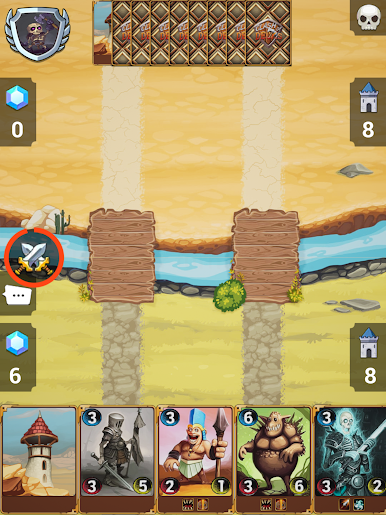
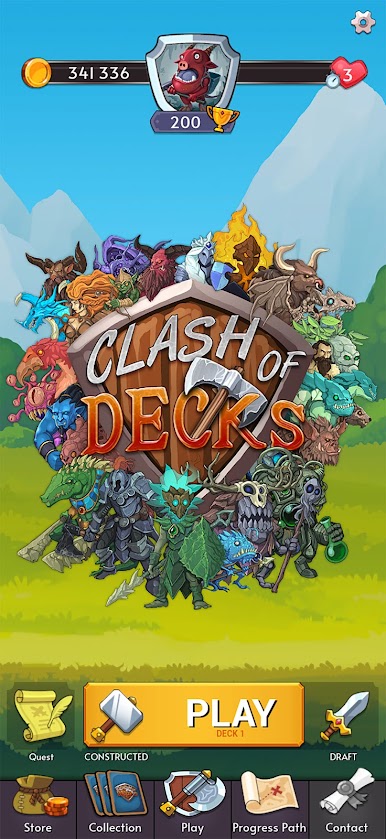
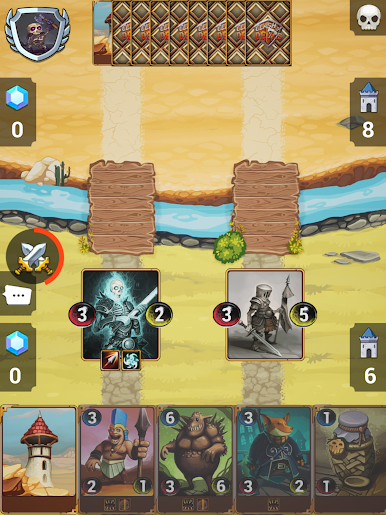
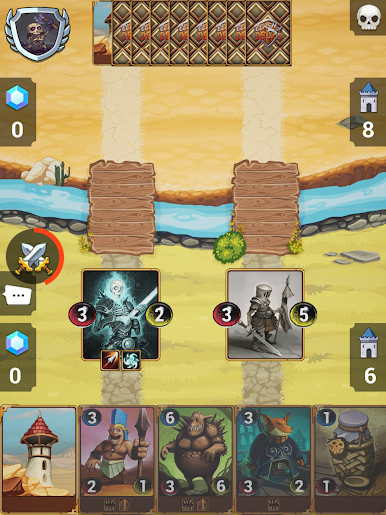
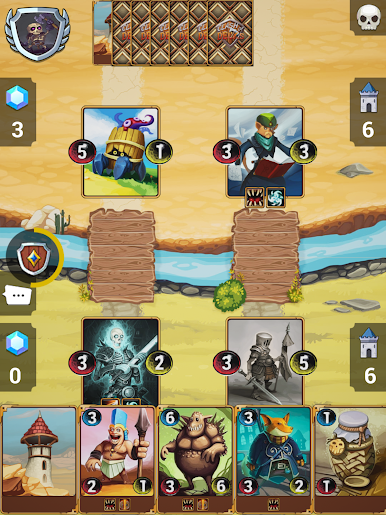
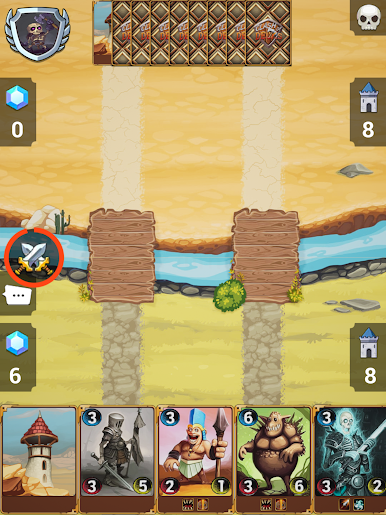
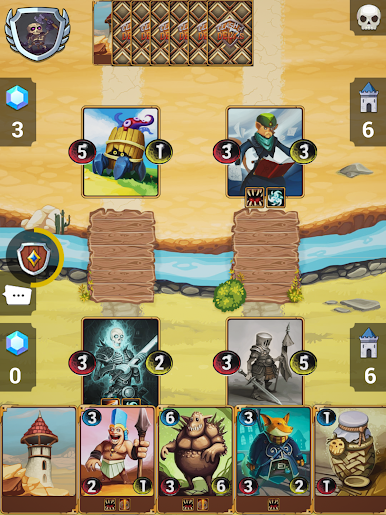
Clash of Decks is a sharp, minimalist Card game from Grammes Édition where less really is more. You build a tiny deck of just eight cards, then outplay opponents by choosing the right moment to deploy creatures and seize control of the arena. It’s quick to pick up, surprisingly deep, and perfect for short bursts or long sessions when the strategy bug bites.
Game Features
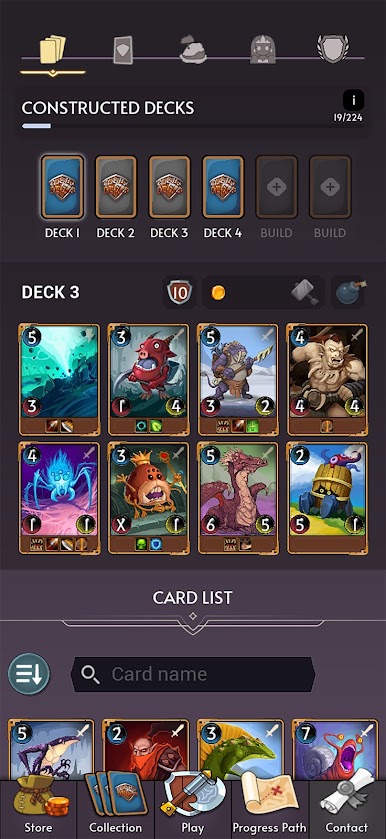
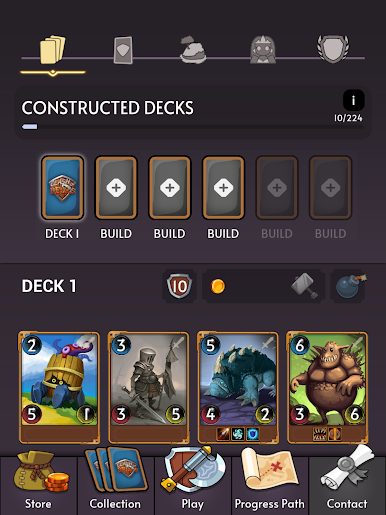
- Eight-card decks: Tight deckbuilding means every slot matters. Trim the fluff, craft a focused plan, and squeeze maximum value from each draw.
- Tactical, turn-based PvP: Make deliberate moves in thoughtful duels against players worldwide. One good read can flip a match.
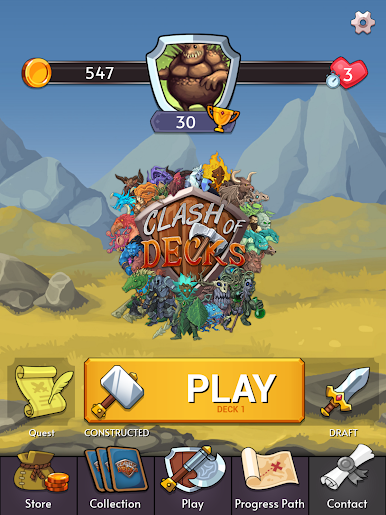
- Two ways to play: Go Constructed to refine your favorite combos, or jump into Draft and make the best of what you pick on the fly.
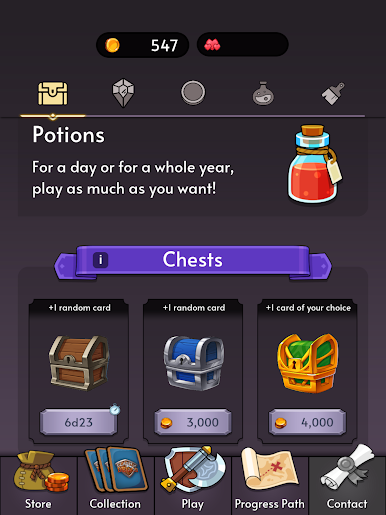
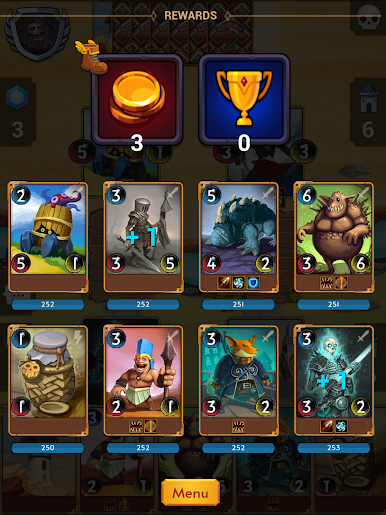
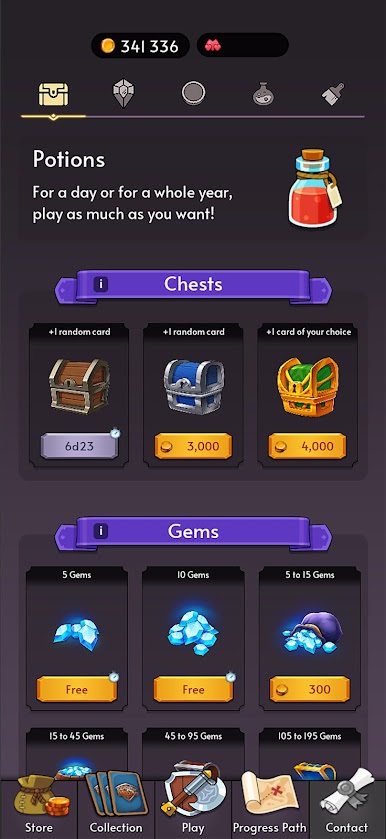
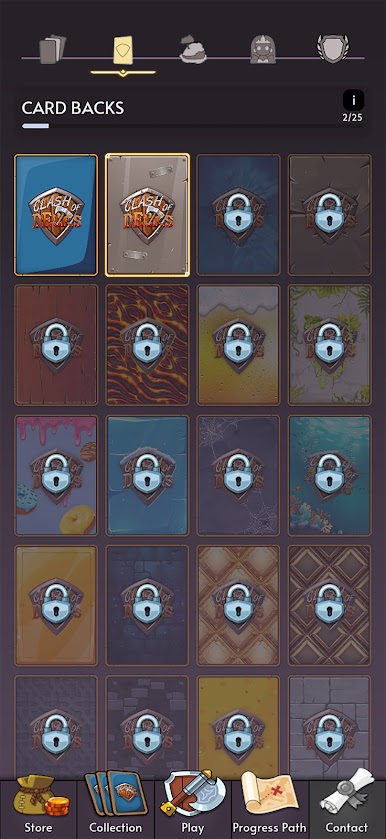
- Big card collection: Unlock and collect hundreds of unique cards inspired by the popular physical version, then experiment to find your style.
- Fast matches, real depth: Battles are brisk enough for a coffee break, yet rich with counterplays, mind games, and momentum swings.
- Friendly to all skill levels: New to strategy? No problem. Veterans will still find plenty of room to optimize, adapt, and outsmart.
- Lively player base: Quick matchmaking and constant competition keep things fresh, whether you’re testing a new idea or climbing harder.
- Play your way: Smooth on mobile, and it feels great on a bigger screen with BlueStacks if you prefer a desktop setup.
Ready to top the leaderboard? We bet you do. Let precise controls and sharp visuals optimized on BlueStacks lead you to victory.



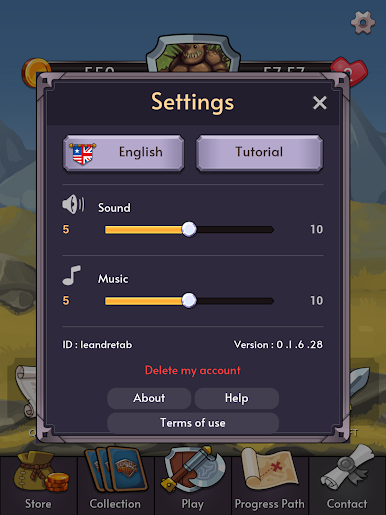
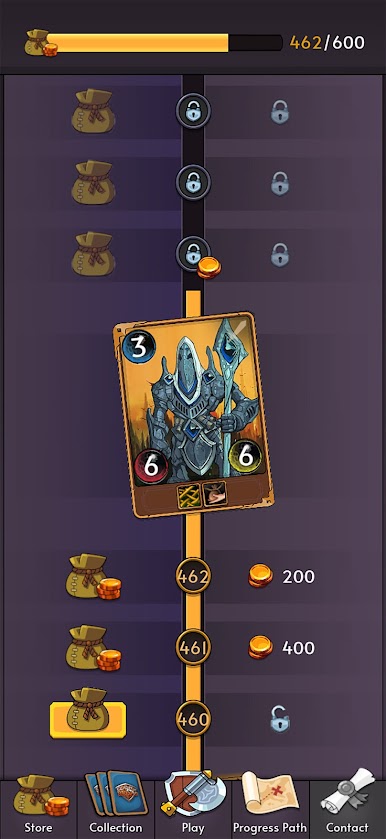
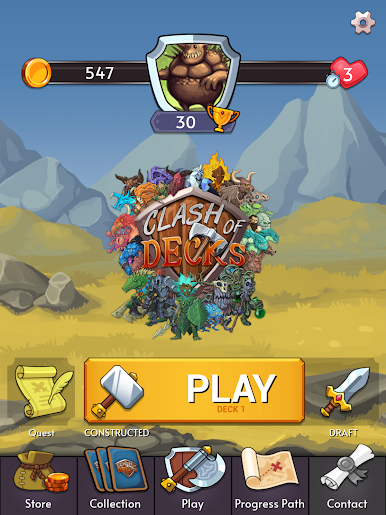
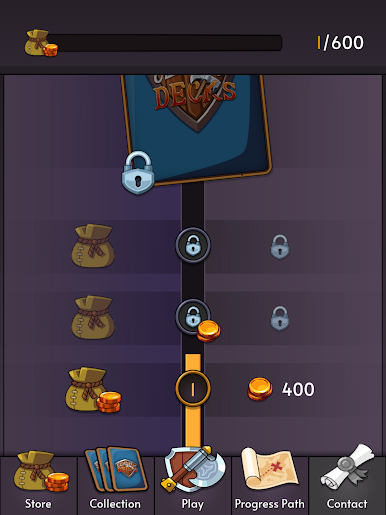
Play Clash of Decks on PC. It’s easy to get started.
-
Download and install BlueStacks on your PC
-
Complete Google sign-in to access the Play Store, or do it later
-
Look for Clash of Decks in the search bar at the top right corner
-
Click to install Clash of Decks from the search results
-
Complete Google sign-in (if you skipped step 2) to install Clash of Decks
-
Click the Clash of Decks icon on the home screen to start playing

