

Block Out! - Color Sort Puzzle
Play on PC with BlueStacks – the Android Gaming Platform, trusted by 500M+ gamers.

Page Modified on: Oct 8, 2026
Play Block Out! - Color Sort Puzzle on PC or Mac
Explore a whole new adventure with Block Out! – Color Sort Puzzle, a Puzzle game created by Grand Games A.Ş.. Experience great gameplay with BlueStacks, the most popular gaming platform to play Android games on your PC or Mac.
About the Game
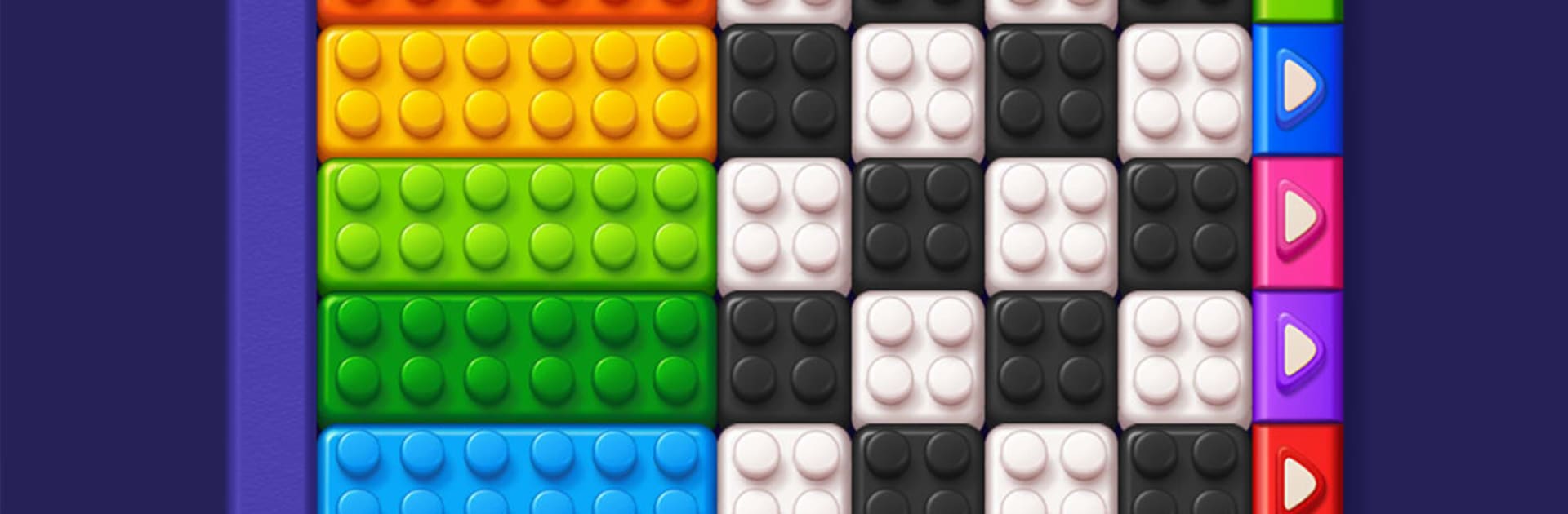
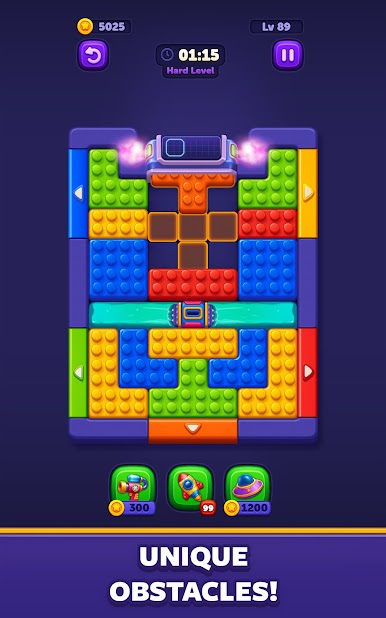
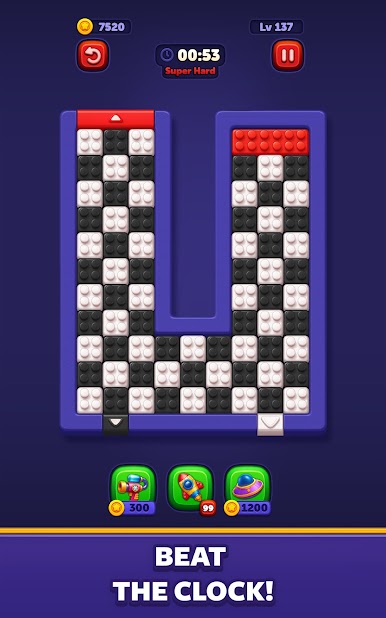
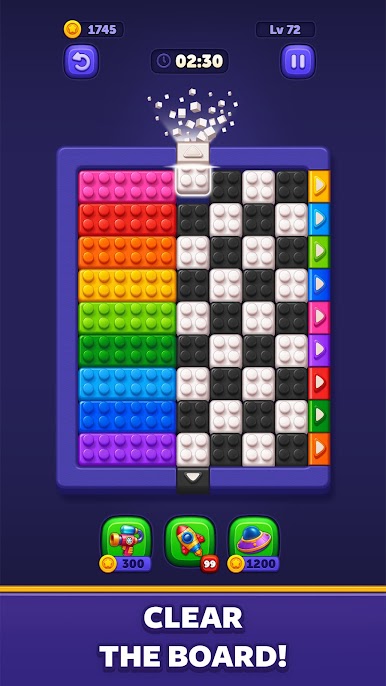
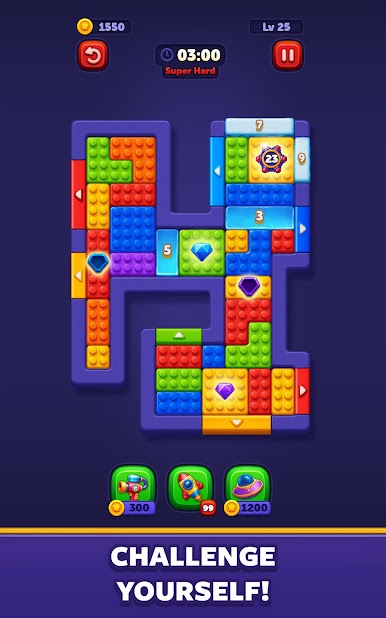
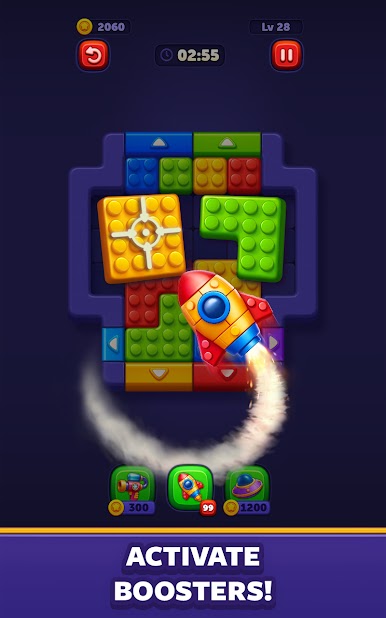
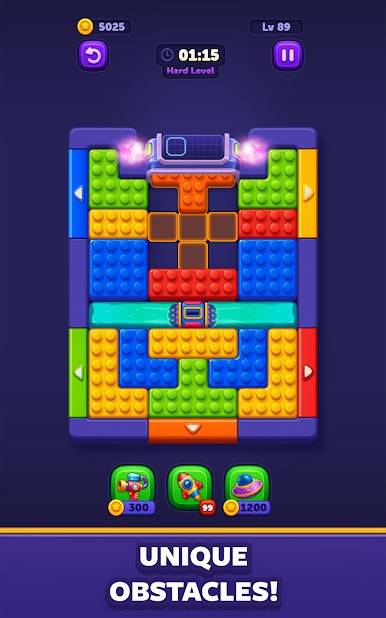
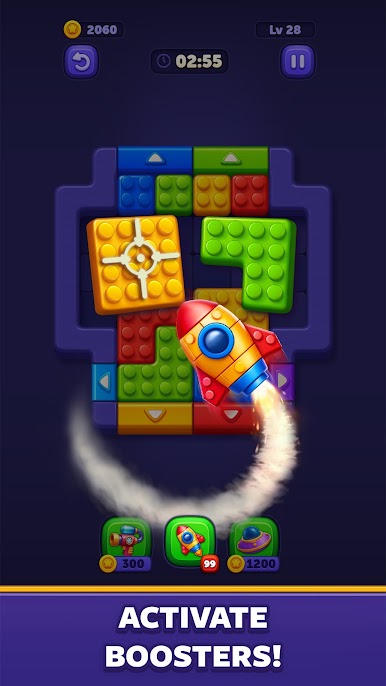
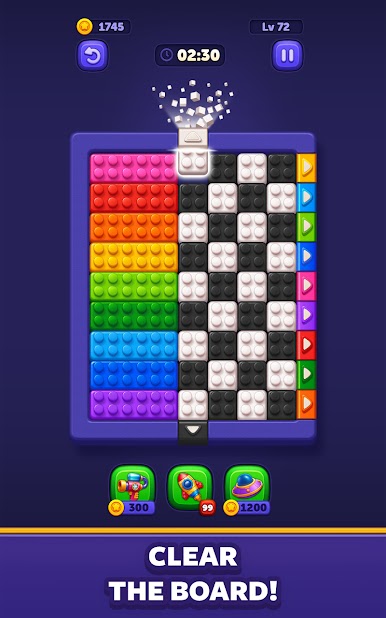
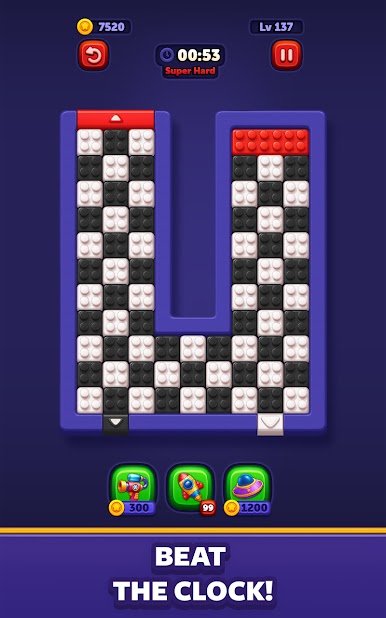
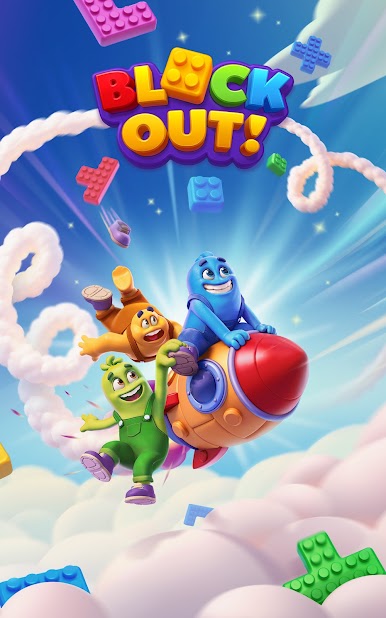
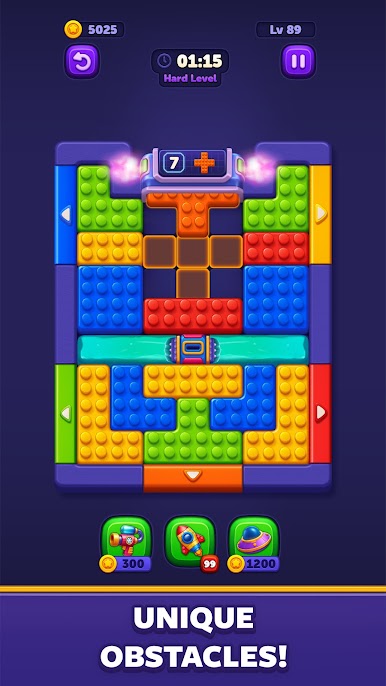
Block Out! – Color Sort Puzzle is a Puzzle that mixes calm planning with quick reactions. You’ll slide bright blocks across compact boards, line them up with their targets, and deal with layouts that don’t sit still for long. Elevators shift, generators spit out new pieces, and you get that sweet snap of satisfaction when everything locks into place. Prefer a bigger screen? It runs nicely on BlueStacks without making a fuss.
Game Features
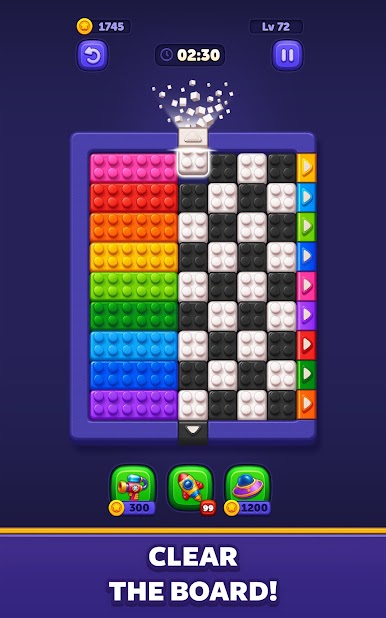
- Slide-and-match flow: Guide colorful blocks to their matching targets, clearing the board with smooth, snappy moves that feel great.
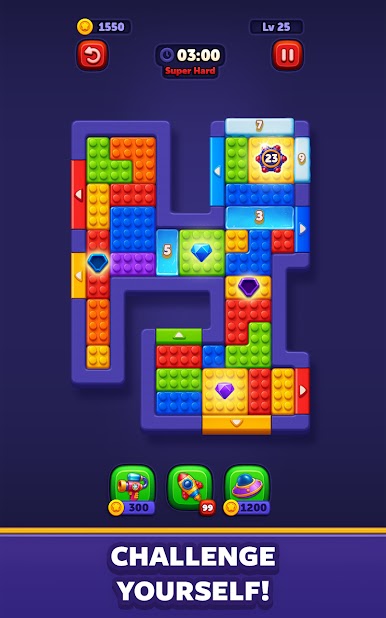
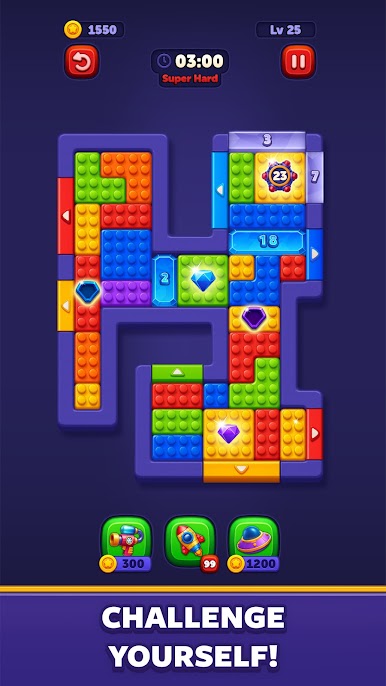
- Evolving stages: Tackle boards that change under your feet—moving elevators, fresh blocks from generators, and layouts that keep you on your toes.
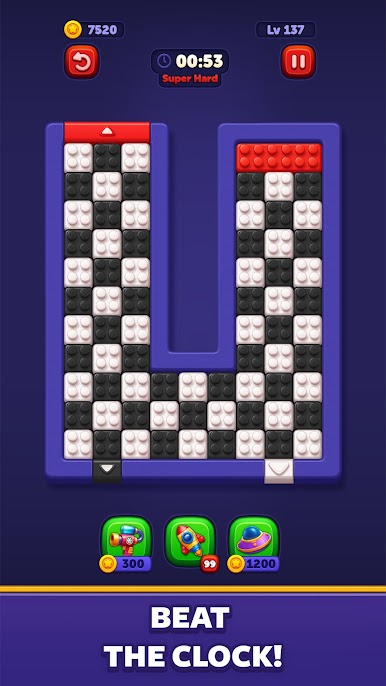
- Strategy meets speed: Think a few steps ahead, then move with confidence when the window opens; smart planning pays off big.
- Clean, colorful look: Crisp visuals and playful color combos make every successful clear extra satisfying.
- Ad-free focus: Play without pop-ups or interruptions stealing your momentum.
- Works offline: No connection? No problem—pick up a level anytime, anywhere.
- Easy to learn, hard to master: Get the basics in seconds, then face challenges that steadily ramp up without feeling unfair.
- Smooth controls: Intuitive swipes and quick resets keep the action flowing when you’re experimenting with new paths.
BlueStacks gives you more room to focus on the game and less time adjusting around mobile limitations.
Play Block Out! - Color Sort Puzzle on PC. It’s easy to get started.
-
Download and install BlueStacks on your PC
-
Complete Google sign-in to access the Play Store, or do it later
-
Look for Block Out! - Color Sort Puzzle in the search bar at the top right corner
-
Click to install Block Out! - Color Sort Puzzle from the search results
-
Complete Google sign-in (if you skipped step 2) to install Block Out! - Color Sort Puzzle
-
Click the Block Out! - Color Sort Puzzle icon on the home screen to start playing

