


subpar pool
Play on PC with BlueStacks – the Android Gaming Platform, trusted by 500M+ gamers.

Page Modified on: Nov 30, 2025
Play subpar pool on PC or Mac
subpar pool brings the Puzzle genre to life, and throws up exciting challenges for gamers. Developed by grapefrukt games, this Android game is best experienced on BlueStacks, the World’s #1 app player for PC and Mac users.
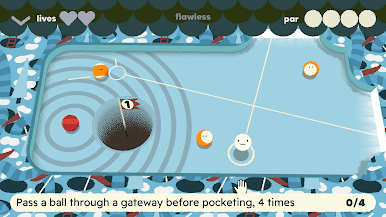
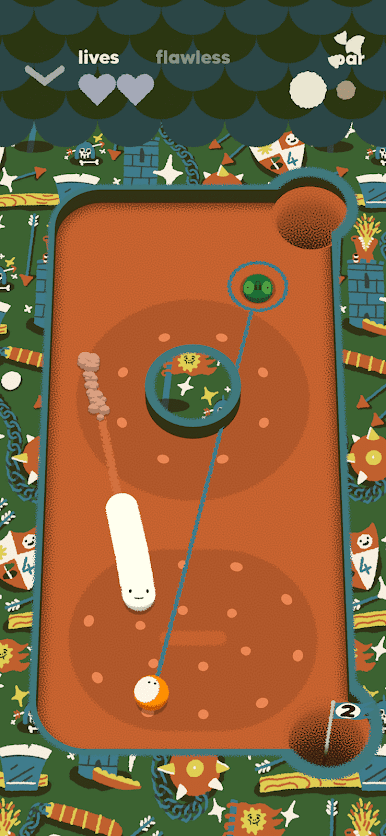
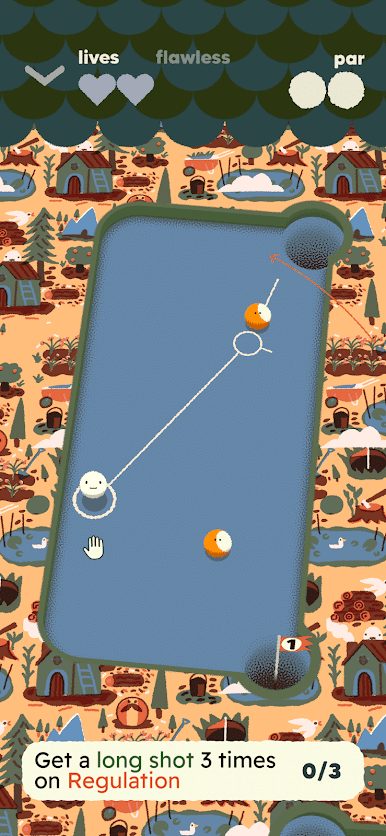
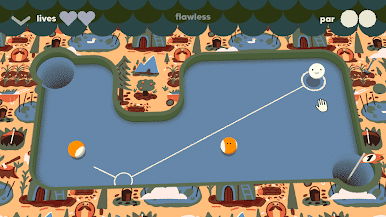
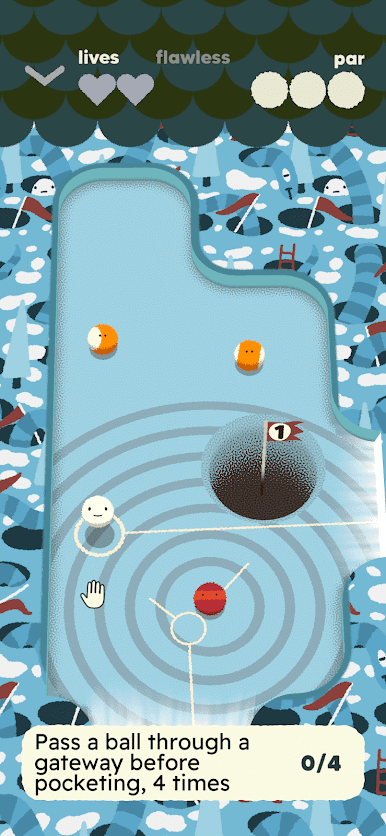
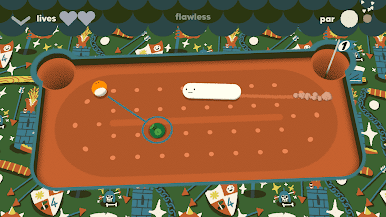
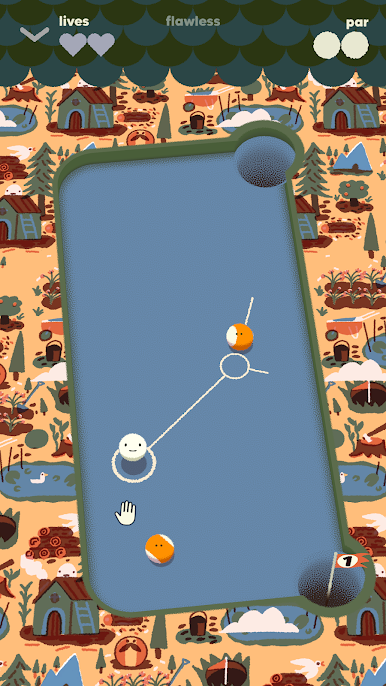
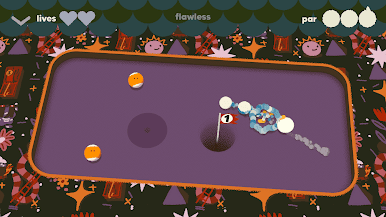
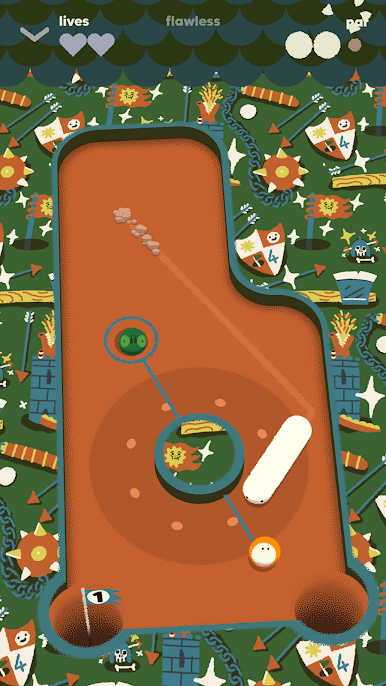
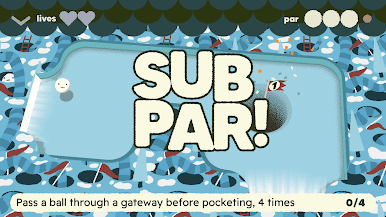
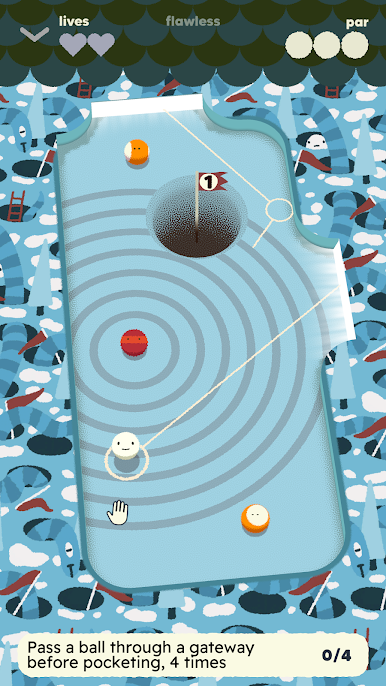
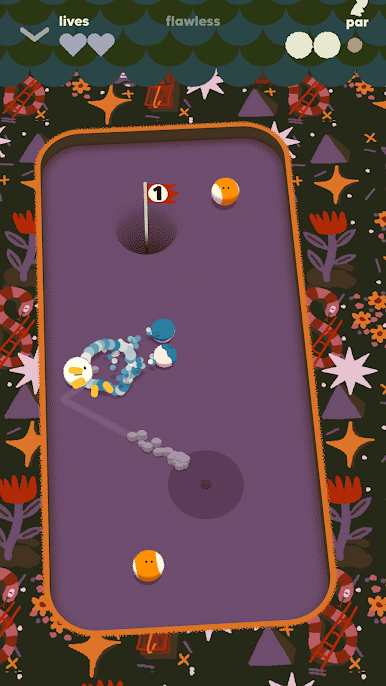
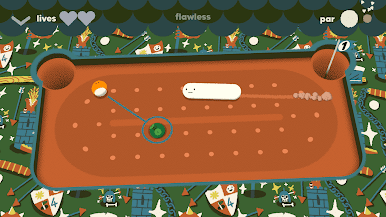
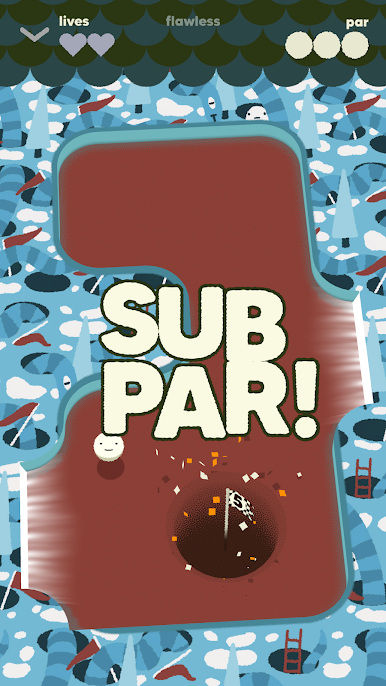
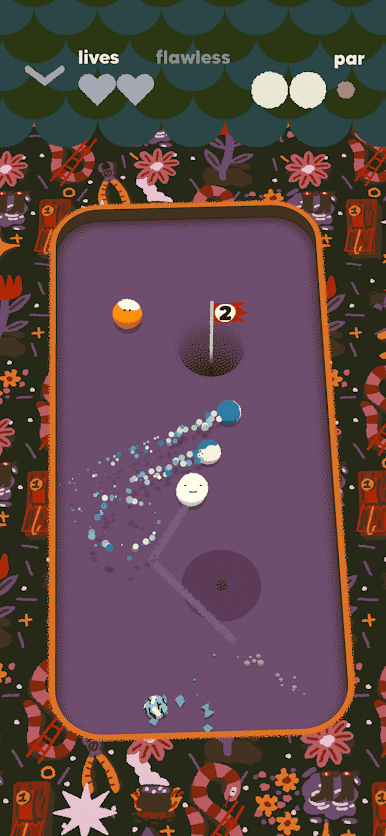
Subpar Pool is a weirdly satisfying mix of pool and mini golf where every stage throws a handful of tiny tables at the player and asks them to sink everything in a limited number of shots. It looks simple at first, line up a bank, plan a cute combo, then the physics kick off and the whole plan swerves into chaos. That is the fun part. It becomes this little dance of adjusting angles and squeezing value out of the last shot, and somehow the final ball drops with a clack that feels earned.
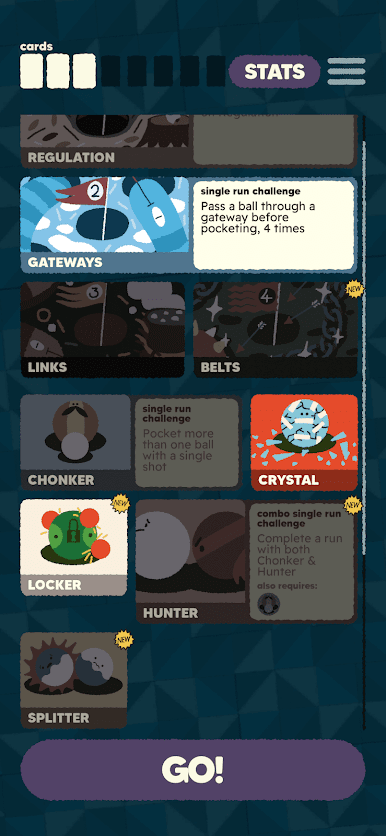
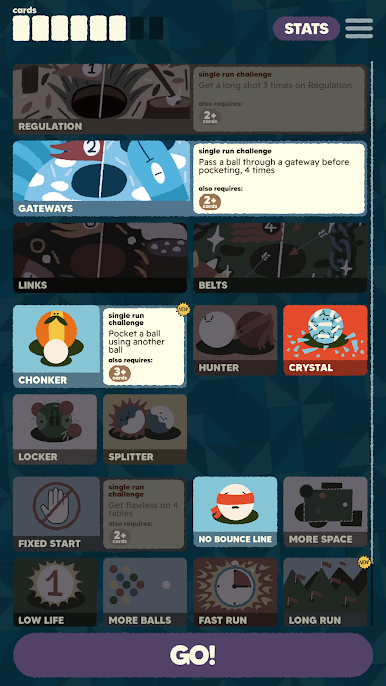
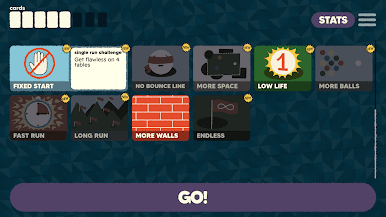
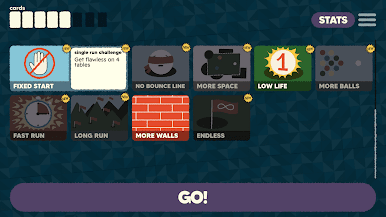
What keeps it fresh is how each run is built from cards that change the rules. The player picks a path and the game sprinkles in modifiers like portals that teleport balls, glassy balls that slide around, stricter shot counts, or a Fast Run option that puts a timer on aiming for extra stress. The layouts are auto-generated, so tables do not repeat, and the card combinations stack into a surprising amount of variety without getting fussy.
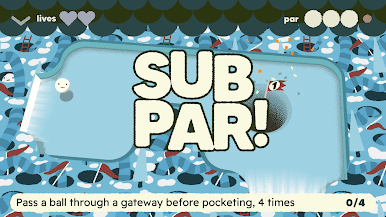
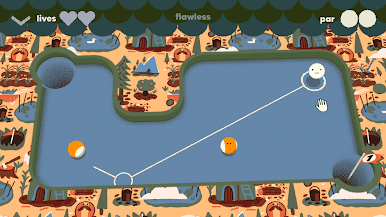
It also has a clean, colorful look with a bit of French poster flavor, and a mellow mini-golf funk soundtrack that fits the pace. Levels are short, perfect for quick sessions, and the controls work with one hand. On PC through BlueStacks, mouse aiming feels precise and restarting a table is instant, which suits the whole just-one-more-table loop. Four themed worlds add distinct constraints, so it never sits in one groove for long.
Slay your opponents with your epic moves. Play it your way on BlueStacks and dominate the battlefield.

Play subpar pool on PC. It’s easy to get started.
-
Download and install BlueStacks on your PC
-
Complete Google sign-in to access the Play Store, or do it later
-
Look for subpar pool in the search bar at the top right corner
-
Click to install subpar pool from the search results
-
Complete Google sign-in (if you skipped step 2) to install subpar pool
-
Click the subpar pool icon on the home screen to start playing

