


Ragnarok M: Classic
Play on PC with BlueStacks – the Android Gaming Platform, trusted by 500M+ gamers.

Page Modified on: Nov 27, 2025
Main Ragnarok M: Classic on PC
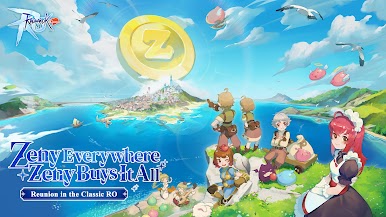
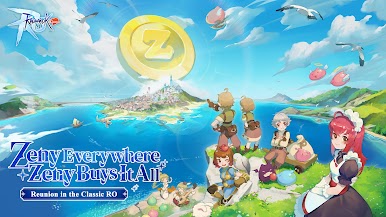
Dive into Ragnarok M: Classic, a fair, shop-free adventure focused on gameplay! Zeny is the only currency, with every item obtainable through gameplay. Enjoy free Offline Battle, a lifetime Monthly Pass, and safe +15 refinement. Master classic jobs, switch roles in real-time, and team up for epic instances. Join guilds and forge friendships in this reimagined RO journey!
===Features===
Fair Gameplay
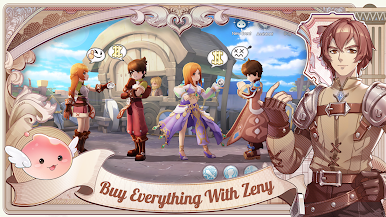
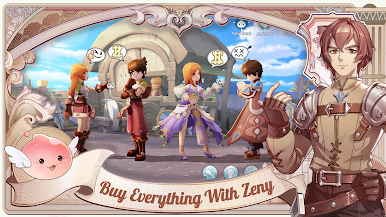
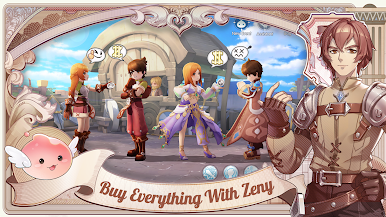
No shops! Zeny is the only currency, and all items are earned through gameplay.
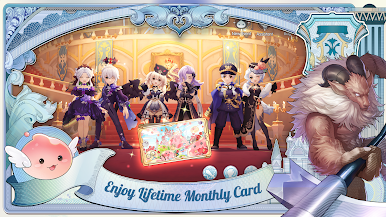
Lifetime Monthly Pass
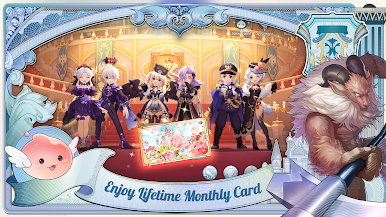
Log in to claim the free Monthly Pass with 17 perks like EXP boosts, Drop Rate bonuses, and exclusive headgears.
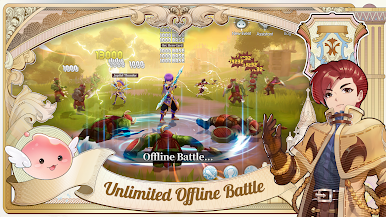
Offline Battle Mode
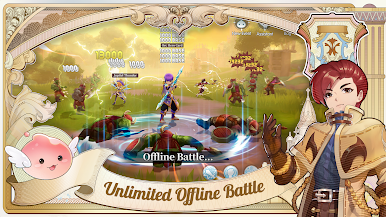
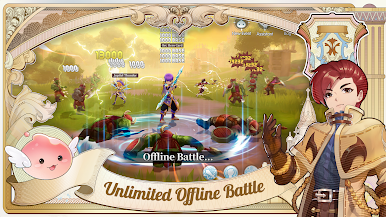
Keep progressing even while offline! Your character grinds and earns rewards 24/7.
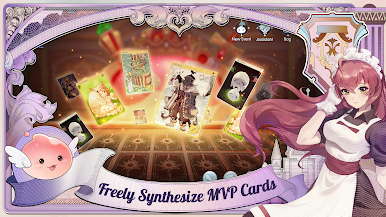
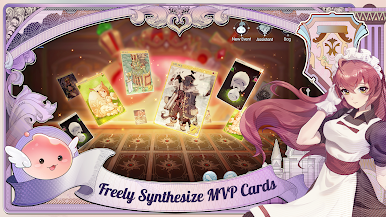
Card Crafting System
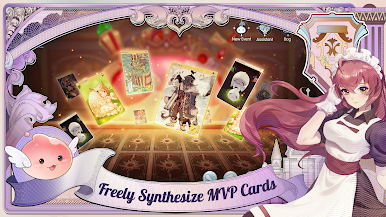
Enjoy increased drop rates and gather materials to craft powerful cards weekly, lootable from monsters, Minis, and MVPs.
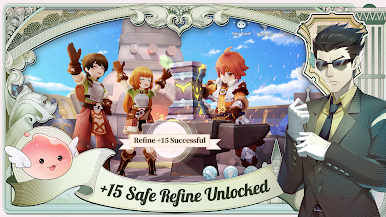
Safe Refinement
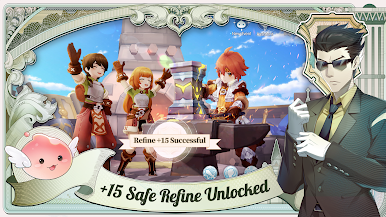
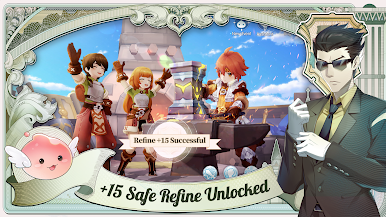
Enhance equipment up to +15 without risk—enjoy guaranteed success in refinement!
Classic Jobs with Real-Time Switching
Choose from 6 original jobs with unique skill trees and switch roles on the fly to adapt to any challenge. Unlock all jobs for FREE!
Epic Team Instances
Take on mighty bosses and thrilling team-based challenges with friends for incredible rewards.
Guilds & Community
Forge friendships, build strong guilds, and explore new adventures with fellow players!
===Follow Us===
Facebook: https://www.facebook.com/RagnarokMClassic
Discord: https://discord.gg/romclassic
Youtube: https://www.youtube.com/@ragnarokmobileclassic
TikTok: https://www.tiktok.com/@ragnarokmobile_classic
Play Ragnarok M: Classic on PC. It’s easy to get started.
-
Download and install BlueStacks on your PC
-
Complete Google sign-in to access the Play Store, or do it later
-
Look for Ragnarok M: Classic in the search bar at the top right corner
-
Click to install Ragnarok M: Classic from the search results
-
Complete Google sign-in (if you skipped step 2) to install Ragnarok M: Classic
-
Click the Ragnarok M: Classic icon on the home screen to start playing

