


Fanduel
Play on PC with BlueStacks – the Android Gaming Platform, trusted by 500M+ gamers.

Page Modified on: Jan 19, 2026
Play Fanduel on PC
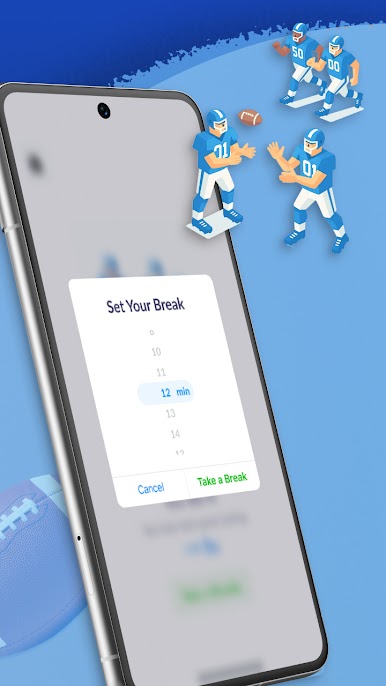
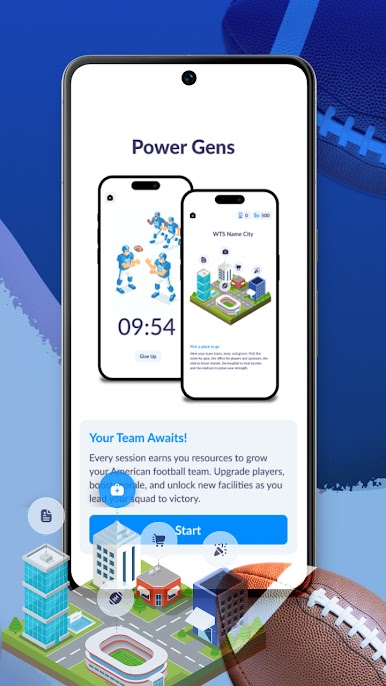
With Fanduel, each Pomodoro session earns resources you can use to upgrade players, improve morale, and unlock new parts of your team’s city. From training focus to short breaks, the flow is clear and motivating, helping you build consistent habits without pressure or distractions.
Explore a stylized team city that reflects your progress. Visit locations like the stadium, office, shop, or hospital to manage upgrades, recover players, and strengthen your squad. Everything is tied to your focus time, making productivity feel rewarding and purposeful.
Fanduel is designed for users who want structure, motivation, and a sense of achievement. By blending time management, progress tracking, and a playful sports theme, the app helps you stay focused, take meaningful breaks, and move forward one session at a time.





Play Fanduel on PC. It’s easy to get started.
-
Download and install BlueStacks on your PC
-
Complete Google sign-in to access the Play Store, or do it later
-
Look for Fanduel in the search bar at the top right corner
-
Click to install Fanduel from the search results
-
Complete Google sign-in (if you skipped step 2) to install Fanduel
-
Click the Fanduel icon on the home screen to start playing

