

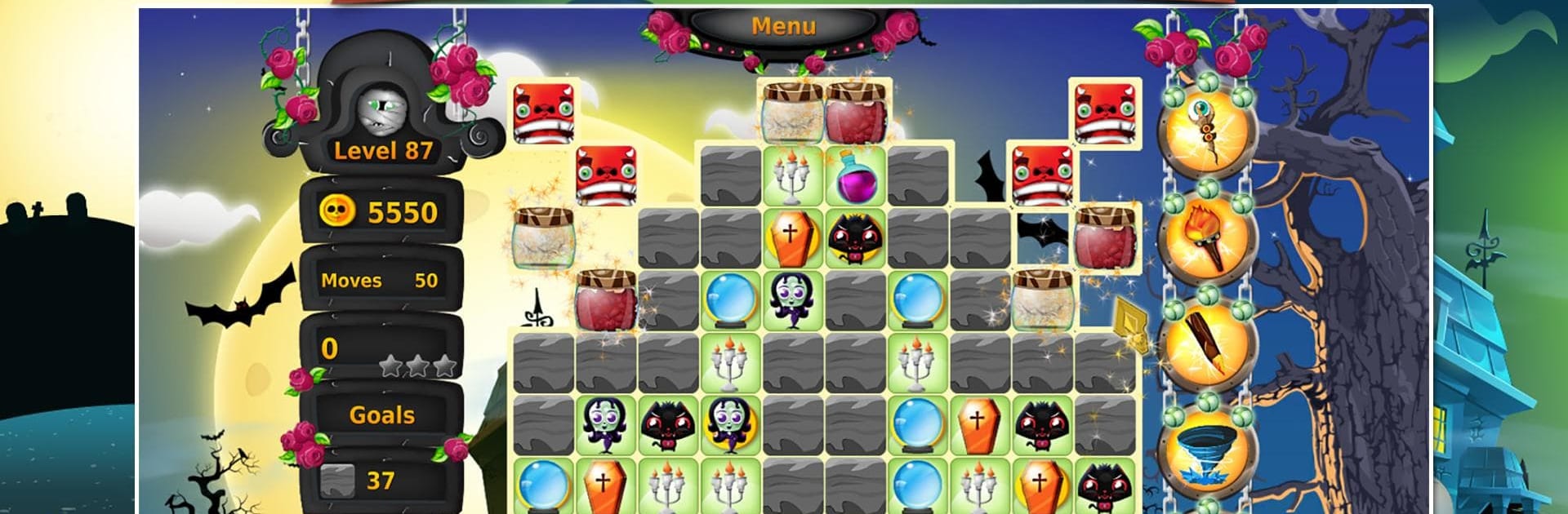
Book of Spells: Magic Match-3
Play on PC with BlueStacks – the Android Gaming Platform, trusted by 500M+ gamers.

Page Modified on: Oct 17, 2025
Play SoM1 - The Book of Spells on PC or Mac
Step into the World of SoM1 – The Book of Spells, a thrilling Puzzle game from the house of Green Sauce Games. Play this Android game on BlueStacks App Player and experience immersive gaming on PC or Mac.
About the Game
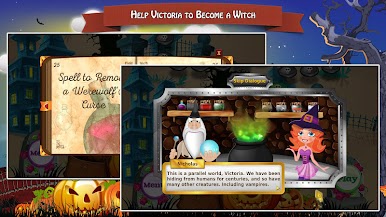
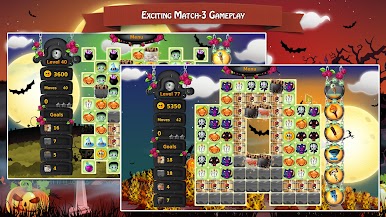
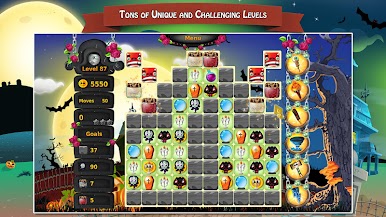
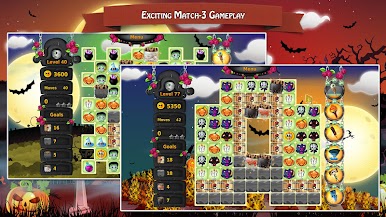
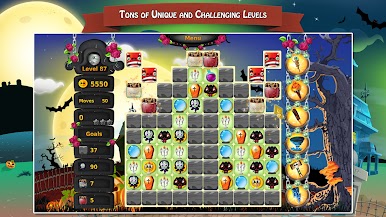
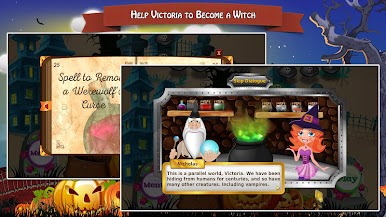
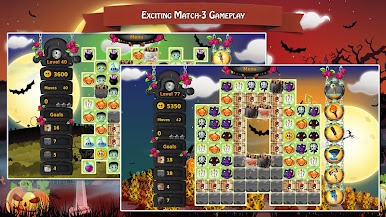
SoM1 – The Book of Spells is a cozy, story-driven Puzzle adventure where every match helps a young witch-in-training find her way. Victoria’s parents have been snatched by a wicked sorceress, and the only way to reach them is to study magic, one spell at a time. Expect colorful boards, gentle music, and a steady stream of satisfying challenges that feel fair and rewarding.
Game Features
- Story-first match-3: Follow Victoria’s journey as she learns magic and tracks down her parents, with each chapter adding new twists to the boards.
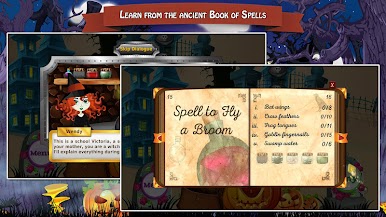
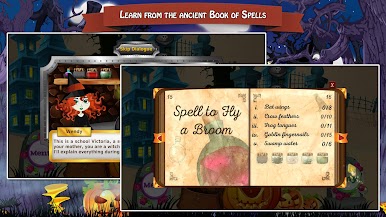
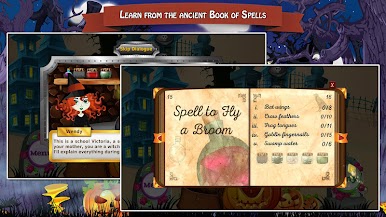
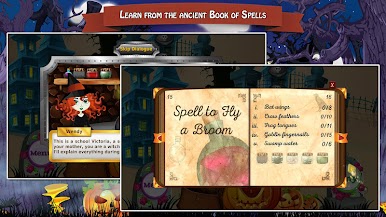
- The Book of Spells: Use the ancient tome to unlock helpful abilities and learn how different spell effects change the way you plan matches.
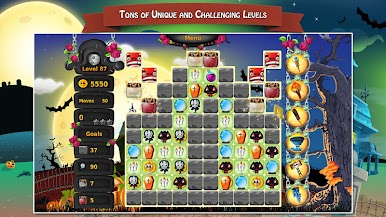
- Loads of handcrafted levels: Tackle a big set of unique puzzles that keep things fresh with varied goals and clever layouts.
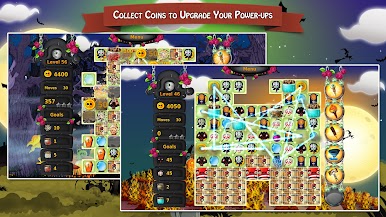
- Power-ups you can upgrade: Collect coins and strengthen your favorite boosters so tough stages feel a little less tough.
- Challenge mode: Want a sharper test? Switch over and prove your skills against trickier objectives and tighter limits.
- Friendly pacing and vibe: Relaxing music and a vibrant, magical world make it easy to play “one more level” without stress.
- Stars, scores, and replay value: Chase higher scores, earn every star, and come back to perfect stages you love.
- Collectible items: Pick up special artifacts along the way to mark your progress and uncover bits of lore.
- Play where you like: Prefer a bigger screen and mouse controls? You can run it on your PC with BlueStacks while keeping that mobile feel.
- Made by Green Sauce Games: A polished, approachable Puzzle experience built with charm and attention to detail.
Start your journey now. Download the game on BlueStacks, invite your friends, and march on a new adventure.
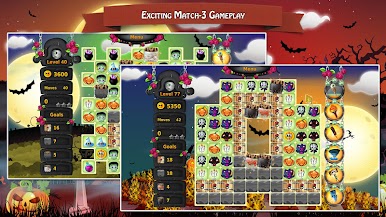
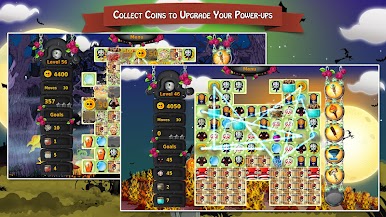
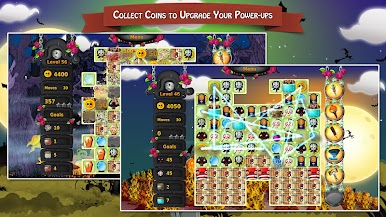
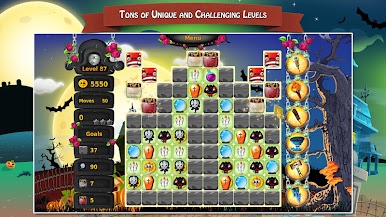
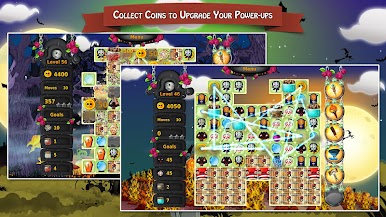
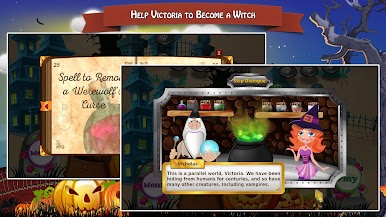
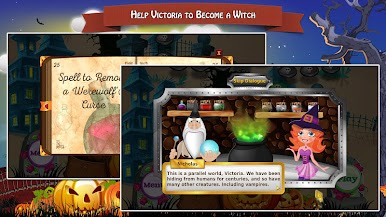
Play Book of Spells: Magic Match-3 on PC. It’s easy to get started.
-
Download and install BlueStacks on your PC
-
Complete Google sign-in to access the Play Store, or do it later
-
Look for Book of Spells: Magic Match-3 in the search bar at the top right corner
-
Click to install Book of Spells: Magic Match-3 from the search results
-
Complete Google sign-in (if you skipped step 2) to install Book of Spells: Magic Match-3
-
Click the Book of Spells: Magic Match-3 icon on the home screen to start playing

